
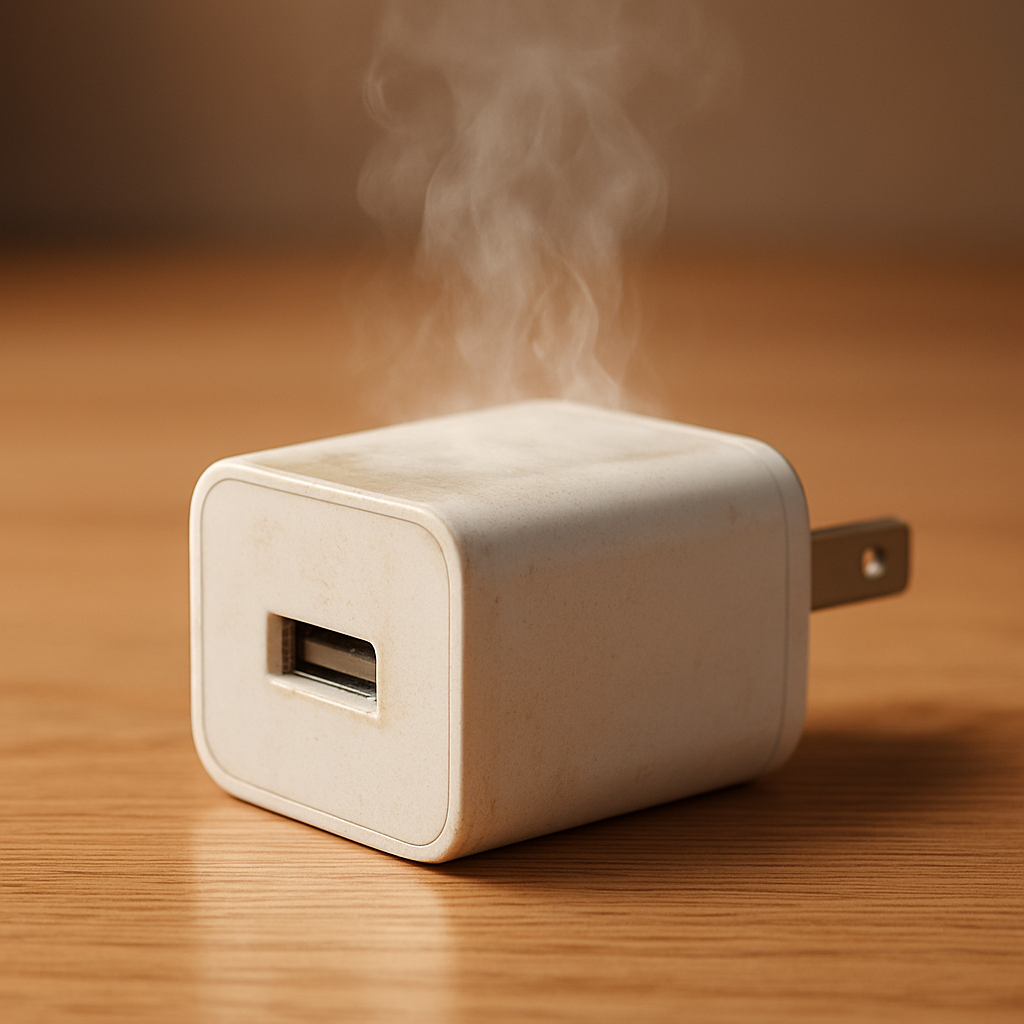
Charger Overheating? Warning Signs and When It’s Dangerous
Learn to identify normal charger warmth versus dangerous overheating, with warning signs like burning smells, melted plastic, or unstable charging, to prevent device damage or fire risk.
Learn to identify normal charger warmth versus dangerous overheating, with warning signs like burning smells, melted plastic, or unstable charging, to prevent device damage or fire risk.
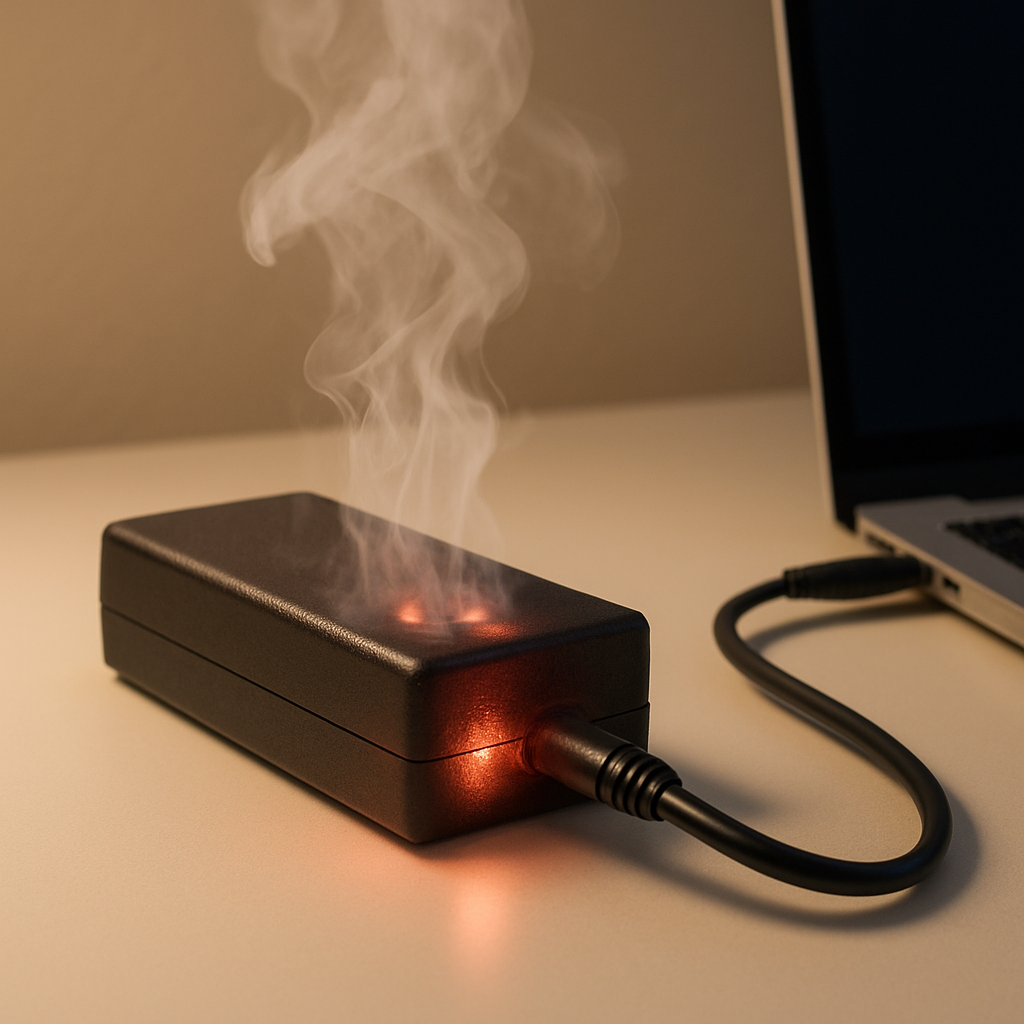
Diagnose why your laptop charger overheats during gaming, understand the impact of high power draw, and learn effective fixes to prevent damage and ensure safe charging.
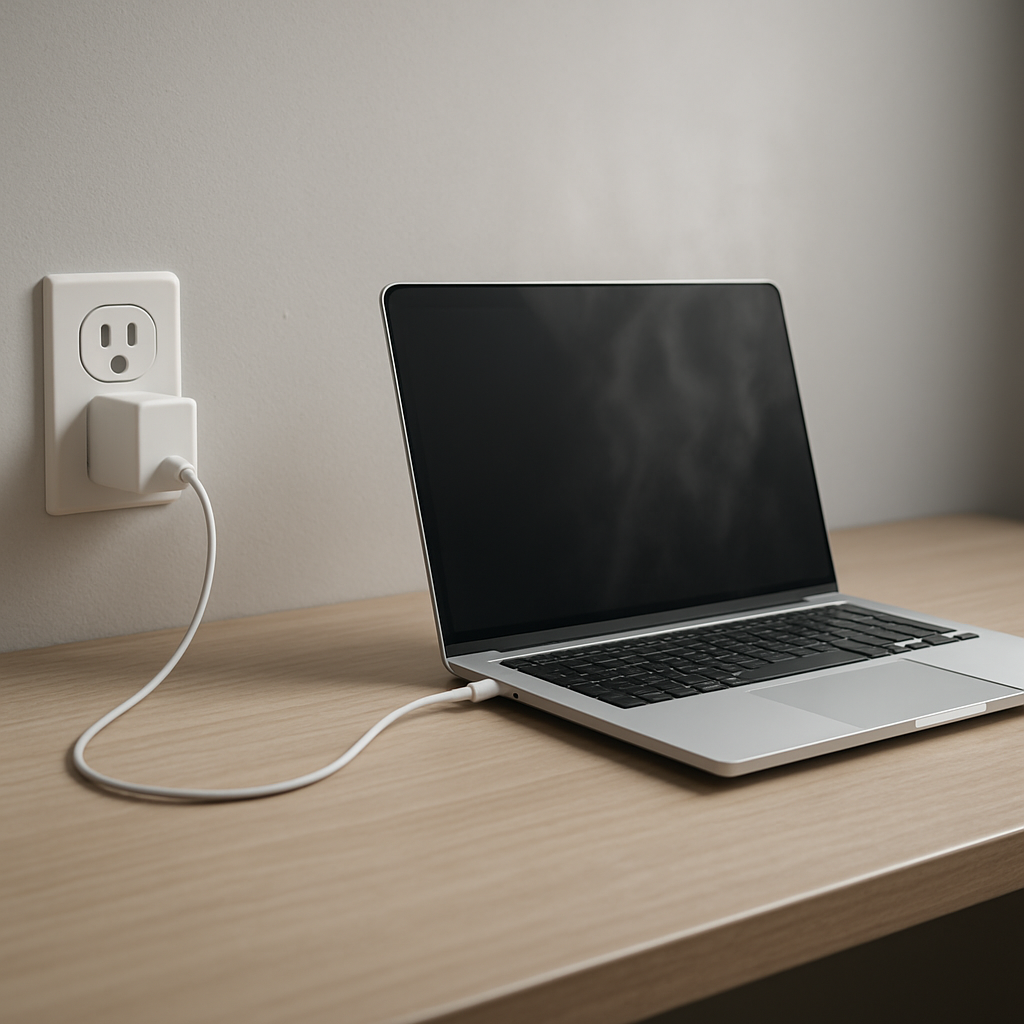
Diagnose why a laptop charger overheats when the laptop is off, including standby power draw, faulty components, voltage issues, or thermal buildup, and recognize signs of electrical hazards.
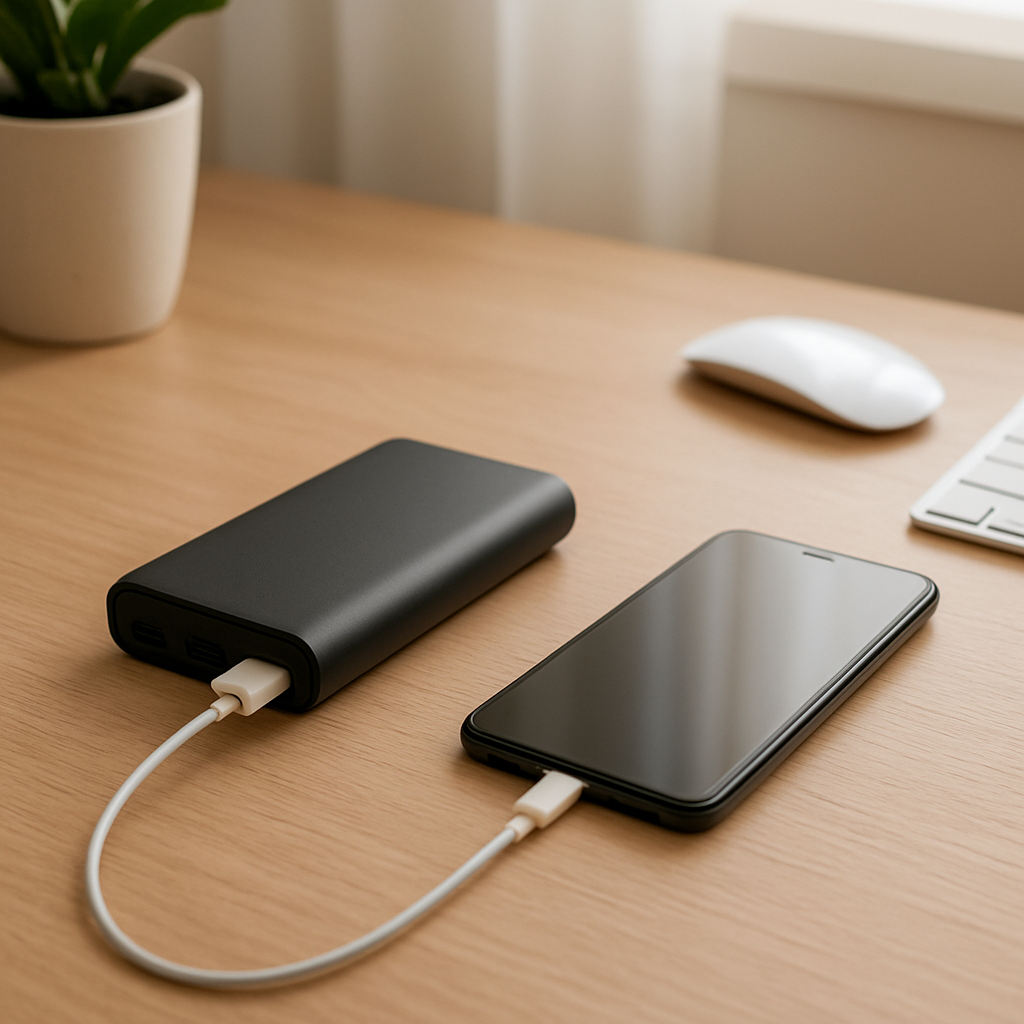
Diagnose why your power bank fails to detect connected devices, covering causes like incompatible cables, low power draw, dirty ports, battery wear, and charging protocol mismatches.
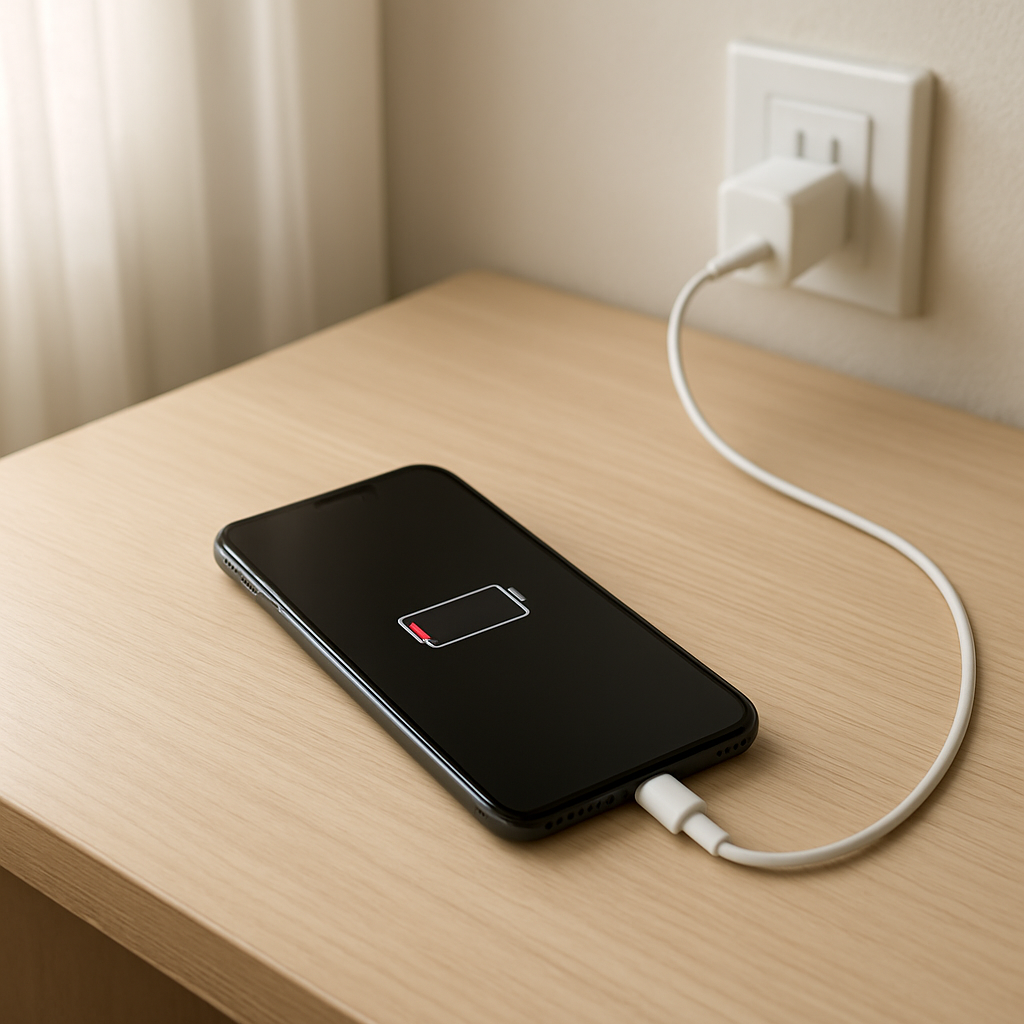
Diagnose why your device charges slowly by identifying if the issue is with the charger, cable, port, high background usage, thermal throttling, or declining battery health.
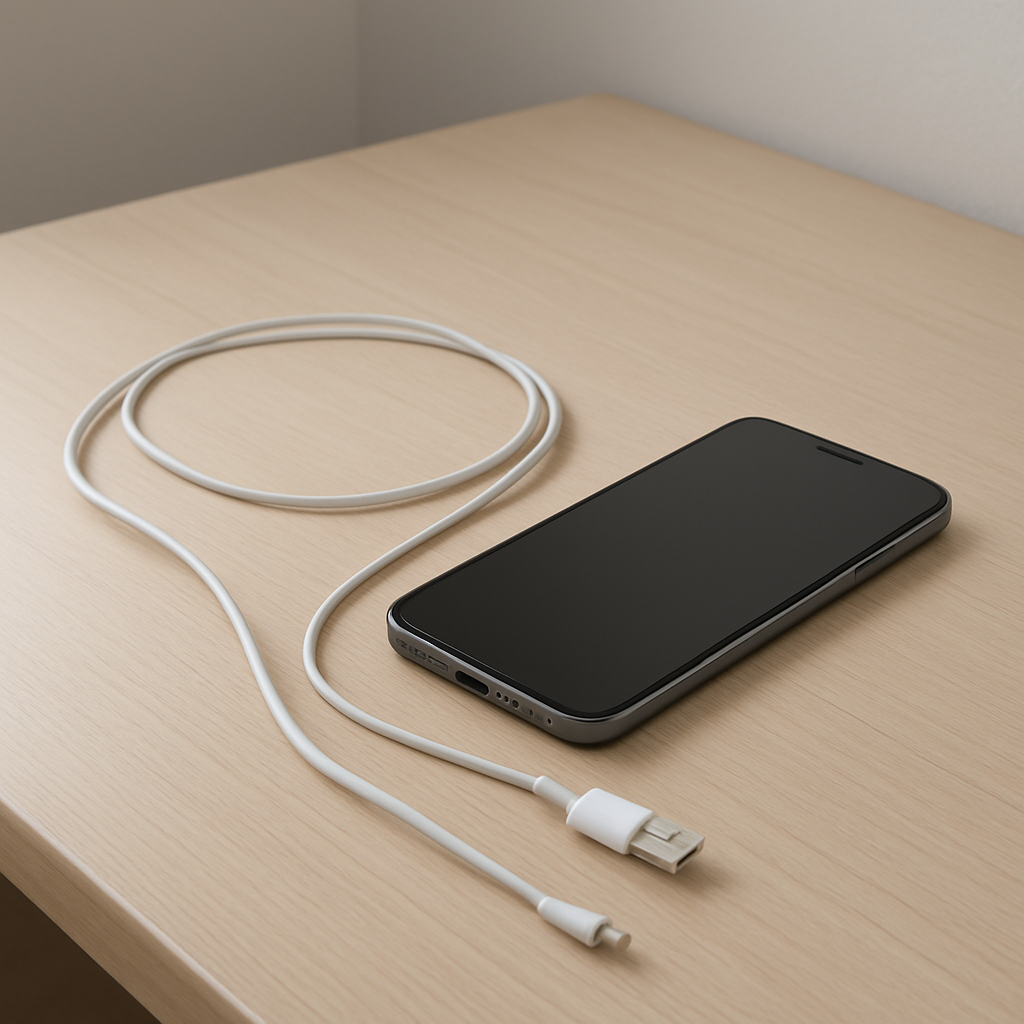
Diagnose and fix intermittent phone charging caused by damaged cables, dirty or loose charging ports, or unstable power sources for more reliable device charging.
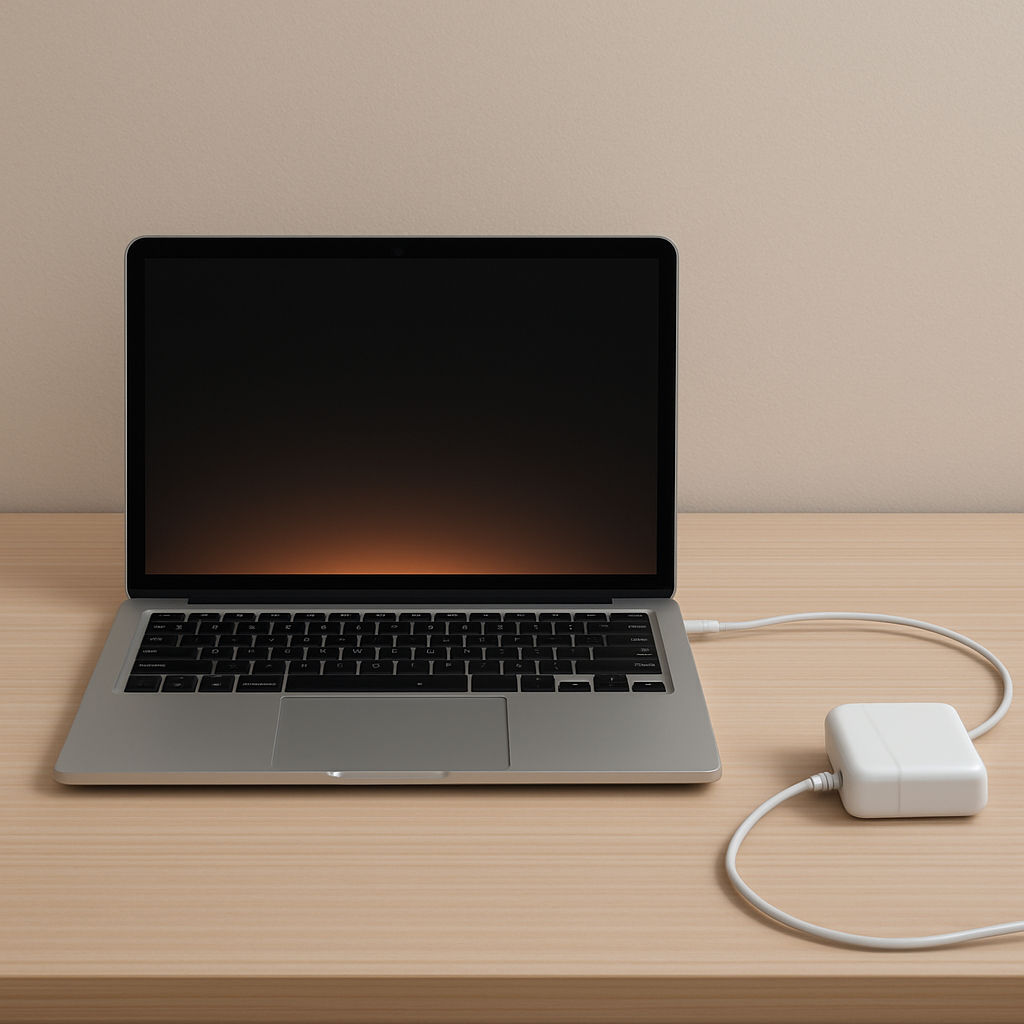
Diagnose if your laptop charger’s overheating is normal or due to overload, blocked ventilation, failing components, or incompatible power output, and learn safe fixes or replacement steps.
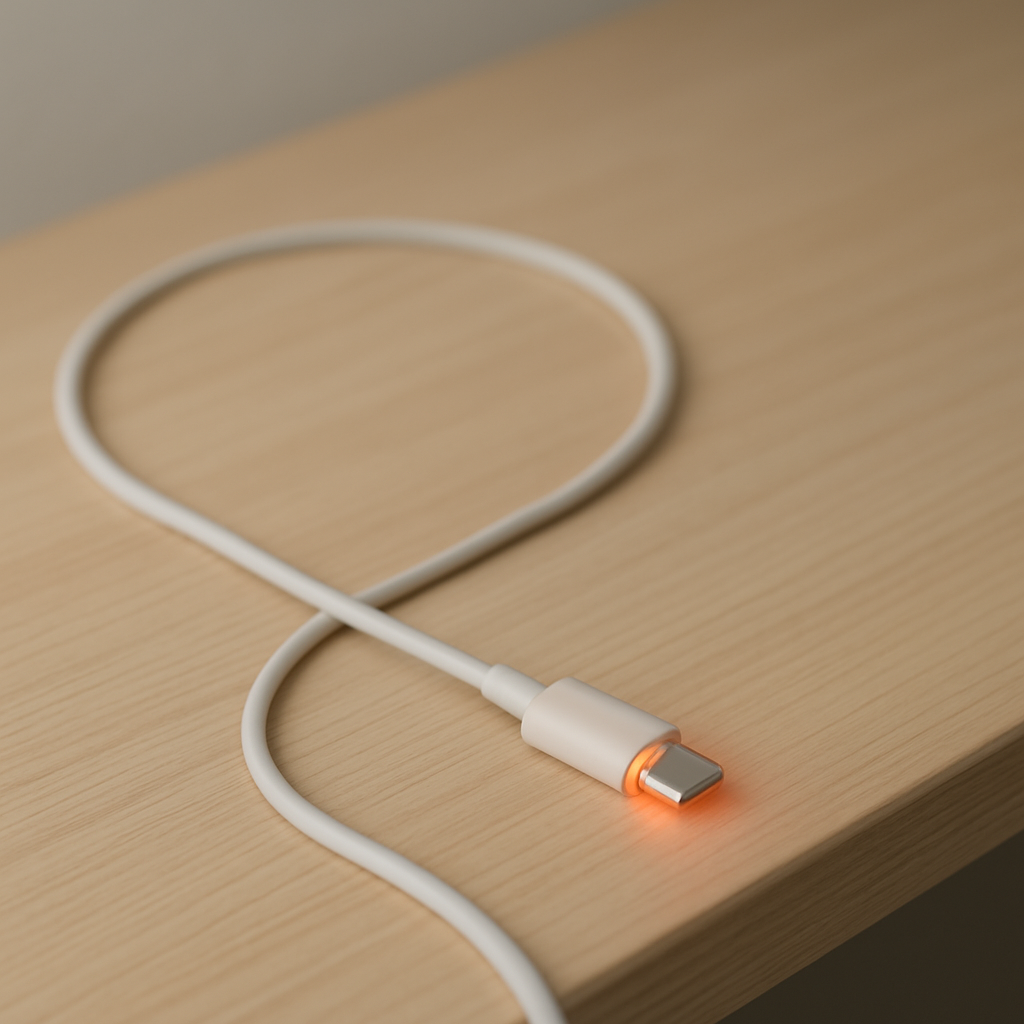
Learn how to identify and fix charging cable overheating caused by internal wire damage, high resistance, overload, or poor-quality cables, and prevent fire hazards and charging failures.
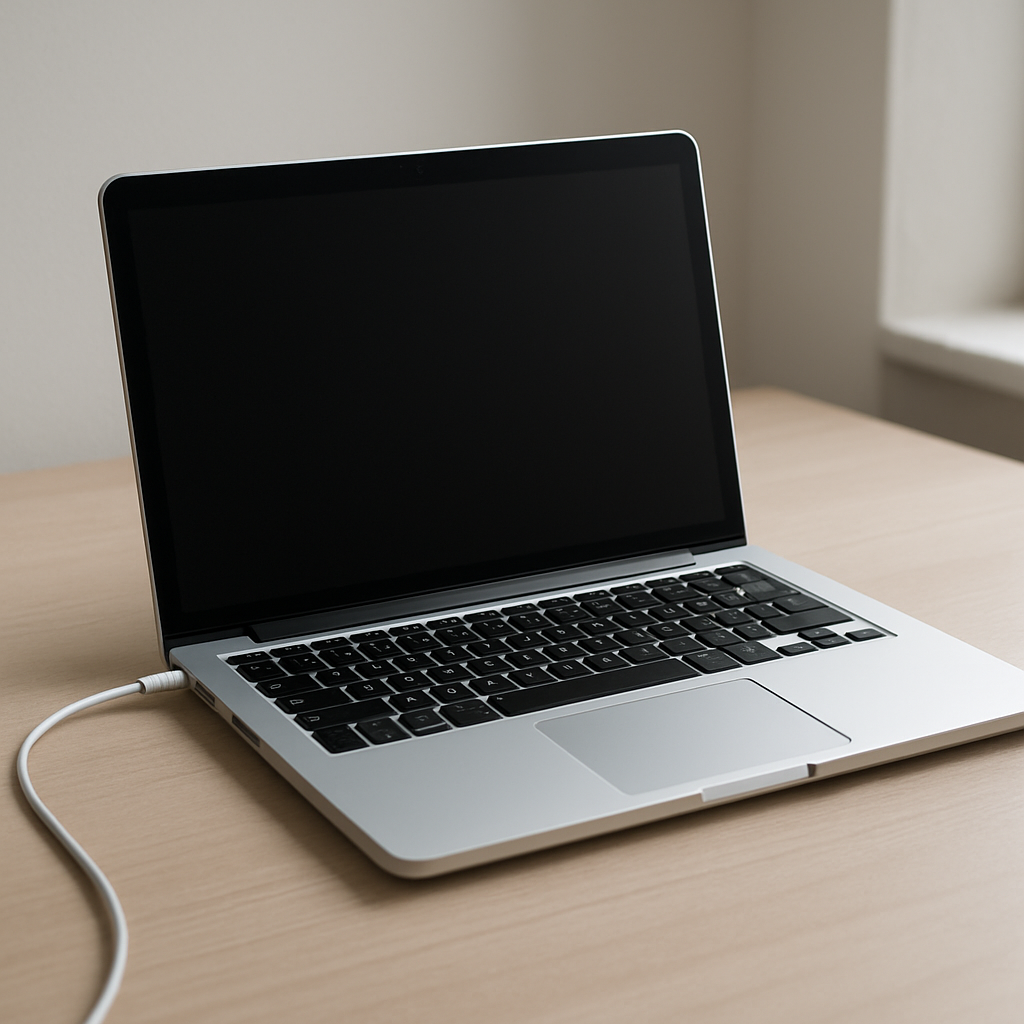
Diagnose why your laptop stops charging at 80%, including battery protection settings, manufacturer charge limits, battery wear, charging software, or hardware faults.
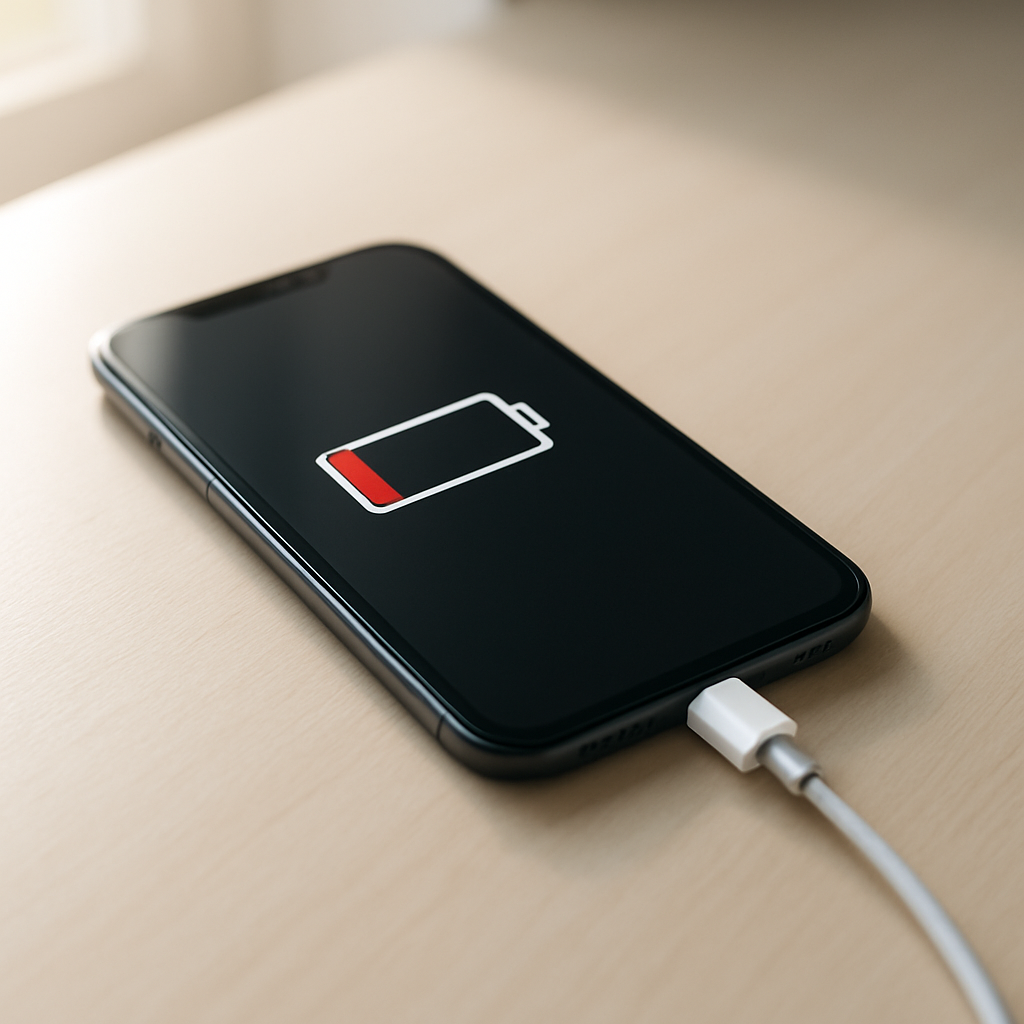
Learn why your phone stops charging before 100% and how to identify issues like battery protection, overheating, faulty cables, dirty ports, or battery wear.