Phone Battery Drops from 30% to 0%? Causes and Fixes
Quick Answer
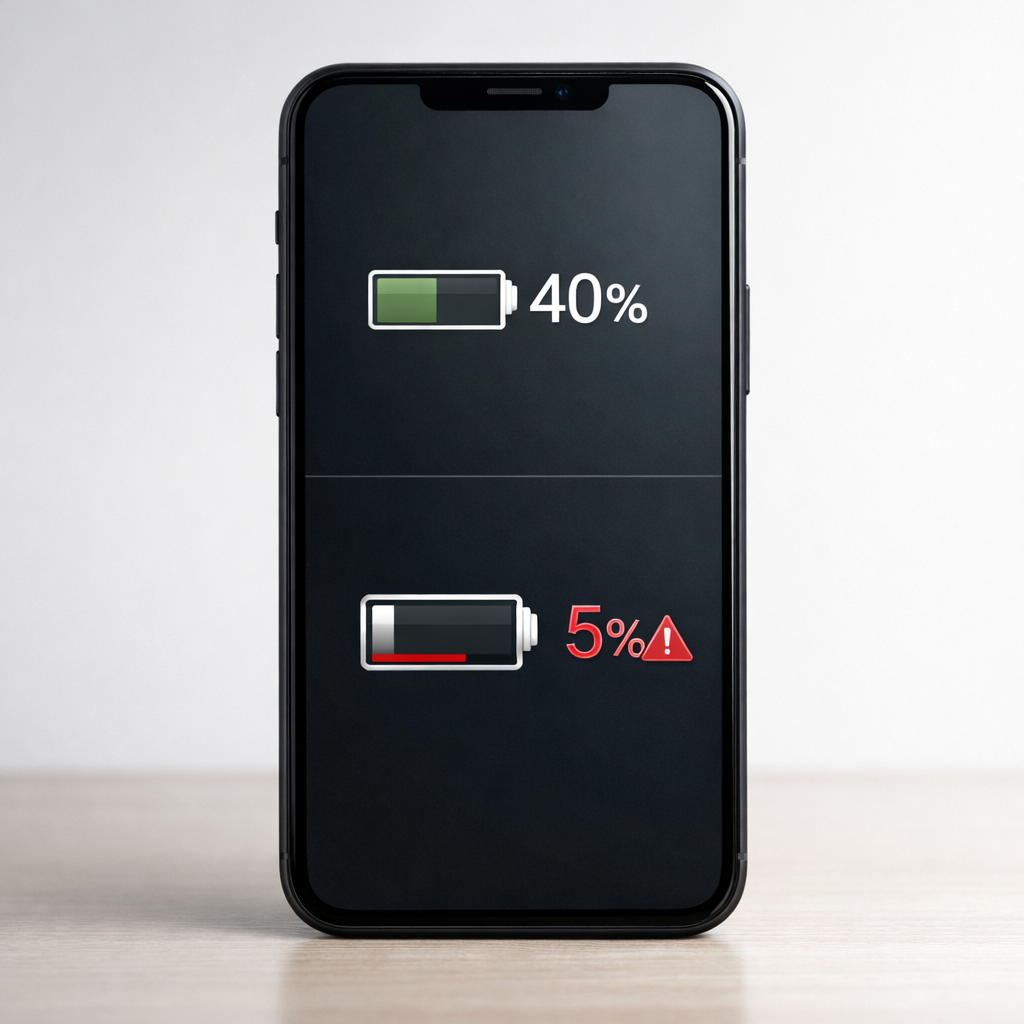
A sudden drop from around 30% to 0% usually happens when your phone’s battery gauge is no longer matching the battery’s real capacity. This can be caused by a calibration (reading) error, an aging lithium-ion battery that can’t hold voltage, or a voltage drop under load when the phone needs a burst of power.
If it’s a reading issue, the percentage may “jump” after a restart or improve after a few charge cycles. If it’s a failing battery, the drop often repeats within days or weeks and gets worse, especially during gaming, camera use, or cold weather.
If you need a fast fix
Restart the phone, then plug it into a reliable charger for 15–30 minutes to stabilize the reading.
Turn on Battery Saver (or Low Power Mode) and lower screen brightness to reduce sudden power spikes.
Avoid heavy apps (camera, games, video calls) until you can test, since high load can trigger an abrupt shutdown.
Quick Diagnosis Table
Symptom
Most likely cause
Drops from 30% to 0% during gaming, camera, or hotspot
Battery aging + voltage drop under load
Percentage “jumps” up or down after a restart or plugging in
Calibration/percentage reading error
Happens more in cold weather or after leaving the phone in a car
Temperature-related voltage sag (often worse on older batteries)
Only happens when below 40% and repeats frequently
Worn battery with reduced capacity and unstable voltage
Why This Happens
Your phone doesn’t directly “see” battery percentage. It estimates it using battery voltage, current draw, temperature, and a learned model of how your battery behaves.
As lithium-ion batteries age, their internal resistance rises. That means when the phone suddenly demands power (opening the camera, loading a game, turning on 5G), the battery voltage can dip too low for the phone to stay on, even if the gauge still says 30%.
So the symptom is simple: the phone believes there’s charge left, but under real-world load the battery can’t maintain stable voltage, and the device shuts down and shows 0%.
Most Common Causes (Ranked)
1) Aging lithium-ion battery (capacity loss + higher internal resistance): Over time the battery can’t deliver peak power without the voltage collapsing, so the phone shuts off abruptly at “30%.”
2) Voltage drop under load: Even a moderate battery can dip under heavy tasks, weak signal conditions, or high brightness, causing a sudden shutdown that looks like an instant drop.
3) Battery calibration/reading mismatch: If the phone’s fuel gauge model is out of sync, the displayed percentage can be wrong and may jump after reboots or charging.
4) Temperature extremes (especially cold): Cold temporarily reduces battery performance, making voltage sag more likely, and the phone may die early until it warms up.
5) Low-quality charger/cable or dirty port causing unstable charging behavior: If the phone rarely reaches a true full charge or charges intermittently, the gauge can drift and the battery can be stressed.
6) Battery management/software bugs after an update: Less common, but a recent update can change power behavior or reporting, making the issue show up suddenly.
If your phone becomes more consistent after a few normal charge cycles and fewer sudden drops occur, that often points to a calibration issue rather than a rapidly failing battery.
How to Check the Problem Safely
Check 1: Note when it happens. If it only drops during high-power tasks (camera, gaming, navigation), suspect voltage sag from an aging battery.
Check 2: Compare behavior at three levels: around 60%, 40%, and 25%. If shutdowns cluster below ~40%, that pattern strongly suggests wear.
Check 3: Try a restart at 35–45%. If the percentage jumps significantly after reboot (for example 35% to 15% or 35% to 50%), the reading is likely out of sync.
Check 4: Check battery health (if available). On iPhone, look at Maximum Capacity and Peak Performance Capability. On Android, use the built-in battery/diagnostics menu if your brand provides it, or check service menus where available.
Check 5: Test temperature impact. Use the phone indoors at room temperature for a day; if the problem largely disappears, cold-related sag plus age is likely.
Safety note: if the phone gets unusually hot, smells odd, or the screen/lid is lifting, stop testing and power it down.
How to Fix It
Fix 1 (easiest): Do a “stabilize and observe” charge. Charge to 100% with a reliable charger, keep it plugged in another 30–60 minutes, then use it normally; this can help the gauge relearn full.
Fix 2: Reduce peak load when below 40%. Turn on Battery Saver, switch to 60 Hz (if available), disable hotspot, and avoid camera/games; lowering power spikes can prevent voltage dips and sudden shutdowns.
Fix 3: Clean up charging reliability. Try a known-good cable and charger, gently clean lint from the port, and avoid charging from weak USB ports; stable charging improves accuracy and reduces stress on a worn battery.
Fix 4: Calibrate the display reading over 1–2 cycles. Use the phone down to around 10–15%, charge uninterrupted to 100%, then repeat once; this can reduce percentage jumps if the battery is still healthy enough.
Fix 5 (advanced/last resort): Backup and update, then consider a reset if the issue started after a major update. If shutdowns persist even after software steps, battery replacement is the real fix for voltage sag.
Signs of Battery or Hardware Damage
Phone shuts off even at 20–50% and does it repeatedly under light use.
Battery percentage drops in large chunks (for example, 45% to 28% in minutes) with the screen on.
Device becomes very warm during simple tasks or while charging, not just during gaming.
Noticeable swelling, screen lifting, or the back cover separating.
Charging is erratic: rapidly switches between charging/not charging with multiple cables.
Phone only runs reliably when plugged in, or loses power instantly when unplugged.
System warnings like “service battery,” unexpected shutdown logs, or reduced performance messages tied to the battery.
When Repair Is No Longer Worth It
If the phone is several years old and the battery drop is paired with slow performance, overheating, or charging-port issues, repair may not be the best value. A battery replacement is usually worthwhile when the phone is otherwise in good shape and you plan to keep it for another year or more.
Compare the replacement cost to the phone’s resale value and your daily reliability needs. If the battery replacement costs a large fraction of the phone’s value, or if you also need a screen/port repair, putting that money toward a newer device is often the smarter decision.
How to Prevent This Problem in the Future
Avoid regularly running the battery to 0%; frequent deep discharges accelerate wear and can worsen voltage sag.
Use quality chargers and cables, and keep the charging port clean to avoid intermittent charging and gauge drift.
Limit heat exposure: don’t leave the phone in hot cars, and remove thick cases during heavy charging/gaming if it runs hot.
Reduce peak load when the battery is low by using Battery Saver and lowering brightness, especially below 30–40%.
Keep software updated, but if a new update triggers sudden drops, monitor for patches and consider a clean reboot cycle routine.
In cold weather, keep the phone warm (inside pocket) and avoid high-drain tasks outdoors.
If your phone supports it, use optimized charging features to reduce time spent at 100% and slow battery aging.
FAQ
Is it normal for a phone to die at 30%?
No, it’s not normal behavior for a healthy battery. It usually means the phone’s percentage estimate is wrong or the battery can’t maintain voltage under real use. If it repeats often, especially under load, a worn battery is the most common cause.
Will “calibrating” the battery fix a 30% to 0% drop?
Calibration can help if the problem is mainly the percentage display being out of sync. It will not fix a battery that has aged and developed high internal resistance. If the phone still shuts off under load after 1–2 normal calibration cycles, plan on a battery replacement.
How can I tell if it’s software or the battery?
If the percentage jumps around after restarts or improves noticeably after a couple of full charge cycles, it leans toward a reading issue. If it consistently dies during demanding tasks, gets worse over time, or is much worse in the cold, it strongly points to a failing battery with voltage sag. Battery health diagnostics (when available) can confirm the trend.
Most battery issues are easier to understand once you break them down step by step. That’s the approach Mark Reynolds takes across all troubleshooting guides. For more details, visit the complete guide.