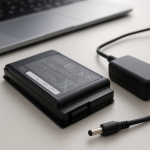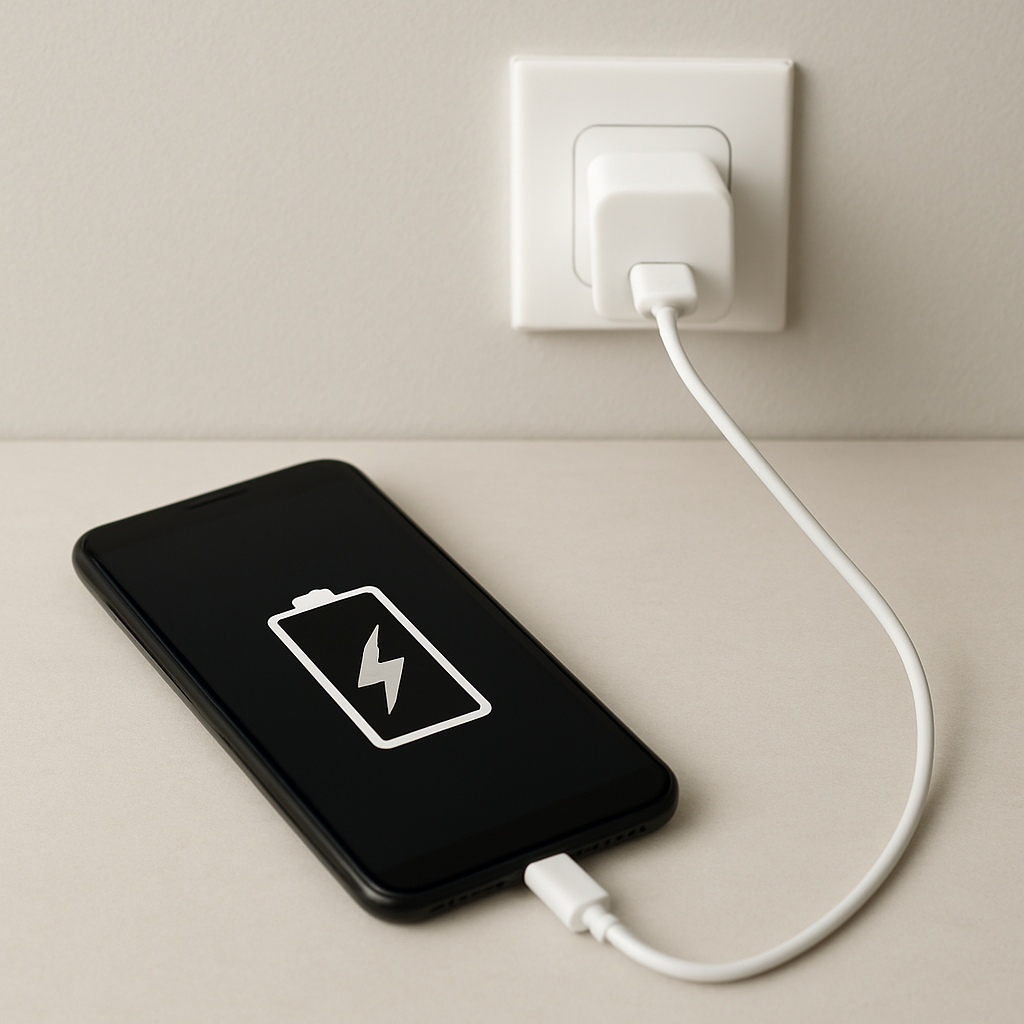
If charging repeatedly stops and then resumes, the most common causes are unstable power delivery, poor cable or port contact, overheating protection, or charging management features that temporarily pause charging to protect the battery.
This kind of stop-start charging can be confusing because the device may look like it is charging normally, then suddenly stop, reconnect, or barely gain battery percentage. In many cases, the cause is simple: a worn cable, debris inside the charging port, heat buildup, or an underpowered or unstable charger.
The best first step is to test one thing at a time: cable, charger, outlet, device temperature, and charging port contact. That helps you find whether the problem follows the accessory, the power source, or the device itself.
Not sure where to start? Use the Battery Help Center if you are unsure whether your issue is charging, battery health, battery drain, overheating, or sudden power behavior.
Quick Diagnostic Checklist
- Cable movement test: charging cuts out when the cable moves → worn cable or loose port.
- Heat check: device or charger becomes warm → thermal protection may be pausing charging.
- Outlet test: charging works normally on a different wall outlet → original power source may be unstable.
- Idle test: charging stops only during heavy use → power demand may exceed charger output.
- Battery level pattern: pauses near 80–100% → normal charging management may be involved.
What This Problem Usually Means
Modern devices monitor voltage, current, temperature, battery level, and power demand while charging. If something moves outside the expected range, charging may pause automatically. When conditions stabilize, charging can resume.
This stop-start behavior can be protective, especially when heat or battery management is involved. But if it happens repeatedly, it often points to unstable contact, a weak charger, a damaged cable, heat buildup, or port wear.
Normal vs Abnormal Charging Interruptions
- Usually normal: brief pauses when the device is warm or nearly full.
- Usually normal: occasional pauses during fast charging.
- Not normal: charging stops repeatedly every few minutes.
- Not normal: charging only works when the cable is held in position.
- Not normal: device, charger, cable, or port heats excessively during light use.
Most Common Causes
Loose or Damaged Charging Cable
Repeated bending, pulling, or twisting can weaken the internal wires inside a charging cable. When the electrical flow becomes unstable, charging may cycle on and off.
If charging stops when the cable moves, or if one cable causes the issue while another works normally, the cable is the first thing to replace.
Dirty or Worn Charging Port
Dust, lint, or debris inside the charging port can prevent stable contact. Even small debris can stop the connector from seating properly and interrupt charging.
If the cable feels loose, does not click in firmly, or disconnects when touched, the port may need careful cleaning or inspection. Avoid metal tools that could damage the port.
Overheating Protection
Charging systems may pause automatically when temperature rises too much. This can happen with fast charging, thick cases, direct sunlight, heavy apps, gaming, navigation, or a warm room.
If charging stops mainly when the device is warm, let it cool and test again while it is idle.
Unstable Power Source
Voltage fluctuations from extensions, weak outlets, low-quality adapters, car chargers, or shared power strips can reset charging. Plug directly into a stable wall outlet during testing.
Insufficient Charger Power
If the device uses power as fast as, or faster than, the charger supplies it, charging may stall, stop, or restart. This is more common during gaming, streaming, navigation, hotspot use, or on laptops using an underpowered adapter.
Battery Health Management
Many devices intentionally pause or slow charging to reduce long-term battery wear. If the behavior happens near 80%, 85%, 90%, or 100%, check for optimized charging, adaptive charging, battery protection, or charge limit settings.
Step-by-Step Fixes
Step 1: Replace or Test the Cable
Cables are one of the most common failure points. Test with a reliable, compatible cable. If the problem disappears, the original cable was likely worn, damaged, or unstable.
Step 2: Test a Different Charger
Use a charger that meets the device’s power requirement. A weak or incompatible charger may work sometimes but fail under load.
Step 3: Change the Power Source
Plug directly into a wall outlet. Avoid extensions, shared power strips, weak USB ports, or car chargers while testing.
Step 4: Inspect and Clean the Charging Port
Turn off the device and inspect the port for dust, lint, looseness, or visible damage. If cleaning is needed, use a soft non-metal tool and be gentle.
Step 5: Reduce Heat
- Remove a thick case while charging.
- Charge on a hard, flat surface.
- Stop heavy apps during charging.
- Move the device away from direct sunlight or warm surfaces.
- Let the device cool before plugging it back in.
Step 6: Check Charging Settings
Some devices pause charging intentionally for battery health optimization. If charging stops near the same percentage every time, review battery protection or optimized charging settings before assuming hardware failure.
Laptop-Specific Causes
- Wrong wattage adapter: the charger may not provide enough power.
- USB-C power negotiation instability: the charger and laptop may not agree on stable charging power.
- Thermal throttling: heat can slow or pause charging.
- Battery wear: an older battery may not charge consistently.
- Loose DC jack or USB-C port: movement may interrupt the connection.
Wireless Charging-Specific Causes
- Misalignment: the phone may not be centered on the charging coils.
- Heat buildup: wireless charging often creates more heat than wired charging.
- Thick or metal case: some cases interfere with wireless charging.
- Low-quality charging pad: unstable output can interrupt charging.
Advanced Diagnostic Indicators
- Heat at the charger brick: adapter may be overloaded or failing.
- Heat at the cable connector: cable resistance or connector damage may be involved.
- Heat at the device port: port damage or poor contact may be involved.
- Battery drains quickly while plugged in: charger output may not match device power demand.
Safety Warning: Stop Charging Immediately If
- Burning smell, smoke, sparks, or crackling.
- Melted plastic, discoloration, exposed wires, or visible damage.
- Charging port feels loose, burnt, or physically damaged.
- Device, charger, or cable becomes extremely hot.
- The problem started after liquid exposure or physical impact.
If you notice strong heat, melting, burning smells, sparks, liquid damage, or physical damage, stop using questionable chargers or cables and consider getting the device checked by a qualified repair professional.
How to Prevent Charging Interruptions
- Use reliable, compatible chargers and cables.
- Keep charging ports clean and dry.
- Avoid charging on soft surfaces that trap heat.
- Limit heat exposure during charging.
- Replace worn cables early.
- Do not force a cable into a loose or damaged port.
FAQ
Why does charging stop when the device gets warm?
Many devices pause or slow charging when temperature rises. This helps protect the battery and internal components from heat stress.
Is stop-start charging harmful?
Occasional pauses can be normal, especially near full battery or during heat protection. Frequent interruptions caused by poor contact, damaged cables, or unstable power should be fixed because they can create unreliable charging and extra heat.
Why does charging stop when the cable moves?
This usually points to a worn cable, loose connector, dirty charging port, or worn device port. Test another cable first, then inspect the port if the issue continues.
Related Guides
- Charging Issues Troubleshooting
- Device Charging Inconsistent Problem
- Phone Not Charging Consistently
- Charging Cable Overheating Fix
- Overheating & Power Problems Troubleshooting
Conclusion
Charging that stops and resumes is usually caused by unstable electrical contact, overheating protection, insufficient power delivery, or battery charging management. Start with the simple checks first: test another cable, try a compatible charger, use a stable wall outlet, reduce heat, and inspect the charging port carefully.
If the issue continues across multiple cables, chargers, and power sources, the device port, battery health, or internal charging hardware may need closer inspection by a qualified repair professional. For a broader path through related problems, start with the Battery Help Center or read the full Charging Issues Troubleshooting guide.
Mark Reynolds writes practical battery and charging guides for Power & Battery Guide, focusing on clear explanations, realistic first checks, and safe troubleshooting before replacing batteries, chargers, or devices.