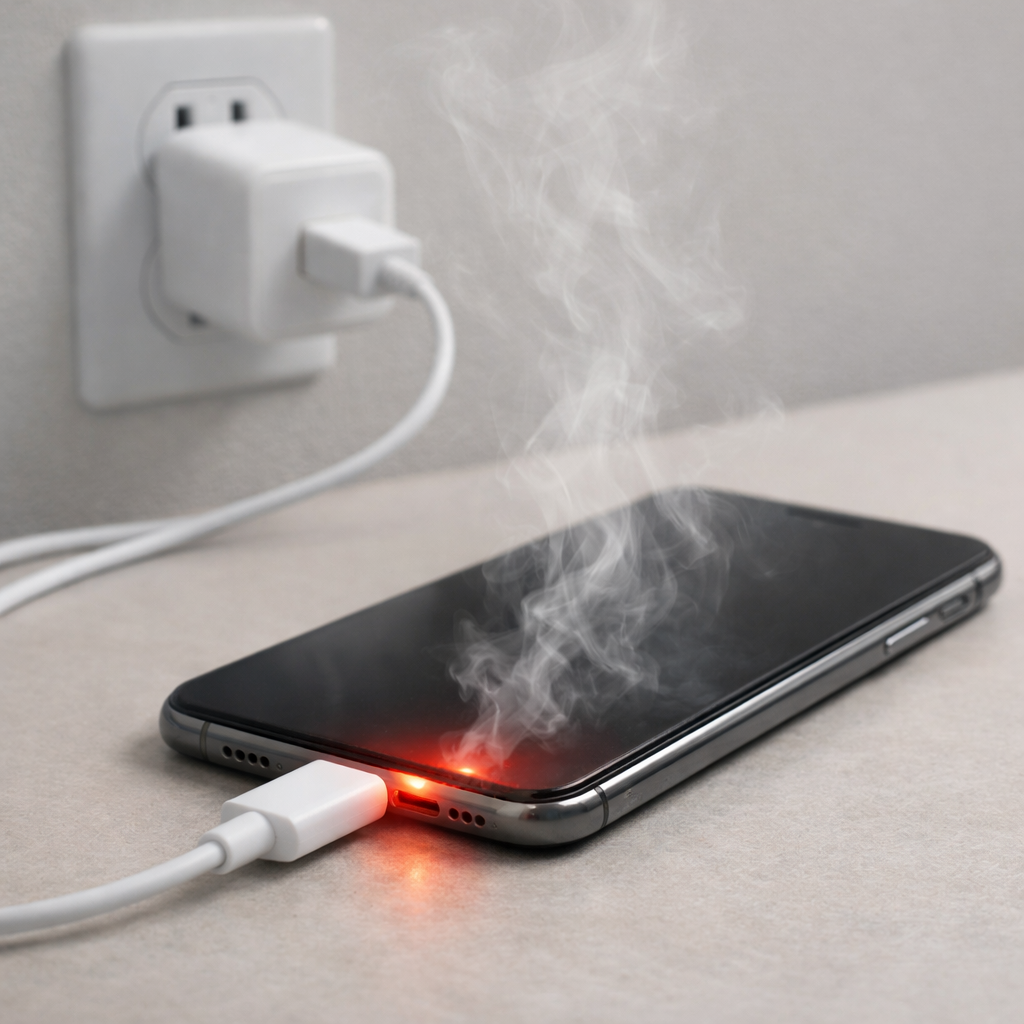
Charger Overheating Phone — Power Overload or Poor Ventilation?
Quick Answer
Most of the time, a “hot” charger or charging cable is simply normal resistive heating: electricity moving through the cable and connector turns a small amount of energy into heat. It only becomes a problem when the heat is strong enough to be uncomfortable to hold, keeps getting worse, or comes with charging errors.
A mild temperature rise is common during the first 10–30 minutes of fast charging, especially when the battery is low. It should usually level off as the phone approaches a higher charge or once the phone slows charging to protect the battery.
If you need a fast fix
- Unplug, let everything cool for 5–10 minutes, then plug back in with the phone on a hard surface (not a bed or couch) and not under a case or pillow.
- Switch to a different known-good cable (and ideally the original or a certified replacement) to rule out a high-resistance cable or worn connector.
- Turn off the screen, close heavy apps, and avoid gaming or video while charging to reduce the phone’s heat load.
Quick Diagnosis Table
| Symptom | Most likely cause |
|---|---|
| Warm cable and charger, phone stays near normal temperature | Normal resistive heating in the cable/brick; usually harmless if it stabilizes |
| Connector area (USB-C/Lightning) gets hot quickly | Dirty port, loose fit, oxidation, or a worn cable end increasing resistance |
| Phone and charger both get hot during fast charge | High charging power plus poor ventilation or high ambient temperature |
| Charging cycles on/off, “charging paused” messages | Thermal protection kicking in due to heat, bad cable, or unstable power |
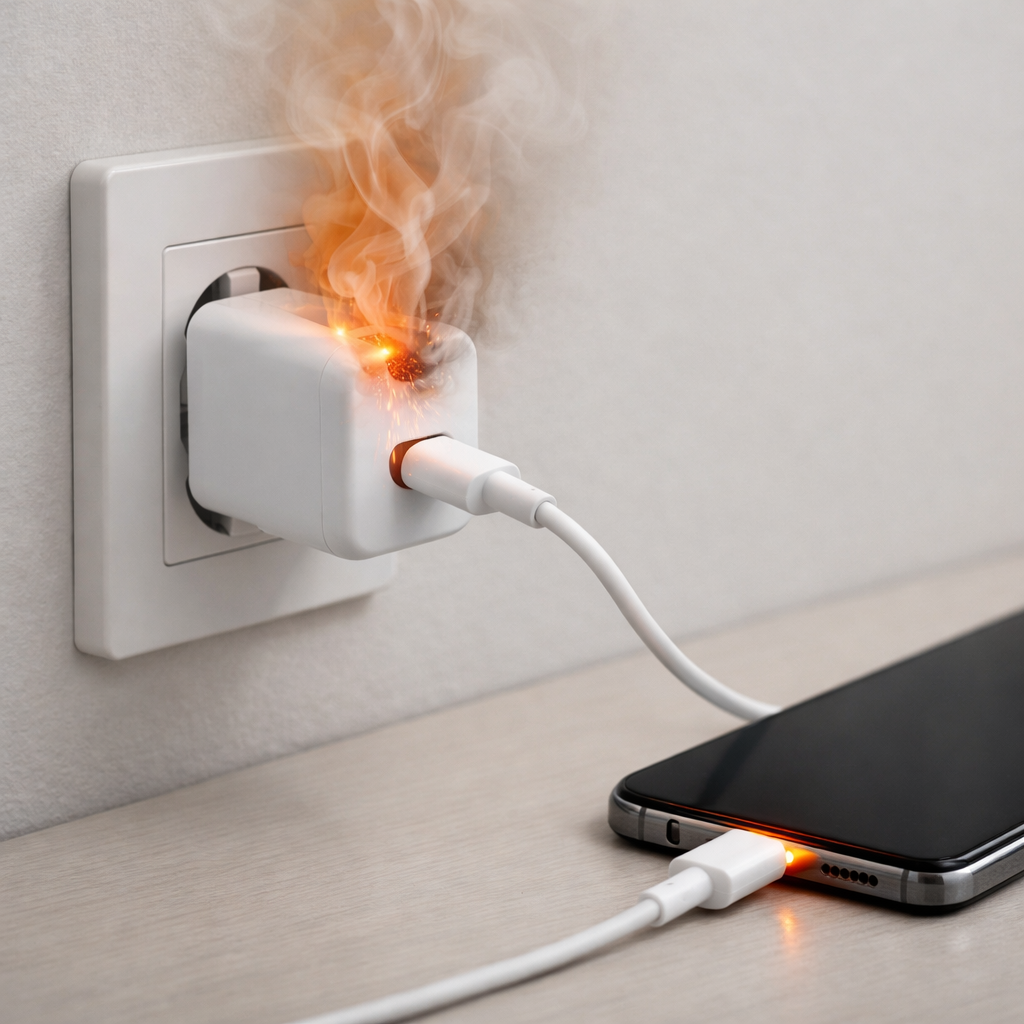
| Charger becomes very hot to touch or smells odd | Faulty charger, overload, or internal damage; stop using immediately |
Why This Happens
Charging pushes current through the charger, cable, and the phone’s charging circuits. Any resistance in that path creates heat, and the cable ends and connectors are common hotspots because they are small and handle a lot of current.
For example, a 25–45W fast charge can make a cable feel warm even when everything is working correctly. You’ll notice it more with long cables, thin cables, or cables that have been bent sharply near the plug over time.
When ventilation is poor (like charging on a blanket) or the connector has extra resistance (like lint in the port), the same charging power produces more heat in a smaller area. That extra heat is what turns “normal warm” into “too hot.”
Most Common Causes (Ranked)
- 1) Normal resistive heating during fast charging: Higher charging power means more current and a warmer cable/charger, especially from 0–50%. This is expected as long as the heat levels off and nothing is painful to touch.
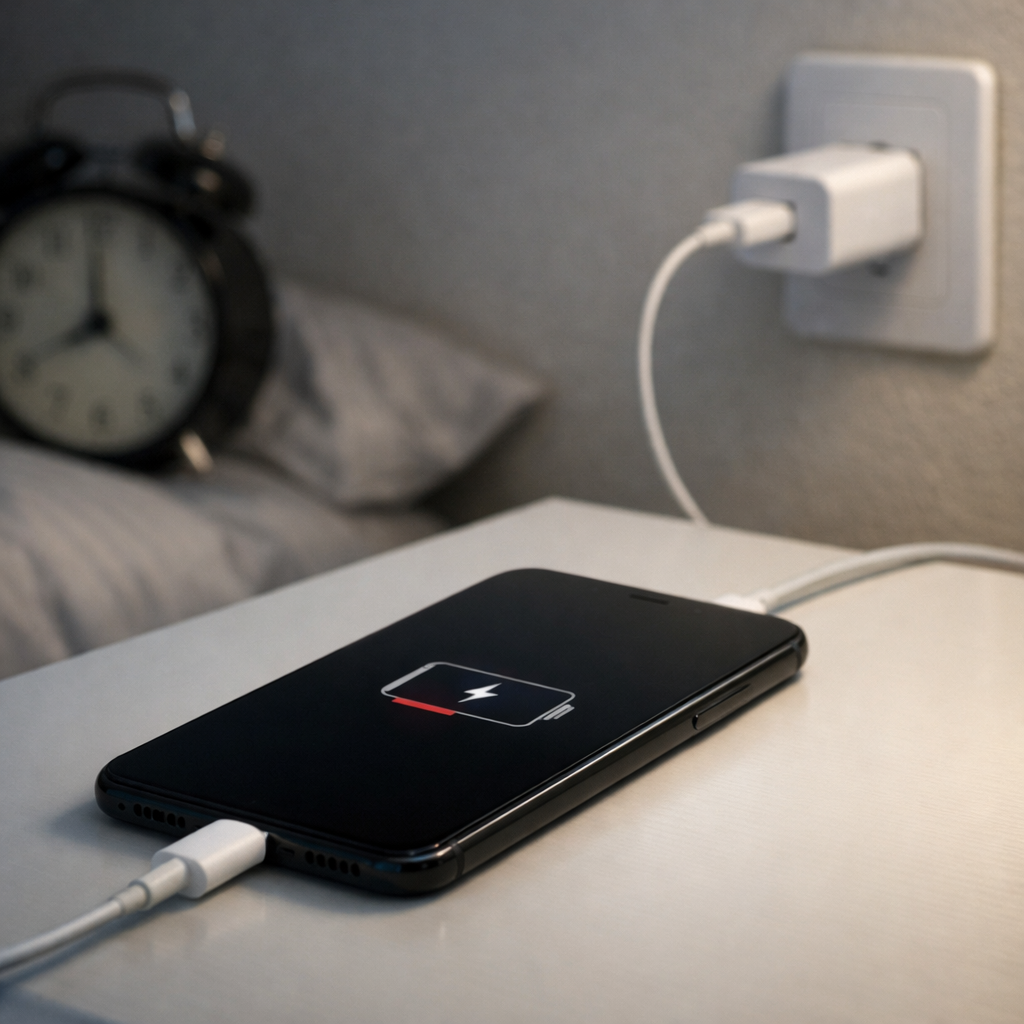
- 2) Poor ventilation trapping heat: Charging on soft surfaces, in direct sun, or under a thick case can trap heat around the phone and connector. Trapped heat prevents the system from shedding normal charging warmth.
- 3) Worn or low-quality cable increasing resistance: Frayed conductors, stretched cable ends, or cheap cables often have higher resistance and heat up more. The hottest spot is usually the plug end near the phone.
- 4) Dirty or loose charging port/connector: Pocket lint, dust, or a slightly loose fit creates a poorer electrical connection. A worse connection acts like a tiny “heater” at the contact point.
- 5) Charger not matched to the phone’s fast-charge standard: Some chargers negotiate poorly or run inefficiently, creating extra heat in the brick. Using a reputable charger made for your phone model reduces wasted energy.
- 6) Heat from the phone’s workload while charging: Gaming, hotspot use, video calls, or heavy navigation adds CPU heat on top of charging heat. The combination can push the phone into thermal limits.
If temperatures gradually improve after switching cables, improving airflow, or reducing fast charge, it usually indicates the issue was resistance or ventilation rather than a failing battery.
How to Check the Problem Safely
- Check 1: Feel where the heat is concentrated (brick, cable middle, cable ends, or the phone). Heat at the connector end points to resistance at the port or cable tip.
- Check 2: Try a different wall outlet and remove any cheap extension cords or adapters. Unstable or poor connections can increase heat and cause charging to cycle.
- Check 3: Swap one component at a time: first the cable, then the charger, then the outlet. This isolates whether the cable or the brick is the culprit.
- Check 4: Inspect the cable ends for discoloration, melting, looseness, or that “wobbly plug” feeling. Any of these signs means the connection is not solid and will run hotter.
- Check 5: Check the phone’s port for lint and debris using a flashlight; if you see buildup, plan to clean it gently before testing again.
Safety note: if anything is too hot to comfortably hold, smells like plastic, or shows melting, stop using it and unplug it immediately.
How to Fix It
- Fix 1 (easiest): Improve airflow by charging on a hard surface and removing thick cases while charging. Better ventilation lets normal resistive heat dissipate.
- Fix 2: Replace the cable with a certified, properly rated cable (USB-C PD capable if your phone fast-charges). A better cable lowers resistance, so less heat is created in the wire and plugs.
- Fix 3: Clean the charging port and connector contacts carefully. Power off the phone, then use a dry wooden toothpick or soft anti-static brush to remove lint; a clean connection reduces hotspot heating.
- Fix 4: Use a reputable charger that matches your phone’s charging standard and wattage needs. Efficient chargers waste less energy as heat and negotiate charging more smoothly.
- Fix 5 (advanced/last resort): Reduce peak charging power by turning off “fast charging” (if available) or using a lower-wattage charger for overnight charging. Lower current means less resistive heating, especially in older cables or warm rooms.
Signs of Battery or Hardware Damage
- Phone becomes hot even when not charging or when doing light tasks.
- Battery percentage drops quickly, jumps erratically, or the phone shuts down at 20–40%.
- Noticeable swelling, a lifting screen, or the back panel separating.
- Charging repeatedly starts and stops with multiple known-good chargers and cables.
- Burning smell, crackling sounds, discoloration around the port, or melted plastic.
- “Liquid detected,” “accessory not supported,” or persistent temperature warnings that don’t resolve after cooling.
- Port feels loose, plug won’t seat fully, or charging only works at a certain angle.
When Repair Is No Longer Worth It
If the phone has battery swelling, visible heat damage at the charging port, or repeated thermal shutdowns, repair becomes more urgent and sometimes less economical. Safety issues should outweigh convenience, especially if the device gets dangerously hot or shows melting.
As a rule of thumb, if the repair cost approaches 40–60% of the phone’s current replacement value, replacement often makes more sense. If it’s a simple cable/charger swap or a port cleaning, fixing is usually cheap and worth trying first.
How to Prevent This Problem in the Future
- Use high-quality, certified cables and replace them when the ends feel loose or the jacket is cracked.
- Avoid charging on beds, couches, carpets, or inside bags where heat can’t escape.
- Keep the port clean by minimizing pocket lint exposure and doing occasional gentle inspections.
- Don’t sharply bend the cable near the connector; use a longer cable or add strain relief habits.
- Limit heavy use (gaming, hotspot, high-brightness video) while fast charging, especially in warm rooms.
- In hot weather, charge in the shade and remove thick cases during charging sessions.
- Choose chargers that match your phone’s fast-charge standard instead of generic high-watt bricks.
FAQ
Is it normal for my charger or cable to get warm?
Yes, mild warmth is normal because some energy is always lost as heat when current flows through the cable and charger. It’s most noticeable during fast charging or when the battery is very low. It should not become painfully hot, smell odd, or keep increasing over time.
Why is the heat mostly at the plug near my phone?
The plug and port are small contact points that carry the full charging current, so extra resistance there creates a concentrated hotspot. Common causes include lint in the port, a worn cable end, or a loose connection. Cleaning the port and trying a new cable are the fastest ways to test this.
Should I stop using fast charging if things get hot?
If the phone or cable gets uncomfortably hot, reducing charging speed is a good troubleshooting step. Lower power means lower current, which reduces resistive heating in the cable and connector. Once you’ve confirmed the cable, charger, and ventilation are good, you can try fast charging again and see if temperatures stay reasonable.
For a full overview of this issue and step-by-step solutions, read the complete troubleshooting guide.
Mark Reynolds covers common battery and charging problems with straightforward explanations and real-world context. For more detailed steps, visit the full guide here.