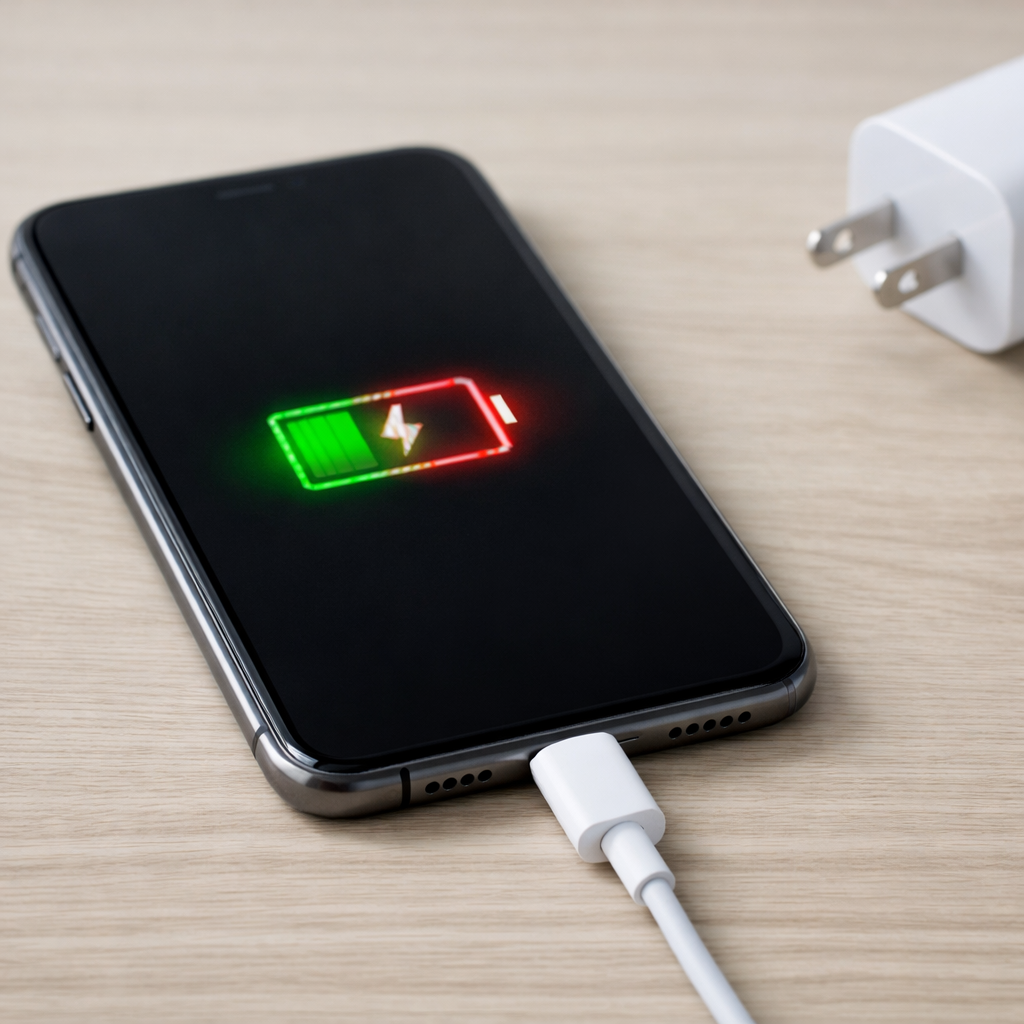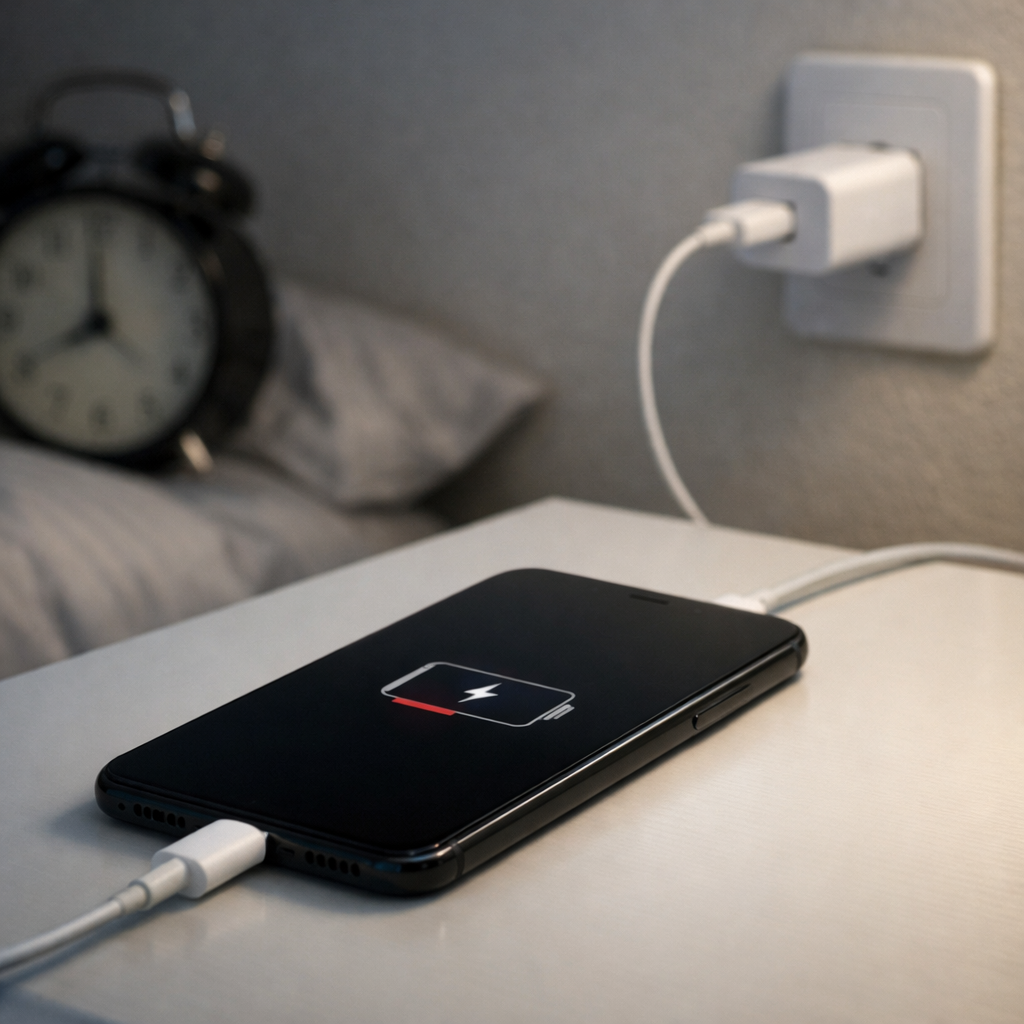
Phone Charging Slow Overnight — Adaptive Charging or Power Delivery Issue?
Quick Answer
In most cases, slow overnight charging happens because your phone’s thermal regulation slows charging to prevent heat buildup. When the battery or charging circuits get warm, the phone intentionally reduces charging speed to protect the battery and extend its lifespan.
This usually means nothing is “broken,” especially if the phone still reaches 80–100% by morning. A common pattern is faster charging at first, then much slower charging after around 70–80% or whenever the phone warms up during the night.
If you need a fast fix
- Move the phone to a cooler, open surface (not under a pillow/blanket) and remove the case while charging.
- Switch to a known-good cable and charger and plug directly into a wall outlet (avoid power strips and laptop ports for testing).
- Turn off fast charging for one night (or enable “optimized/adaptive charging”) to reduce heat spikes and stabilize charging.
Quick Diagnosis Table
| Symptom | Most likely cause |
|---|---|
| Charges quickly at first, then crawls after 70–80% | Normal battery protection plus heat control near full charge |
| Phone feels warm/hot in the morning and gained little % overnight | Thermal throttling from poor ventilation, thick case, or warm room |
| Charging is slower only when using a specific charger or cable | Power delivery mismatch, low-quality cable, or charger not negotiating fast charging |
| Charging is slow only with wireless charging overnight | Wireless heat buildup causing the phone to reduce charging power |
| Battery % jumps or stalls (e.g., stuck at 81–83% for a long time) | Optimized/adaptive charging behavior or heat-triggered pausing |
Why This Happens
Charging creates heat, and heat is one of the fastest ways to wear out a phone battery over time. To protect itself, your phone constantly monitors temperature and reduces charging power when it detects conditions that could overheat the battery.
Overnight charging makes this more noticeable because the phone is plugged in for hours, often on a bed or couch where heat can’t escape. Add a thick case, warm room, or wireless charging, and the phone may throttle for long stretches even if the charger is capable of more.
The cause leads to the symptom like this: heat builds up → the phone lowers charging wattage or pauses charging → the battery percentage rises slowly (or seems to stall) until the temperature drops.
Most Common Causes (Ranked)
- 1) Heat trapped around the phone: Charging on a bed, under a pillow, or on a soft surface blocks airflow, so the phone slows charging to cool down.
- 2) Thick case or accessories causing heat retention: Rugged cases, wallet cases, magnetic rings, and grips can hold heat and trigger thermal throttling sooner.
- 3) Wireless charging heat: Wireless charging is less efficient than wired, so more energy turns into heat, especially if alignment is slightly off.
- 4) Fast charging + background activity overnight: Backups, photo sync, OS updates, or hotspot use create extra internal heat while charging.
- 5) Charger/cable not delivering stable power: A weak adapter, worn cable, or cheap cable can cause the phone to fall back to slower charging modes that take longer overnight.
- 6) Adaptive/optimized charging behavior: Some phones deliberately hold at around 80% and finish near your wake time, and heat can make this hold even longer.
If charging improves after you cool the phone (or change where it sits), that gradual improvement is a strong sign the phone was protecting itself from heat rather than failing.
How to Check the Problem Safely
- Check 1: In the morning, feel the phone and charger area. Warm is normal; noticeably hot suggests heat-triggered slowing during the night.
- Check 2: Try one night charging on a hard, open surface (table or nightstand) with the screen off and the phone not covered.
- Check 3: Remove the case for a test night. If charging speed improves, heat retention was likely the main issue.
- Check 4: Test with a different known-good cable and wall adapter. If it improves immediately, the original accessory may be limiting power or causing instability.
- Check 5: If you use wireless charging, do one overnight test with a wired charger. Big improvement points to wireless heat as the culprit.
Safety note: if the phone becomes very hot, smells odd, or the battery swells, unplug it and stop using that charger until you identify the cause.
How to Fix It
- Fix 1 (easiest): Charge on a cool, hard surface with airflow and keep it uncovered. Lower temperature lets the phone maintain a higher charging rate.
- Fix 2: Remove the case (and any magnetic/wallet attachments) overnight. Less insulation means less thermal throttling and fewer charging pauses.
- Fix 3: Use a quality charger and cable that match your phone’s fast-charging standard. Correct power negotiation reduces wasted heat and prevents fallback to slow charging modes.
- Fix 4: Reduce overnight heat sources: turn on Airplane Mode (if possible), disable hotspot, and pause heavy cloud backup/sync during charging. Less background work means less internal heat while charging.
- Fix 5 (advanced/last resort): Update the OS and check battery/charging settings (optimized/adaptive charging, fast charging toggles). If charging is consistently abnormal even when cool, back up your data and consider a battery health check or service visit.
Signs of Battery or Hardware Damage
- Battery swelling, lifting screen, or a phone that no longer sits flat
- Strong chemical smell, sizzling, or crackling while charging
- Phone becomes extremely hot during light use or while charging on a cool surface
- Charging stops and starts repeatedly with multiple known-good cables and chargers
- Battery percentage drops quickly after a full charge (sudden poor runtime)
- Random shutdowns, especially above 20–30% battery
- Charging port feels loose, looks corroded, or only charges when the cable is held at an angle
When Repair Is No Longer Worth It
If the phone charges slowly even when kept cool, with multiple quality chargers, and after software updates, the issue may be a worn battery, damaged charging port, or failing power management hardware. Repair is usually worth it when a battery replacement is straightforward and the phone otherwise works well.
As a rule of thumb, consider replacement if repair approaches a large portion of the phone’s current value, or if you also need multiple fixes (battery plus port plus screen). If the phone is older and you rely on it daily, paying for repeated charging-related repairs often costs more than upgrading.
How to Prevent This Problem in the Future
- Charge on a hard surface with airflow; avoid beds, couches, and stacked items that trap heat
- Remove thick cases or attachments during long charging sessions, especially overnight
- Use wired charging for overnight when possible to reduce heat compared to wireless
- Use a reputable charger and cable that match the phone’s charging standard
- Keep the room cooler at night if you can; a few degrees can noticeably reduce throttling
- Turn off unnecessary overnight activity (hotspot, high-brightness screen, heavy syncing)
- Prefer optimized/adaptive charging if you routinely charge overnight, since it manages stress and temperature near full charge
FAQ
Is adaptive/optimized charging the same as a power delivery problem?
No. Adaptive/optimized charging is a planned behavior where the phone limits charging at certain times or percentages to reduce battery wear, often finishing close to your wake time. A power delivery problem is usually accessory-related (charger/cable) and tends to be consistently slow or unstable regardless of temperature or time.
Why does charging slow down the most near 80–100%?
This is normal battery behavior, and many phones also add extra protections near full charge. The phone reduces power to prevent overheating and to avoid stressing the battery, so the last 10–20% can take much longer than the first 50%. If the phone is warm, it slows down even more.
Will turning off fast charging help my phone charge faster overnight?
It can, in a roundabout way. Fast charging may create a quick heat spike that triggers thermal throttling, which then slows charging for a long time afterward. For overnight charging, a steadier, cooler charge often results in a more reliable “fully charged by morning” outcome.
For a full overview of this issue and step-by-step solutions, read the complete troubleshooting guide.
Mark Reynolds covers battery health, charging limits, and common device issues with a focus on clarity and practical fixes. For a deeper look, visit the full troubleshooting guide.