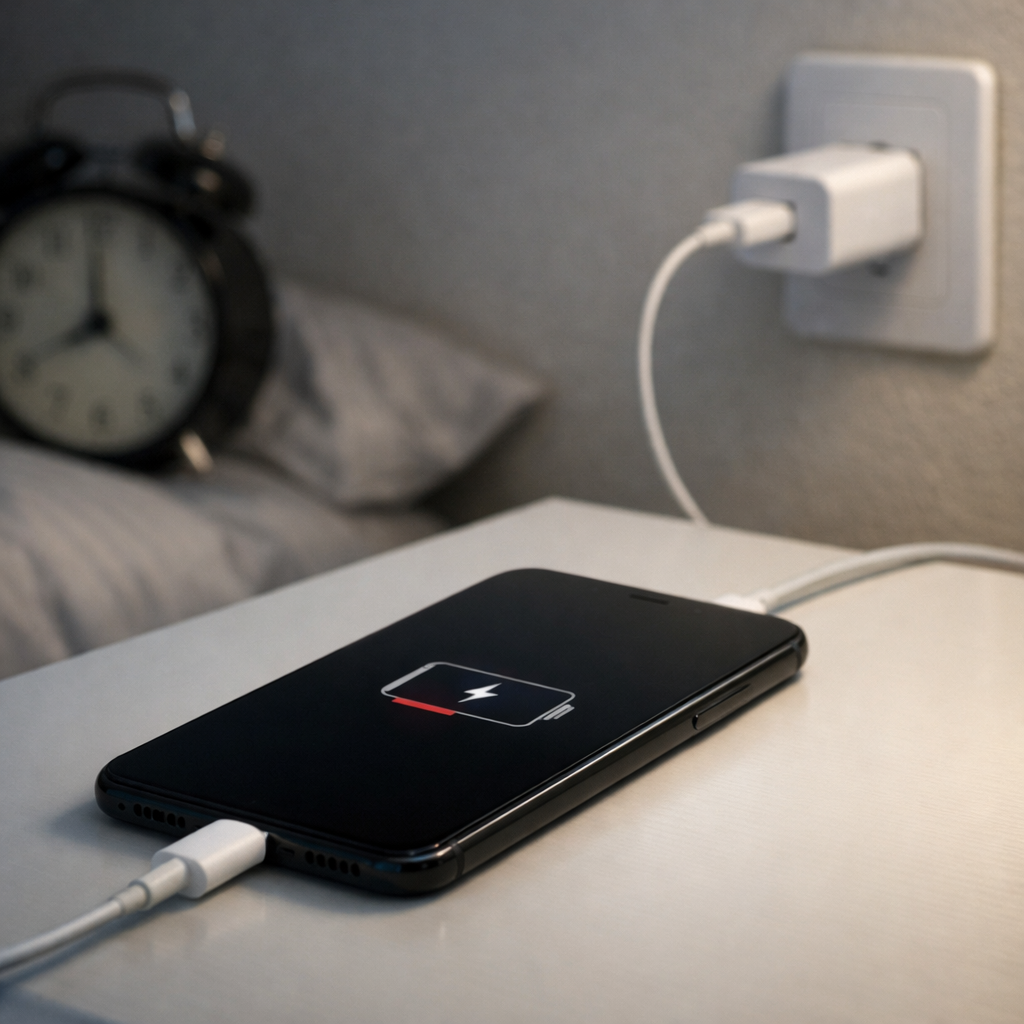
Phone Charging Stops After a Few Minutes — Power Regulation or Temperature Limit?
Quick Answer
Most of the time, a phone that charges for a few minutes and then stops is hitting a temperature limit. To prevent battery damage, the phone’s charging system slows down or pauses charging when it senses the battery or charging parts getting too warm.
This often happens within 2–15 minutes, especially with fast chargers, warm rooms, direct sunlight, gaming, video calls, or a thick case. Once the phone cools slightly, charging may resume on its own, which can look like “charging on and off.”
If you need a fast fix
- Cool it down safely: Unplug the charger, remove the case, and move the phone to a shaded, ventilated spot for 10–15 minutes.
- Use a slower charger temporarily: Switch to a lower-watt charger or a USB port on a computer to reduce heat while testing.
- Stop heat-making tasks: Close games, navigation, camera, and hotspot, then try charging again with the screen off.
Quick Diagnosis Table
| Symptom | Most likely cause |
|---|---|
| Charges for 3–10 minutes, then pauses; phone feels warm | Temperature regulation limiting charging to protect the battery |
| Stops charging only with fast charger, works with slower charger | Fast charging heat buildup or charger/cable not negotiating power cleanly |
| Charges on/off while using GPS, gaming, video calls | High CPU load adds heat; phone reduces or pauses charging |
| Stops at a similar battery percentage (often 70–90%) | Normal charging taper plus heat control; charging slows sharply near full |
| Only stops when in case or on a soft surface (bed/couch) | Insulation blocks heat from escaping; phone reaches thermal limit |
Why This Happens
When your phone charges, some energy becomes heat in the battery and power-management parts. Fast charging pushes more power, which can warm the phone quickly, especially if the phone is also working hard.
To avoid long-term battery wear or sudden failure, modern phones constantly watch temperature sensors. If the battery or charging circuit reaches a set limit, the phone will reduce charging speed or pause charging until the temperature drops.
For example, charging in a car mount in the sun, charging under a pillow, or charging while streaming video can heat the phone enough that it starts and stops charging. The cause leads directly to the symptom: more heat triggers protection, and protection interrupts charging.
Most Common Causes (Ranked)
- 1) Heat buildup from fast charging: High-watt charging can warm the battery quickly, and the phone may pause charging after a few minutes to cool down.
- 2) Phone doing heavy work while charging: Gaming, navigation, hotspot, video calls, and camera use add heat on top of charging heat, pushing the phone to its thermal limit.
- 3) Poor heat escape (case, bedding, car mount, direct sun): Thick cases and soft surfaces trap heat, so the phone reaches the temperature cutoff sooner.
- 4) Cable/charger issues that increase heat: A worn cable, dirty port, or low-quality charger can cause higher resistance, which creates extra heat and unstable charging.
- 5) Battery aging: Older batteries heat up more easily during charging and may trigger thermal limits sooner even with normal chargers.
- 6) Software or charging profile behavior: Some phones slow or pause charging near higher percentages, and heat can make that slowdown look like a “stop.”
If the stop-start behavior improves after cooling, changing chargers, or removing the case, that usually indicates thermal protection doing its job rather than a major hardware failure.
How to Check the Problem Safely
- Check 1: Feel for warmth near the back of the phone and around the charging port after 5 minutes of charging. Warm is normal; hot to the touch suggests thermal limiting.
- Check 2: Test with the case removed and the phone on a hard surface (desk/table), screen off. Compare whether charging lasts longer.
- Check 3: Try a different known-good cable and charger, preferably a reputable brand. If one combo stays cooler and charges steadily, the original accessory is likely part of the issue.
- Check 4: Look into the charging port with a light and check for lint. If charging cuts out when the cable is touched or moved, the connection may be poor and generating heat.
- Check 5: Note when it stops (time and battery percentage). Stopping near 80–90% plus warmth often points to normal taper plus thermal control.
Safety note: Do not cool a phone with a freezer, ice pack, or blowing cold air directly into the port, since moisture and condensation can damage it.
How to Fix It
- Fix 1 (easiest): Charge in a cooler spot with the case off and the screen off. Less heat production and better heat escape prevents the temperature cutoff.
- Fix 2: Switch from fast charging to a lower-watt charger (or disable fast charging if your phone offers the setting). Lower power usually means steady charging without thermal pauses.
- Fix 3: Clean the charging port carefully. Power off the phone, then gently remove lint with a wooden toothpick or soft non-metal pick; a cleaner connection reduces resistance and heat.
- Fix 4: Replace the cable and charger with certified or reputable options. A high-quality cable often reduces heat, prevents renegotiation glitches, and stops charge cycling.
- Fix 5 (advanced/last resort): Update the phone OS and battery/charging firmware, then reset settings if needed. Software bugs can cause aggressive thermal limits or charging drops, and updates often improve charging control.
Signs of Battery or Hardware Damage
- Phone becomes very hot during normal charging even in a cool room
- Battery percentage jumps up or down, or drops quickly after unplugging
- Charging only works at a specific cable angle, or the port feels loose
- Visible swelling, a lifted screen, or the back cover separating
- Frequent unexpected shutdowns when the battery is not near 0%
- Persistent “moisture detected,” “temperature too high,” or similar warnings with no clear cause
- Burning smell, discoloration near the port, or melted cable ends
When Repair Is No Longer Worth It
If the phone is older and needs multiple parts (battery plus charging port plus mainboard work), repair can cost close to the value of the device. In that case, replacing the phone is often the more reliable option, especially if you depend on it daily.
As a rule of thumb, if repair estimates exceed 40–60% of the phone’s current replacement cost, consider upgrading. A single battery replacement is usually worth it, but repeated overheating and charging cutouts after a new battery can point to deeper power-management issues.
How to Prevent This Problem in the Future
- Avoid charging in direct sunlight, hot cars, or on warm surfaces like routers and laptops
- Remove thick cases or use a more breathable case when fast charging
- Do not charge on beds, couches, or under pillows where heat gets trapped
- Use reputable chargers and cables that match your phone’s charging standards
- Pause heavy tasks (gaming, hotspot, navigation) while charging when possible
- Keep the charging port clean and dry to avoid resistance and heat
- If your phone offers it, enable optimized charging and consider limiting fast charging for everyday top-ups
FAQ
Is it normal for my phone to stop charging when it gets hot?
Yes. Most phones intentionally slow down or pause charging when the battery reaches a temperature limit. This is a protection feature to reduce wear and prevent damage, and charging often resumes after the phone cools.
Why does it only happen with a fast charger?
Fast chargers deliver more power, which can create more heat in the battery and charging circuitry. If your phone, case, or environment prevents heat from escaping, the phone may hit its thermal limit quickly and stop charging until temperatures drop.
Should I put my phone in the fridge to cool it faster?
No. Rapid cooling can cause condensation, and moisture can damage the charging port and internal components. Instead, unplug it, remove the case, place it in a shaded ventilated area, and let it cool naturally before charging again.
For a full overview of this issue and step-by-step solutions, read the complete troubleshooting guide.
If you’re dealing with repeated battery issues, Mark Reynolds recommends focusing on simple checks before assuming hardware failure. You can find a broader breakdown in the battery troubleshooting guide.