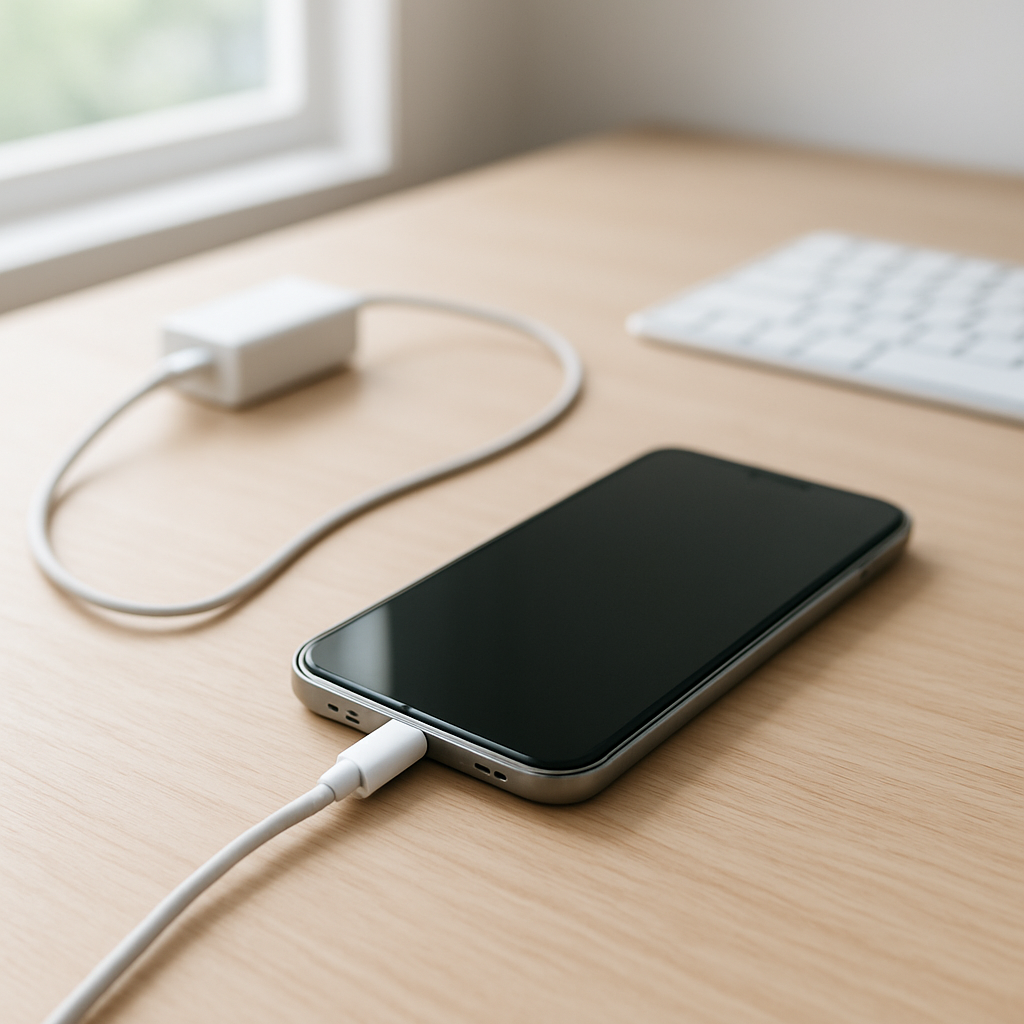
Phone Charging Inconsistent — Unstable Power Input Causes Explained
Quick Answer
Inconsistent charging is most often caused by unstable power delivery: the charger, cable, or charging port isn’t providing clean, steady voltage and current. When the phone detects dips or spikes, it repeatedly starts and stops charging to protect the battery and charging circuits.
This usually shows up as charging that “flickers,” slows down randomly, or only works at certain angles. It can start suddenly after switching chargers, using a worn cable, or after pocket lint builds up in the port over weeks or months.
If you need a fast fix
- Try a different wall charger and a different cable (preferably a known-good original or certified one), then test in a wall outlet (not a laptop USB port).
- Gently clean the charging port opening with a dry, soft tool and bright light inspection (do not use liquids), then reconnect firmly.
- Disable fast charging temporarily (if your phone allows it) and charge from 20% to 80% to see if stability improves.
Quick Diagnosis Table
| Symptom | Most likely cause |
|---|---|
| Charging icon turns on/off when the cable is touched | Loose connector, worn cable end, or debris causing unstable contact at the port |
| “Fast charging” appears, then drops to normal or stops | Charger can’t maintain stable voltage/current under load or cable can’t handle the power |
| Charges fine from one charger but not another | Charger voltage regulation issue or incompatible charging standard |
| Charging is very slow and unpredictable, especially when using the phone | Power input is weak or unstable, so the phone throttles charging to stay safe |
| Works on wireless charging but not wired (or vice versa) | Wired port/cable instability or wireless coil alignment/heat causing power drop |
Why This Happens
Your phone expects a steady flow of power. If the charger or connection can’t hold a stable output, the phone’s charging system constantly renegotiates power or cuts it off to prevent overheating, battery stress, or component damage.
Real-world examples include a cheap adapter that sags when the phone requests fast charging, a cable with broken strands that only connect at certain angles, or a port packed with pocket lint that prevents the plug from fully seating.
When power becomes “noisy” or inconsistent, the symptom you see is the charging indicator toggling, charging speed jumping around, or charging stopping during movement because the phone is reacting to unstable input.
Most Common Causes (Ranked)
- 1) Worn or low-quality cable: A damaged or thin cable can’t carry stable current, especially during fast charging, causing voltage dips and repeated reconnects.
- 2) Dirty or loose charging port: Lint, dust, or a slightly stretched port reduces contact pressure, so tiny movements break the connection and the phone cycles charging on and off.
- 3) Charger (adapter) with poor voltage regulation: Some chargers can’t maintain steady output under load or heat, so the phone throttles, renegotiates, or stops charging intermittently.
- 4) Incompatible fast-charging standard: If the charger and phone don’t fully match (or the cable lacks required support), the device may fall back repeatedly or behave inconsistently.
- 5) Overheating during charging: Heat from a case, sunlight, or heavy use can trigger protection limits, making charging speed fluctuate or pause.
- 6) Power source issues: A loose wall outlet, a weak power strip, or a car USB port with unstable output can cause intermittent charging even with good cables.
If charging becomes steadily more reliable after swapping charger/cable or cleaning the port, that usually indicates the core battery is fine and the issue was power delivery or connection quality.
How to Check the Problem Safely
- Check 1: Test with a known-good charger and cable in a wall outlet. If the problem disappears, your original charger/cable or power source is the likely cause.
- Check 2: Inspect the cable ends for looseness, discoloration, or kinks, then gently wiggle near the connector while plugged in. If charging cuts in and out, the cable is failing.
- Check 3: Look into the phone’s charging port with a bright light. If you see packed lint or the plug doesn’t click/seat firmly, debris or wear is likely causing unstable contact.
- Check 4: Try charging with the phone powered off or in airplane mode for 10–15 minutes. If it becomes stable, the charger may be borderline and the phone’s load is pushing it over the edge.
- Check 5: If available, compare wired vs wireless charging. Stable wireless but unstable wired points toward the cable/port; stable wired but unstable wireless can point to heat or alignment issues.
Safety note: if you smell burning, see melting plastic, or the phone/charger becomes too hot to touch, unplug immediately and stop using that accessory.
How to Fix It
- Fix 1 (easiest): Replace the cable with a certified, data-capable cable from a trusted brand. A good cable reduces resistance and prevents voltage drops that trigger stop-start charging.
- Fix 2: Swap the wall charger for a reputable one that matches your phone’s fast-charging needs. Better regulation keeps voltage steady so charging doesn’t constantly renegotiate.
- Fix 3: Clean the charging port carefully. Power off the phone, use a bright light, and gently remove lint with a dry wooden or plastic pick; this helps the plug seat fully for stable contact.
- Fix 4: Reduce heat and power demand while charging. Remove thick cases, avoid charging in sunlight, stop gaming, and consider turning off fast charging so the input remains stable.
- Fix 5 (advanced/last resort): If the port feels loose, only charges at a specific angle, or cleaning/cables don’t help, the charging port or internal solder joints may be worn and need professional repair.
Signs of Battery or Hardware Damage
- Battery percentage jumps up or down noticeably during charging.
- Phone shuts down or reboots when you plug in the charger.
- Charging port feels loose, the plug won’t “click” in, or it falls out easily.
- Phone or charger gets unusually hot even during light use.
- Swollen battery symptoms: screen lifting, bulging back, or wobbling on a flat table.
- Visible charring, melting, or discoloration on the port, cable tip, or charger.
- Moisture warning messages that persist long after the phone is dry (possible corrosion in the port).
When Repair Is No Longer Worth It
If the phone needs a port replacement, battery replacement, and possibly board-level work to restore stable charging, the total repair cost can approach the value of an older phone. In that situation, repairs make less sense unless you need data recovery or the device is otherwise in excellent condition.
As a rule of thumb, if the repair estimate is more than 30–40% of what it would cost to buy a comparable used or refurbished phone with a healthy battery, replacement is usually the better value.
How to Prevent This Problem in the Future
- Use a reputable charger with correct wattage and supported fast-charging standard for your phone.
- Choose certified cables and replace them at the first signs of looseness, fraying, or intermittent connection.
- Avoid charging from unstable sources like worn car USB ports or loose power strips when possible.
- Keep the port clean by occasionally checking for lint and keeping the phone out of dusty pockets or bags.
- Don’t bend the cable tightly near the connector; strain relief damage is a common cause of power drop.
- Limit heat while charging: remove thick cases, don’t charge under pillows, and avoid direct sun.
- Plug and unplug straight in and out to reduce port wear and maintain firm electrical contact.
FAQ
Is it safe to keep charging if it keeps connecting and disconnecting?
It’s better to stop and troubleshoot. Repeated connect/disconnect cycles can increase heat at the connector and may accelerate wear on the port and cable. Switch to a known-good charger and cable first, and avoid leaving it unattended until charging is stable.
Why does charging become unstable only when fast charging is on?
Fast charging draws higher power and is more sensitive to cable quality and charger regulation. If the charger or cable can’t maintain stable voltage/current, the phone may repeatedly renegotiate power or drop to a slower mode. Turning off fast charging is a useful test and sometimes a practical workaround.
My phone charges fine in one direction but not when I flip the cable. What does that mean?
That usually points to a worn connector or debris preventing a full, even connection. It can also indicate a cable with uneven internal damage near one end. Cleaning the port and replacing the cable typically fixes it; if not, the phone’s port may need repair.
For a full overview of this issue and step-by-step solutions, read the complete troubleshooting guide.
Battery issues rarely come from a single cause. Mark Reynolds focuses on identifying patterns and simple fixes that apply in most situations. For more details, read the complete guide.