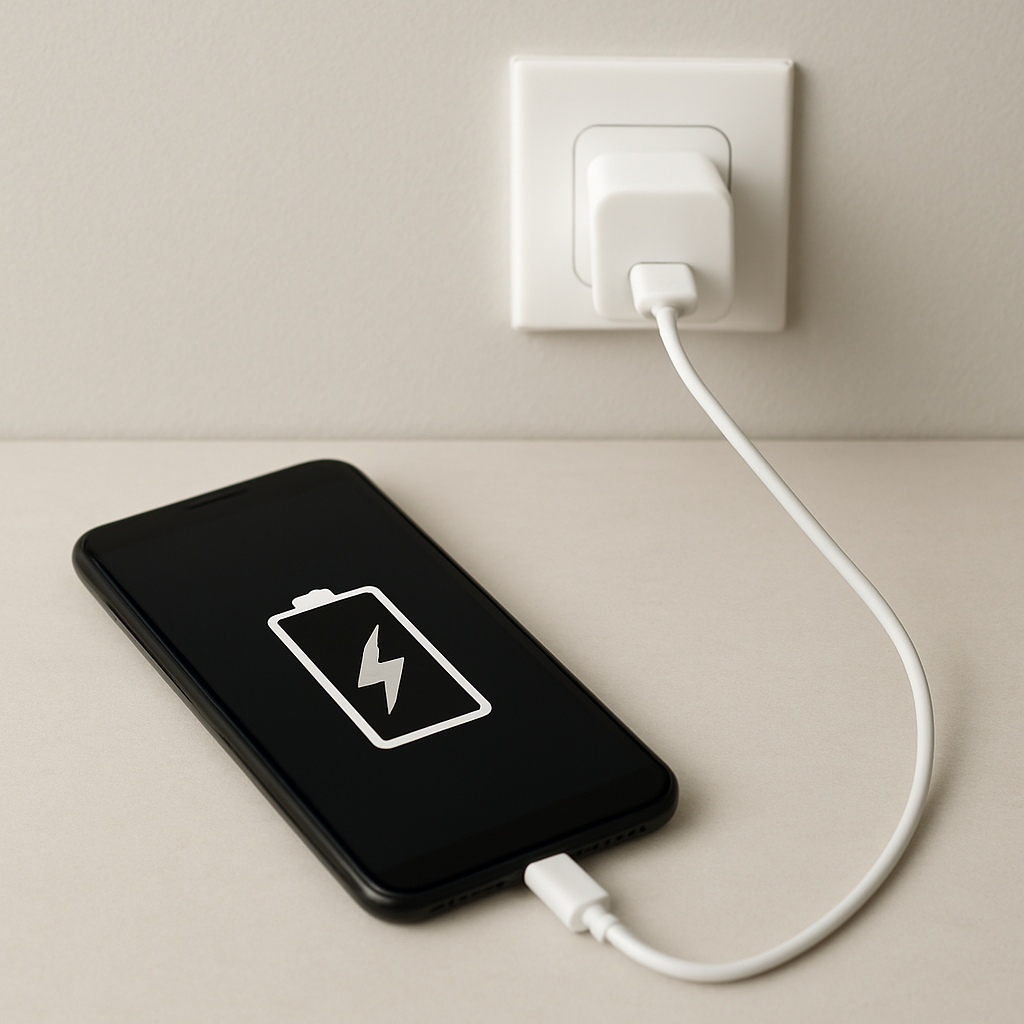
Charging Cable Overheating — Internal Wire Damage and Safety Risks
Quick Answer
A charging cable usually overheats because its internal wires or insulation are damaged, which increases electrical resistance. Higher resistance turns some charging power into heat inside the cable instead of delivering it smoothly to your device.
If the cable is only slightly warm during fast charging, that can be normal, but it should never be hot to the touch. When overheating starts suddenly or gets worse over a few days to a few weeks, it often points to progressive internal strand breakage or insulation breakdown near the plug ends.
If you need a fast fix
- Stop using the cable immediately if it feels hot, smells odd, or the plug area is soft or discolored, then unplug from the wall first.
- Switch to a known-good cable and charger (preferably the original or a certified replacement) and test for normal warmth.
- Charge on a non-flammable surface with the cable fully uncoiled and uncovered, and keep it where you can monitor it.
Quick Diagnosis Table
| Symptom | Most likely cause |
|---|---|
| Cable is hottest near the phone/laptop connector | Internal wire strands breaking at the bend point, raising resistance at the connector end |
| Cable warms along its length, not just the ends | Undersized or low-quality conductors causing high resistance, especially during fast charging |
| Charging cuts in and out when you wiggle the plug | Loose crimp/solder or fractured conductors inside the strain relief creating intermittent high resistance |
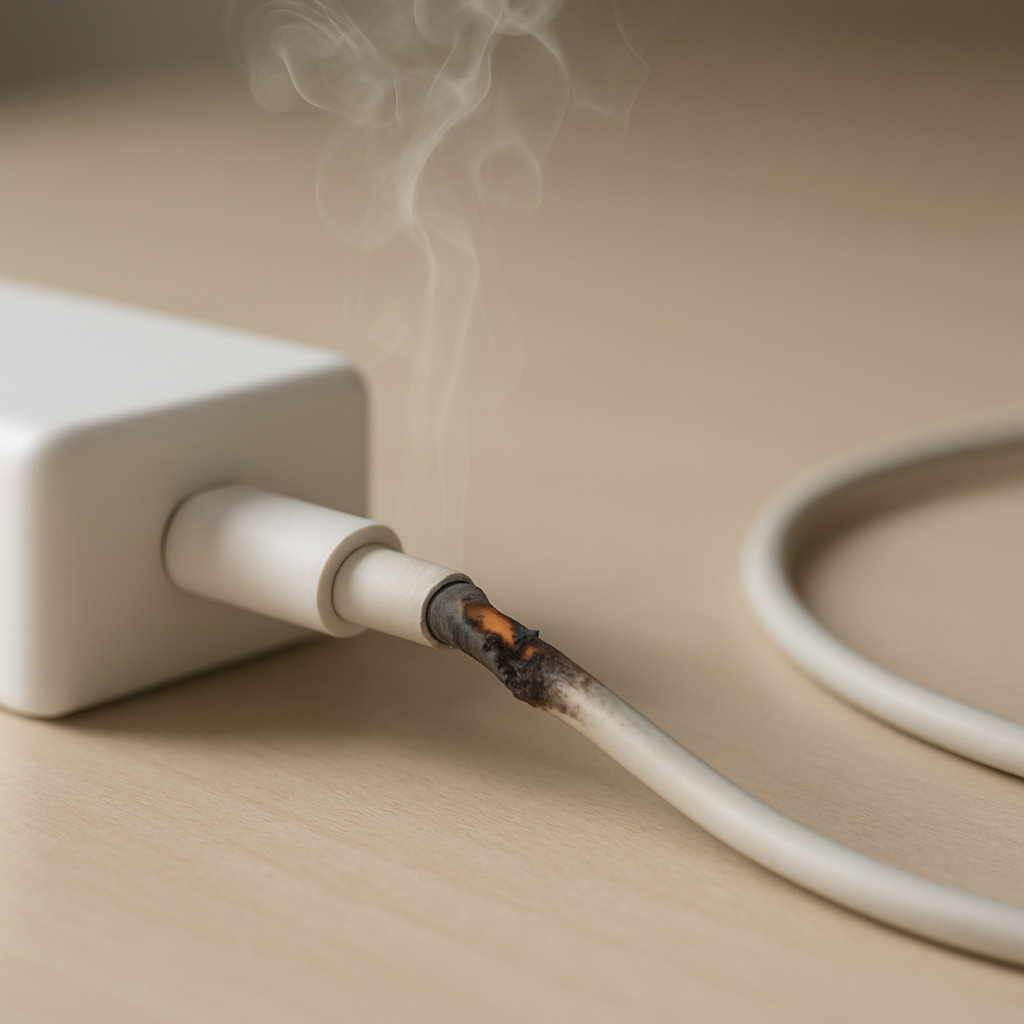
| Connector or port shows darkening, melted plastic, or a hot smell | Insulation breakdown or poor contact causing arcing and localized heating |
| Device charges slowly and the cable runs hot | Voltage drop in the cable from resistance; device and charger may repeatedly renegotiate power |
Why This Happens
Electricity moving through a cable always creates a little heat, but a healthy cable keeps that heat low. When internal copper strands break, corrode, or make poor contact, the remaining pathway becomes “narrower,” which increases resistance and heat.
This is common near the ends of the cable, where bending and pulling happen most. For example, a cable that’s been used while gaming in bed often gets pinched at the connector, and the strain relief slowly hides damage until the cable starts running hot.
In simple terms: damage increases resistance, resistance creates heat, and heat accelerates more damage. That feedback loop is why a cable can go from “fine” to “dangerously hot” in a short time.
Most Common Causes (Ranked)
- 1) Internal conductor fracture near the connector: Repeated bending breaks tiny wire strands inside the jacket, forcing current through fewer strands and creating a hot spot.
- 2) Insulation breakdown or crushed cable section: Pinching under a chair wheel, door, or laptop hinge can deform the cable and damage insulation, raising resistance and heat.
- 3) Poor-quality or counterfeit cable materials: Thin copper (or copper-coated aluminum) and weak terminations increase resistance, which becomes obvious during fast charging.
- 4) Dirty, worn, or loose connector contact: A loose fit or contamination on the plug pins raises contact resistance and heats the plug area, sometimes enough to soften plastic.
- 5) Mismatched charging power (high current through a weak cable): A cable not rated for the charger’s output (for example, high-watt USB-C fast charging) can run hot even if it “works.”
- 6) Moisture exposure leading to corrosion: Sweat, rain, or a spill can corrode internal connections, increasing resistance and causing heating over time.
If replacing the cable reduces heat immediately, that usually indicates the issue was cable resistance or a failing connector rather than the device battery.
How to Check the Problem Safely
- Check 1: Unplug everything and let it cool, then inspect the entire cable under bright light for kinks, flat spots, cuts, or glossy/melted areas.
- Check 2: Look closely at both connectors for discoloration, burnt marks, bent pins, looseness, or a smell like hot plastic.
- Check 3: Try a different known-good cable with the same charger and device, then try the original cable with a different charger to isolate the culprit.
- Check 4: During a short test charge (2–3 minutes), lightly touch the cable at the plug ends only; note whether one end heats much faster than the other.
- Check 5: Check the device’s port for lint or debris (use a flashlight); if needed, gently remove lint with a wooden toothpick, never metal.
If you see melting, sparking, smoke, or the connector becomes too hot to touch, stop testing and replace the cable and possibly the charger right away.
How to Fix It
- Fix 1 (easiest): Replace the cable with a certified, correctly rated one (USB-C PD wattage or reputable Lightning/MFi-equivalent). A higher-quality conductor and termination lowers resistance and heat.
- Fix 2: Clean and reseat connections: remove lint from the device port and wipe the cable plug with a dry, clean cloth. Better contact reduces contact resistance at the connector.
- Fix 3: Reduce charging load temporarily by using a lower-power charger or turning off fast charging (if your device allows it). Lower current means less heat from any remaining resistance.
- Fix 4: Replace the charger/power adapter if it also gets abnormally hot or causes multiple cables to warm up. A failing adapter can create unstable power that worsens heating at weak connections.
- Fix 5 (advanced/last resort): If the device port is loose, damaged, or discolored, get it inspected or replaced by a qualified technician. A worn port can create constant high-resistance contact even with new cables.
Signs of Battery or Hardware Damage
- Battery swelling, screen lifting, or the back cover no longer sits flat
- Device gets very hot even with a different cable and charger
- Charging stops at a certain percentage or drains unusually fast after charging
- Burning smell from the device port or visible discoloration inside the port
- Random reboots, shutdowns, or “accessory not supported” / “moisture detected” warnings
- Charger or cable tip shows pitting, black spots, or melted plastic
- Device only charges at a specific angle or requires pressure on the connector
When Repair Is No Longer Worth It
If the cable has any melting, exposed wire, a persistent burnt smell, or repeated overheating, replacement is the only sensible option. Cable “repairs” like taping or heat-shrinking the outside rarely fix the damaged conductor or unsafe insulation inside.
As a rule, if a safe, certified replacement cable costs far less than the value of the device it charges, replace immediately and avoid risking the device port, battery, or your home. If the device port is damaged too, compare repair cost to the age of the device and whether you’ve already had charging issues more than once.
How to Prevent This Problem in the Future
- Choose cables rated for your charging speed (for USB-C, match the cable’s wattage to your charger, such as 60W or 100W).
- Avoid tight bends at the connector; leave a gentle curve and don’t use the device in ways that lever the plug sideways.
- Unplug by gripping the connector head, not the cable, to protect the internal termination from loosening.
- Keep cables uncoiled and uncovered while charging; trapped heat makes resistance-related heating worse.
- Inspect ports and plugs monthly for lint, looseness, or discoloration, and clean debris before it becomes a poor contact.
- Replace cables at the first sign of intermittent charging, hot spots, or visible kinks, since internal strand damage tends to spread.
- Keep charging gear dry and away from sweat or spills to prevent corrosion that raises resistance over time.
FAQ
Is it normal for a charging cable to get warm?
A slight warmth can be normal, especially with fast charging and higher power levels. The cable should not become hot, painful to touch, or hotter at one small spot. Hot spots usually mean increased resistance from internal damage or poor contact.
Why is the cable hottest near the connector?
The connector area is where cables bend the most, and that repeated bending can break internal wire strands. It’s also where the metal contacts meet, so any looseness or dirt increases contact resistance. Both issues concentrate heat near the plug instead of spreading it out.
Can an overheating cable damage my phone or laptop?
Yes, it can overheat or discolor the charging port and, in severe cases, cause melting or arcing at the connector. Repeated high-resistance charging can also lead to unstable charging behavior and stress components around the port. Replacing the cable early is the easiest way to avoid expensive device repairs.
For a full overview of this issue and step-by-step solutions, read the complete troubleshooting guide.
Mark Reynolds covers battery health, charging limits, and common device issues with a focus on clarity and practical fixes. For a deeper look, visit the full troubleshooting guide.