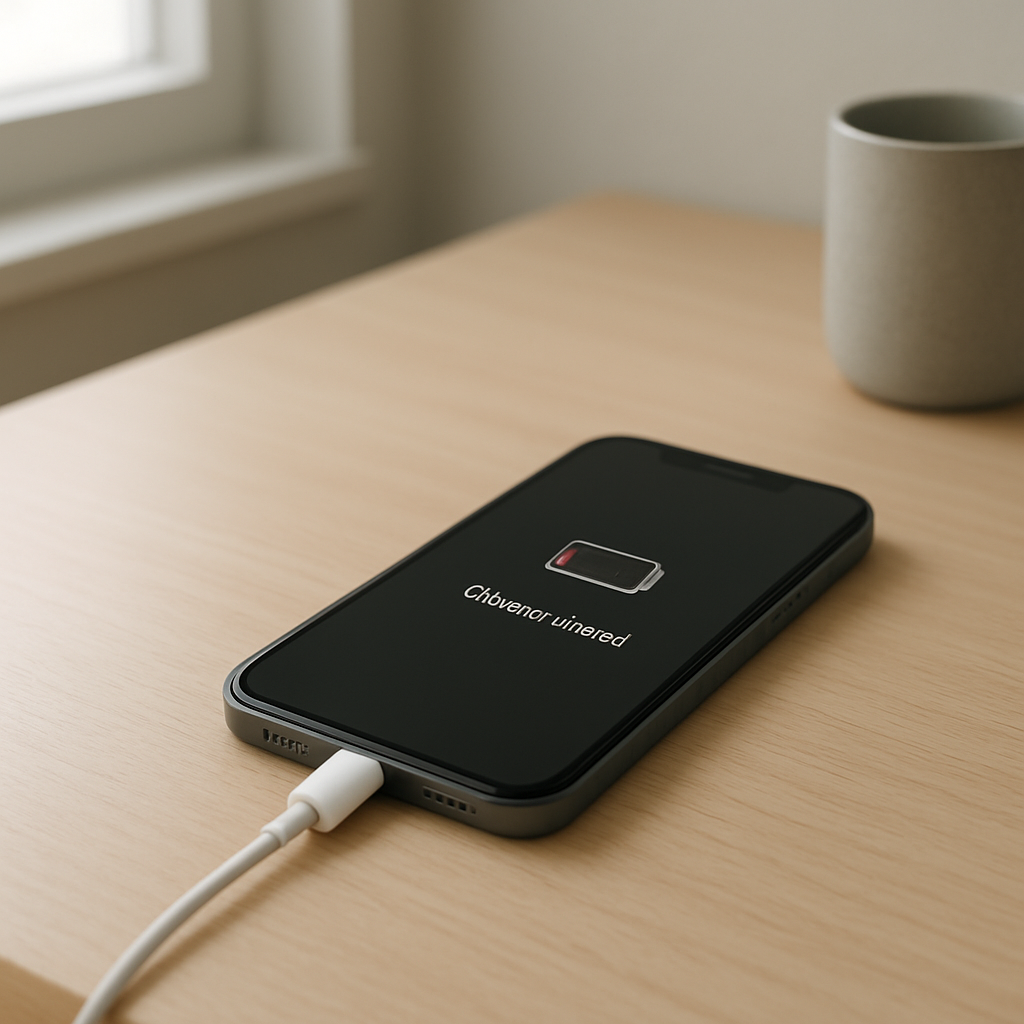
Phone Charging Then Suddenly Stopping — Power Regulation Failure Causes
Quick Answer
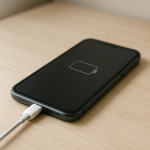
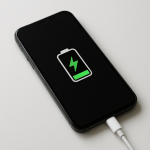
When a phone starts charging and then suddenly stops, the most common reason is a power regulation interruption: the charger, cable, port, or the phone’s internal charging circuit detects unstable voltage/current and triggers protection to prevent damage.
This often happens within seconds to a few minutes after plugging in, especially when the phone is warm, the cable is loose, or the charger can’t hold a steady output under load.
If you need a fast fix
- Unplug everything, wait 30 seconds, then plug in using a different wall outlet and a different cable (preferably an original or certified one).
- Gently clean the charging port with a dry, soft tool (like a wooden toothpick) and try charging again with the phone powered off.
- Remove the case, let the phone cool for 10–15 minutes, then try a slower charger (standard USB-A 5V) instead of fast charging.
Quick Diagnosis Table
| Symptom | Most likely cause |
|---|---|
| Charging starts, then stops after 5–60 seconds | Voltage drop from weak charger/cable, causing the phone to cut off charging for safety |
| Charging only works when the cable is held at an angle | Loose port connection or worn cable plug causing intermittent power regulation resets |
| Fast charging begins, then switches to “not charging” or keeps cycling | Fast-charge negotiation failing due to unstable output, poor cable, or dirty port pins |
| Charging stops when the phone gets warm or while gaming | Thermal protection triggering and pausing charging to protect the battery and regulators |
| Wireless charging starts then stops repeatedly | Coil misalignment, thick case, heat buildup, or the pad’s power adapter sagging under load |
Why This Happens
Your phone doesn’t just “accept power.” It constantly measures incoming voltage and current and adjusts charging to keep the battery safe. If the input becomes unstable, the phone’s charging controller may stop charging instantly.
In real life, instability can come from a cheap adapter that can’t maintain a steady output, a cable with internal breaks, lint in the port preventing a solid connection, or a fast-charging handshake that fails and forces a shutdown.
When the protection triggers, the symptom is simple: charging starts, the phone senses a problem, and it cuts power to avoid overheating, battery stress, or damage to the charging circuit.
Most Common Causes (Ranked)
- 1) Weak or failing charger (voltage sag under load): Some adapters show 5V with no load, but drop when the phone begins pulling power, so the phone stops charging to protect itself.
- 2) Damaged or low-quality cable: A cable with high resistance or a broken internal wire can cause brief charging followed by a cutoff when current demand increases.
- 3) Dirty or worn charging port: Lint, corrosion, or a loose port prevents stable contact, so the phone repeatedly loses and regains power, triggering regulation shutdowns.
- 4) Fast-charging negotiation failure: USB-C Power Delivery or proprietary fast charging needs clean data/power pins; if negotiation fails, the phone may stop and retry in cycles.
- 5) Overheating or thermal throttling: If the battery or charging components get too warm, the phone pauses charging, which can look like “charging suddenly stops.”
- 6) Battery aging or internal charging circuit issues: A worn battery can create abnormal readings, and a failing charging IC or port board can trigger protection even with good accessories.
If the problem improves after swapping the charger/cable or after cleaning the port, that usually indicates the phone hardware is fine and the issue was unstable input power or connection quality.
How to Check the Problem Safely
- Check 1: Try a known-good charger and cable (preferably original or certified) and plug into a wall outlet, not a laptop or power strip.
- Check 2: Inspect the cable ends for looseness, bent metal, or discoloration, then gently wiggle the plug while watching whether the charging icon flickers.
- Check 3: Look into the charging port under bright light; if you see lint packed at the back or green/white residue, the connection may be unstable.
- Check 4: Test charging with the phone powered off or in airplane mode; if it becomes stable, heat or background load may be pushing the charger/cable into voltage drop.
- Check 5: If using wireless charging, remove the case and align the phone carefully; try a different pad and adapter to rule out power supply sag.
Safety note: if you smell burning, see smoke, or the phone becomes unusually hot, stop charging immediately and do not continue testing.
How to Fix It
- Fix 1 (easiest): Swap to a high-quality charger and cable matched to your phone’s needs; stable voltage prevents the protection cutoff that stops charging.
- Fix 2: Clean the charging port carefully (power off the phone first) by gently removing lint with a dry wooden toothpick or soft anti-static brush; a solid contact stops repeated power resets.
- Fix 3: Disable fast charging (if your phone allows it) or use a standard 5V charger for a day; slower charging is more tolerant of marginal cables and reduces heat that can trigger protection.
- Fix 4: Cool the phone and reduce load while charging: remove the case, avoid gaming/video calls, and charge on a hard surface; lowering heat reduces thermal cutoffs and stabilizes regulation.
- Fix 5 (advanced/last resort): If the port is loose, charging only works at an angle, or no accessories help, schedule service for the charging port/port board or charging IC; a failing regulator can repeatedly shut charging off even with perfect power input.
Signs of Battery or Hardware Damage
- The phone gets very hot around the battery area within minutes of charging.
- Charging repeatedly starts and stops with multiple known-good chargers and cables.
- The charging port feels loose, the plug doesn’t “seat” firmly, or the phone only charges in a specific position.
- The battery percentage jumps up or down suddenly, or shuts off at 20–40%.
- Swelling: the screen lifts, the back looks bulged, or the phone rocks on a flat surface.
- Visible corrosion or burning marks in the port or on the cable tip.
- Random reboots or “accessory not supported/moisture detected” warnings that won’t clear after drying.
When Repair Is No Longer Worth It
If the phone needs both a battery replacement and charging port/board repair, the total cost can approach the value of an older device, especially if the model no longer receives updates or has other issues like a cracked screen.
As a rule, consider replacement when repair is more than about half the price of a comparable used or refurbished phone, or when the device shows multiple failure signs (heat, swelling, unstable charging, and random shutdowns) that point to deeper power regulation problems.
How to Prevent This Problem in the Future
- Use certified chargers and cables; stable regulation is far more reliable than off-brand fast chargers that sag under load.
- Avoid charging through loose power strips or worn outlets that can cause brief power dips.
- Keep the port clean by periodically checking for lint, especially if you keep your phone in a pocket or bag.
- Reduce heat while charging: remove thick cases, don’t place the phone under pillows, and avoid heavy apps during fast charging.
- Do not yank the cable sideways; strain on the connector damages the port and creates intermittent contact.
- If you use wireless charging, remove metal accessories and keep alignment stable to reduce heat and repeated stop-start cycles.
- Replace cables at the first sign of looseness or flickering charging; unstable cables are a common trigger for protection shutdowns.
FAQ
Why does my phone charge for a few seconds and then stop?
That pattern usually means the phone detects unstable input power and cuts charging to protect the battery and charging circuit. The most common causes are a weak charger, a damaged cable, or a dirty/loose charging port. Swapping to a known-good charger and cleaning the port fixes many cases.
Can fast charging cause charging to stop?
Yes. Fast charging requires communication between the phone and charger, and it also increases heat and power demand. If the cable is poor, the port is dirty, or the adapter can’t maintain stable voltage, the phone may stop charging or cycle on and off until conditions are safe.
Is it safe to keep plugging it in when it stops charging?
If it only stops and resumes without heat or smell, testing with a different charger and cable is generally safe. If the phone becomes hot, the port looks burnt, or you notice swelling, stop immediately and seek repair. Repeated protection triggers can be a warning that hardware is failing.
For a full overview of this issue and step-by-step solutions, read the complete troubleshooting guide.