Phone Charging Stops at Random Percentage — Battery Sensor or Power Regulation Issue?
Quick Answer
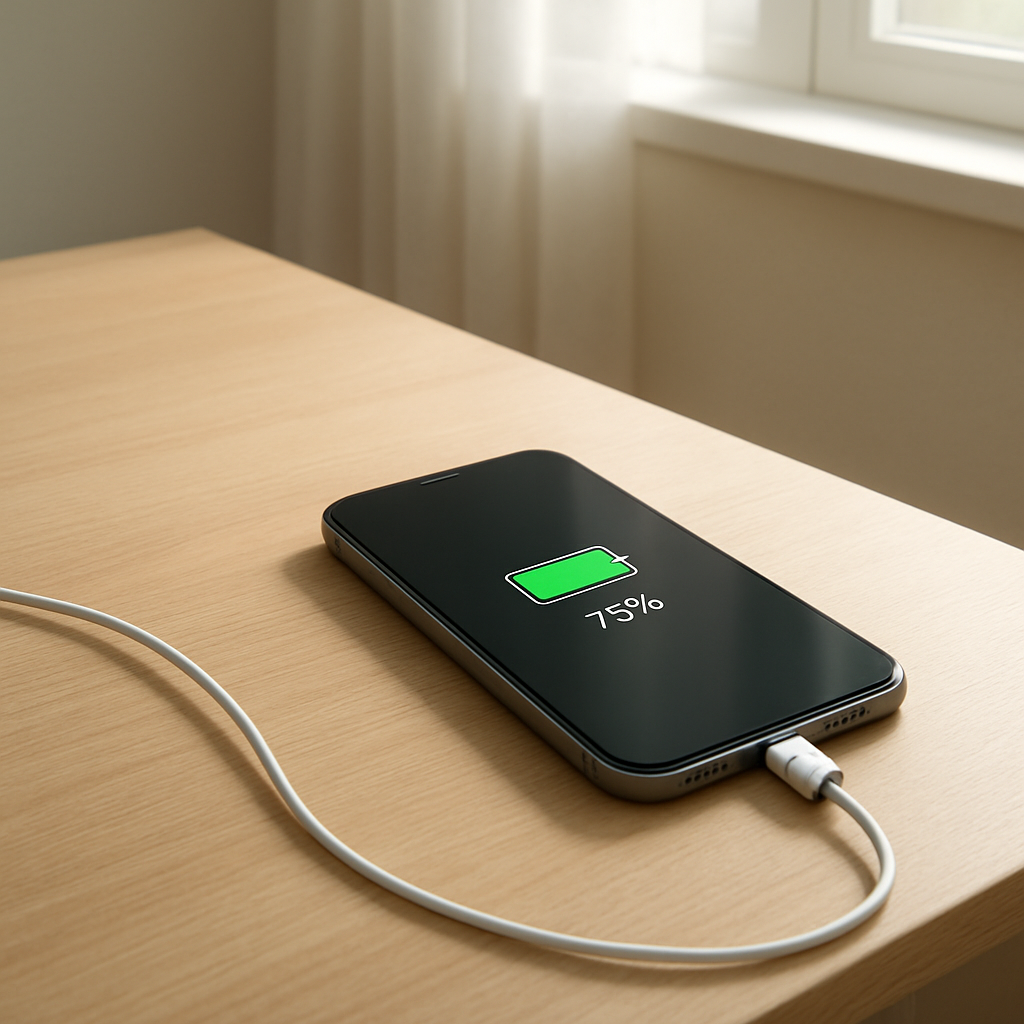
When a phone stops charging at random percentages (like 23%, 67%, or 92%), the most common reason is unstable battery reading from the battery voltage sensor or inconsistent charging regulation from the phone’s power management system. The phone “thinks” the battery is full, too hot, or not accepting power safely, so it pauses charging to protect the battery.
This often shows up after an update, after heat exposure, or as the battery ages. The issue can be occasional at first, then become more frequent over days or weeks if the sensor readings keep drifting or the charging circuitry is struggling.
If you need a fast fix
Restart the phone, then charge with a known-good cable and charger (preferably the original) for 20–30 minutes without using the phone.
Let the phone cool to room temperature, remove thick cases, and avoid charging in direct sun or on warm surfaces.
Clean the charging port gently and dry it if needed, then try a different outlet (not a loose power strip).
Quick Diagnosis Table
Symptom
Most likely cause
Charging stops at different percentages each time, then resumes after unplugging/replugging
Battery sensor reading jumps (voltage/fuel gauge instability) causing the phone to pause charging
Charging stops more often when the phone is warm or fast charging
Power regulation throttling due to temperature or high current demand
Percent jumps up or down suddenly (for example 54% to 61% or 30% to 18%)
Battery calibration drift or aging cell causing inaccurate state-of-charge estimates
Charging stops at high levels (80–95%) and takes a long time to finish
Normal tapering plus “optimized charging” behavior, or sensor noise near full
Charging stops only with one specific cable/charger
Unstable input power or handshake issue (USB-C PD / fast-charge negotiation)
Why This Happens
Your phone doesn’t charge based only on the percentage you see on screen. It relies on internal battery measurements (voltage, current, and temperature) and a controller that decides how much power is safe to send into the battery.
If the voltage sensor (sometimes called a fuel gauge) reports a value that suddenly looks “too high,” the phone may interpret that as “close enough to full” and stop charging. If it reports something that looks unstable, the controller may pause charging to prevent overheating, swelling, or long-term damage.
A common real-world example is charging while using the phone for video or gaming. The phone warms up, the charging system reduces power, and if the sensor readings are noisy, the battery percentage can stall or jump, making it look like charging randomly stops.
In short: inconsistent sensor readings or inconsistent charging regulation leads the phone to pause charging, which shows up as a stuck or randomly stopping percentage.
Most Common Causes (Ranked)
1) Battery voltage sensor (fuel gauge) instability: The battery controller may misread voltage or “state of charge,” especially on aging batteries, causing the phone to stop at a random percent to avoid unsafe charging.
2) Heat-triggered charging throttling: When the phone gets warm, charging regulation reduces or pauses power; this can look random because temperature changes quickly with use, cases, and room conditions.
3) Power delivery/fast-charge negotiation issues: A flaky USB-C cable, worn connector, or off-brand charger can cause unstable voltage/current, making the phone repeatedly drop out of the charging mode.
4) Battery aging (higher internal resistance): As batteries age, the voltage can spike under charge and sag under load, confusing the percentage estimate and triggering early cutoffs.
5) Optimized charging or charge limit features: Some phones intentionally pause around 80% or slow near full; sensor drift can make it appear to stop at slightly different numbers each time.
6) Charging port contamination or moisture detection: Lint, corrosion, or moisture warnings can interrupt charging intermittently, especially if the cable fit is loose.
If the stopping point becomes less frequent after cooling the phone, switching accessories, or cleaning the port, that gradual improvement usually indicates a regulation or connection issue rather than a sudden battery failure.
How to Check the Problem Safely
Check 1: Try a known-good charger and cable (ideally manufacturer or certified). Charge for 15 minutes with the screen off and no heavy apps running.
Check 2: Feel for heat. If the phone is noticeably warm near the camera or back center, stop charging, let it cool, then retry in a cooler spot with the case removed.
Check 3: Watch for percent jumps. If the percentage changes by several points in seconds after plugging in or rebooting, that strongly suggests calibration drift or sensor instability.
Check 4: Inspect and clean the port. Use a flashlight to look for lint; gently remove debris with a wooden toothpick or soft brush, then re-test cable fit for wobble.
Check 5: Check battery health (if your phone provides it). A low maximum capacity or “service recommended” message supports an aging battery or measurement problems.
Safety note: if you see swelling, smell a sweet/chemical odor, or the phone becomes extremely hot, stop charging immediately and move it away from flammable materials.
How to Fix It
Fix 1 (easiest): Replace the cable and charger with a reputable set. Stable input power reduces dropouts that can trigger charging regulation to pause.
Fix 2: Cool-and-charge routine: charge in a cool room, remove the case, and avoid using the phone while charging. Lower temperature makes the regulator less likely to throttle or stop.
Fix 3: Clean and stabilize the connection: fully clean the port and ensure the plug seats firmly. A secure connection prevents brief power losses that look like a “random” stop.
Fix 4: Reset charging behavior: disable optimized charging/charge limit temporarily (if available) and reboot. This helps you tell the difference between intentional pauses and sensor/regulation faults.
Fix 5 (advanced/last resort): Battery recalibration and service: let the phone run down to a low level (not 0% for hours), then charge uninterrupted to 100% once, and if the issue persists, schedule a battery replacement or diagnostics. If the sensor or power circuit is unstable, hardware service is the real fix.
Signs of Battery or Hardware Damage
Battery percentage drops rapidly even with light use, then “recovers” after plugging in.
Phone gets unusually hot during charging, especially near the battery area, even with slow charging.
Charging only works at certain cable angles or disconnects with small movements.
Sudden shutdowns at 10–40% battery, or reboots when opening the camera or games.
Noticeable battery swelling, screen lift, or back cover separating.
Burning/chemical smell, sizzling sounds, or visible corrosion in the charging port.
Charging never goes past a low threshold (for example 1–20%) even with different chargers.
When Repair Is No Longer Worth It
If your phone needs both a battery replacement and charging-port or mainboard work, the combined cost can approach the value of the device, especially on older models. Frequent random charge stops plus heat and shutdowns often mean the battery is worn and the regulation circuit is working overtime.
As a rule, if repair costs are more than about 30–50% of the price of a comparable replacement phone, replacement is usually the better value. If the phone is newer or high-end, a battery swap alone is often worth it and commonly resolves sensor-related charging stalls.
How to Prevent This Problem in the Future
Use a high-quality charger and cable (manufacturer, USB-IF certified, or reputable brand) to keep input power stable.
Avoid charging while doing heavy tasks; heat makes charging regulation more likely to pause.
Keep the battery in a moderate range when possible (about 20–80%) to reduce sensor drift and battery aging.
Don’t leave the phone baking in a car or direct sun, especially while charging.
Keep the charging port clean and dry; pocket lint buildup is a common cause of intermittent power.
Prefer slower charging when the phone is warm; fast charging is convenient but raises temperature and stress.
Install system updates, but if the issue starts right after an update, restart and re-test with different accessories to rule out a simple charging-profile glitch.
FAQ
Is it normal for a phone to stop charging at 80% or 85%?
Yes, many phones pause or slow charging around 80% due to optimized charging or battery protection features. What’s not normal is stopping at a different random number each time, or stopping with no setting enabled. If disabling optimized charging changes the behavior, it’s likely intentional rather than a fault.
Why does unplugging and replugging make it charge again?
Replugging forces the phone and charger to renegotiate power and resets the charging controller’s decision. If the issue is a noisy sensor reading or unstable input power, that reset can temporarily put it back into a normal charging state. If it keeps happening, focus on cable/charger quality, heat, and battery health.
Will a battery replacement fix random charging stops?
Often, yes—especially if the battery is aging and causing voltage spikes or inaccurate readings. A new battery can stabilize voltage behavior and improve sensor accuracy, reducing protective cutoffs. If the problem continues after a confirmed good battery, the charging port or power management hardware may need professional diagnosis.