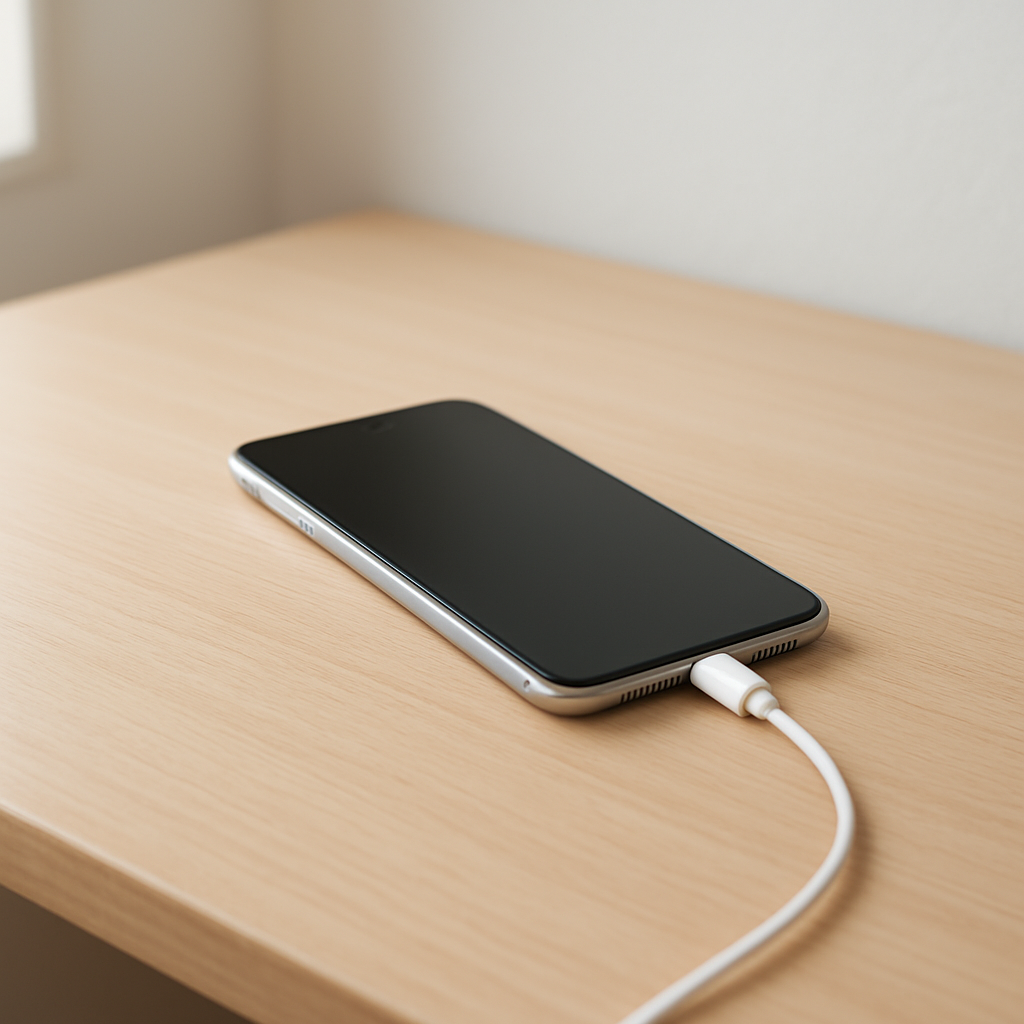
Phone Charging Slow With a New Cable — Compatibility and Power Issues Explained
Quick Answer
The most common reason a phone charges slowly with a new cable is that the phone and charger can’t “agree” on a higher charging mode, or the new cable has enough resistance that it limits how much current can safely flow. When that happens, your phone falls back to basic charging (often 5W–10W), even if your charger and phone support faster speeds.
This usually means nothing is broken—just a mismatch between the cable, the charger, and your phone’s fast-charging standard. It’s normal to see a big difference in time: a phone that usually hits 50% in about 30 minutes might take 60–90 minutes or more when it’s stuck in slow charging.
If you need a fast fix
- Try a different wall charger and a different outlet (avoid laptops, car USB ports, and cheap multi-port hubs for testing).
- Use a short, known-good cable rated for fast charging (and the correct type, like USB-C to USB-C for USB-C fast charging).
- Turn on Airplane mode or stop heavy apps for 10 minutes while charging to confirm it’s a power delivery issue and not high phone usage.
Quick Diagnosis Table
| Symptom | Most likely cause |
|---|---|
| Phone says “Charging” but not “Fast charging” | Power negotiation mismatch (charger/cable doesn’t support your phone’s fast-charge standard) |
| Charging speed is worse with a longer cable | Cable resistance and voltage drop limiting effective current |
| Charges fast on one charger but slow on another | Charger output limits (wrong USB port, low-watt adapter, or missing PD/QC support) |
| Cable gets warm or plug feels hot | High resistance connection, worn/dirty port, or low-quality cable causing power loss |
| Charging slows dramatically after 60–80% | Normal battery protection behavior (not usually a cable issue, but can look like one) |
Why This Happens
Modern phones don’t just “take power” from any cable and charger. They negotiate a safe charging level, and fast charging only happens when the phone, charger, and cable all support the same method (like USB Power Delivery, Quick Charge, or a brand-specific protocol).
A new cable can look identical but behave very differently. Some are “charge-only” or designed mainly for data, some are USB-A to USB-C (often limited), and some USB-C cables are built for low wattage. Longer and thinner cables also add resistance, which wastes power as heat and leaves less voltage at the phone.
When the phone detects that power is unstable or the connection can’t handle higher current, it protects itself by lowering the charging rate. The result is simple: the phone charges, but slower than expected.
Most Common Causes (Ranked)
- 1) Cable doesn’t support the fast-charging standard: Many cables are not USB-PD capable or don’t meet the requirements for higher wattage, so the phone stays in basic charging.
- 2) USB-A to USB-C limitations: If you switched from USB-C to USB-C to a USB-A to USB-C cable, your phone may lose USB-PD fast charging and drop to slower modes.
- 3) High cable resistance (especially long/cheap cables): Thin wire, long length, or poor internal construction causes voltage drop, so charging current is reduced for safety and stability.
- 4) Charger port or adapter isn’t delivering what you think: Multi-port chargers may split power, certain ports may be lower output, and some adapters advertise high watts that aren’t available on your port type.
- 5) Dirty or loose phone port/connector fit: Lint or a worn port increases resistance and interrupts negotiation, which often forces slower charging.
- 6) Heat or background use is throttling charging: If the phone is warm, gaming, using navigation, or in direct sun, it may intentionally charge slowly to protect the battery.
If charging speed improves a bit after you change one item (like the adapter or cable), that usually indicates you’re close to the correct compatibility match rather than dealing with a failing battery.
How to Check the Problem Safely
- Check 1: Look at the charging message on the lock screen or in battery settings (for example: “Fast charging,” “Charging rapidly,” or just “Charging”). This confirms whether the phone entered a fast-charge mode.
- Check 2: Test with one known-good setup: a quality wall adapter and a short cable that came with the phone (or a reputable replacement). If speed returns, the new cable is the issue.
- Check 3: Compare USB-C to USB-C versus USB-A to USB-C. If USB-C to USB-C is noticeably faster, you’re likely losing USB-PD negotiation on USB-A.
- Check 4: Feel for heat after 10 minutes of charging (carefully). A slightly warm cable is normal, but a hot connector or adapter suggests resistance or poor contact.
- Check 5: Inspect and clean the phone port gently using a dry, non-metal tool (like a wooden toothpick) and a bright light. Lint packed in the bottom can prevent a solid connection.
Safety note: if you notice burning smell, visible melting, or the connector becomes too hot to touch, unplug immediately and stop using that cable or charger.
How to Fix It
- Fix 1 (easiest): Switch to a USB-C to USB-C cable and a USB-PD wall charger. This restores proper power negotiation for most modern Android phones and newer iPhones (with USB-C models).
- Fix 2: Use a shorter, thicker cable from a reliable brand and rated for the wattage you need (for example 60W or 100W for USB-C cables). Lower resistance means less voltage drop and steadier fast charging.
- Fix 3: Match the charger to your phone’s fast-charge type. Many phones favor USB-PD PPS, while others use Quick Charge or a brand-specific standard; the wrong adapter can work but at reduced speed.
- Fix 4: Clean the port and ensure the plug clicks in firmly. A solid connection reduces resistance and prevents the phone from dropping to slower charging modes.
- Fix 5 (advanced/last resort): Check your phone’s battery health (if available) and consider replacing the cable plus the adapter together. Mixing a marginal adapter with a marginal cable can create unstable charging that looks like a phone problem.
Signs of Battery or Hardware Damage
- Charging repeatedly starts and stops even with multiple known-good cables and chargers.
- Battery percentage jumps, stalls for long periods, or drops quickly right after unplugging.
- Phone reports moisture/debris warnings that don’t go away after the port is dry and clean.
- Connector feels loose, wobbly, or will only charge at a certain angle.
- Phone gets unusually hot during light use while charging, even with a quality charger.
- Swollen battery symptoms: screen lifting, back cover bulging, or the phone rocking on a flat surface.
- Charging is slow across all chargers and cables, and battery life has noticeably worsened in the same timeframe.
When Repair Is No Longer Worth It
If the issue follows the phone across multiple proven chargers and cables, and the port is physically loose or damaged, a port repair may be needed. For older phones, the repair cost plus inconvenience can exceed the value you get back, especially if the battery is also aging.
As a rule, if repair approaches a large fraction of the phone’s resale value, consider replacement instead. If the phone is otherwise in great shape and you plan to keep it another year or more, a port or battery replacement can still be a cost-effective fix.
How to Prevent This Problem in the Future
- Buy cables that clearly state their charging rating (wattage) and support for USB-PD (and PPS if your phone uses it).
- Prefer USB-C to USB-C for modern fast charging; use USB-A only when you accept slower charging.
- Avoid extra-long cables unless they are specifically built for higher power; longer length increases resistance and voltage drop.
- Use reputable chargers with the correct fast-charge standard, not just “high watt” marketing claims.
- Keep the phone’s charging port clean and protect it from pocket lint by avoiding open ports in dusty environments.
- Don’t charge under pillows, in direct sun, or while gaming heavily; heat causes charging to slow down.
- Replace cables at the first sign of looseness, fraying, or intermittent charging to prevent overheating and connector wear.
FAQ
Does a new cable need “break-in” time to charge faster?
No. A cable doesn’t improve with use in a way that increases charging speed. If charging gets better over time, it’s usually because conditions changed (cooler temperature, fewer apps running, different outlet/adapter), not because the cable “settled in.”
Why is USB-C to USB-C faster than USB-A to USB-C for my phone?
Most fast charging today relies on USB Power Delivery, which normally requires USB-C on the charger side. USB-A ports often top out at lower power levels or use different fast-charge methods, so your phone may fall back to basic charging even though it still says “Charging.”
Can a cheap cable slow charging even if it says “fast charge” on the package?
Yes. Some low-cost cables use thinner wiring or poor connectors that increase resistance, wasting power as heat and forcing the phone to reduce charging current. A genuinely fast-charging cable will list a wattage rating and come from a brand that meets USB-IF/PD expectations.
For a full overview of this issue and step-by-step solutions, read the complete troubleshooting guide.