Quick Answer
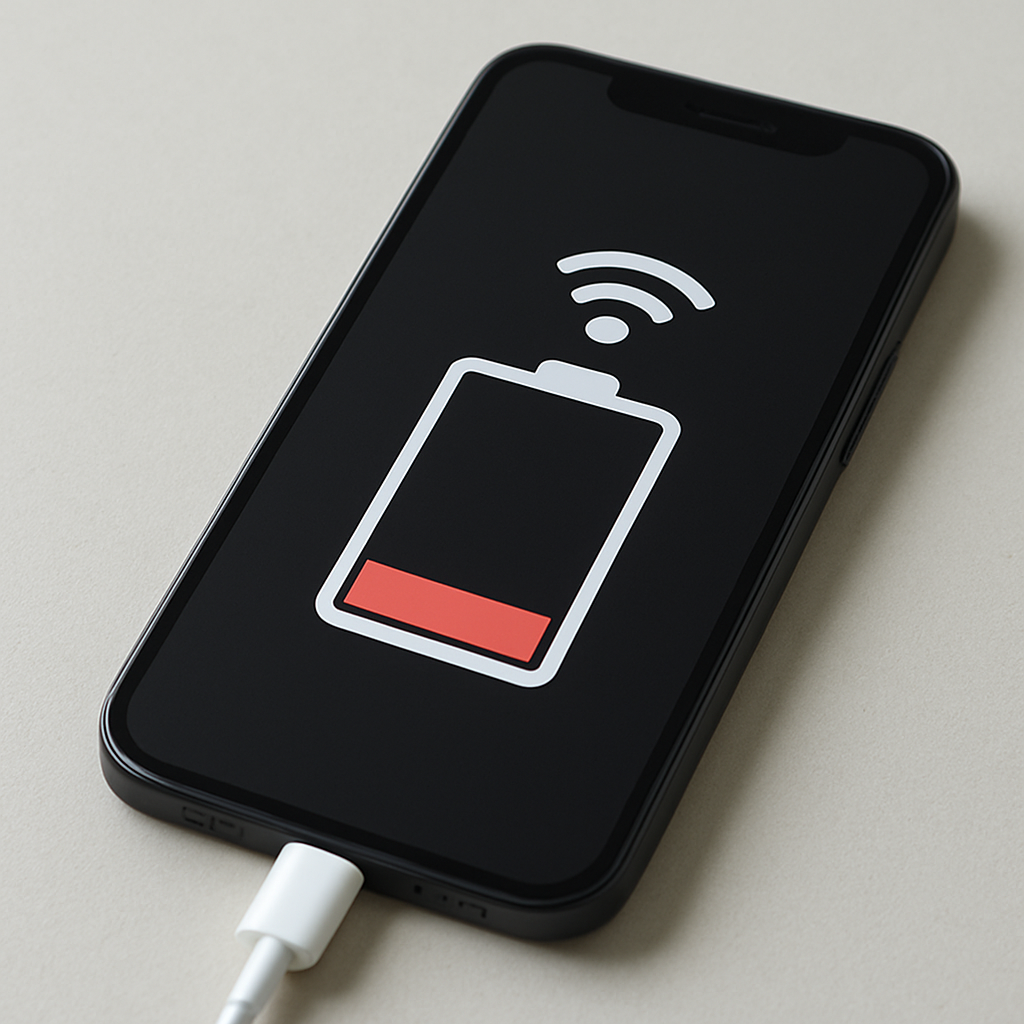
Your phone battery often drains faster on mobile data because the cellular modem must maintain a longer-range connection to cell towers, constantly adjust transmit power, and handle background network activity. This becomes much worse in weak signal areas, during 5G usage, or when apps sync heavily in the background.
Quick Diagnostic Checklist
- Signal check: if you are at 1–2 bars (or frequently switching towers), battery drain will increase.
- 5G test: switch to 4G/LTE for one day and compare battery life.
- Idle test: leave the phone idle for 60 minutes on mobile data with screen off and compare to Wi-Fi.
- Background data: review which apps used the most mobile data recently and restrict background data for non-essential apps.
- Hot phone check: warmth during light use can indicate the modem is working hard (signal searching or heavy background transfers).
What This Problem Means
Mobile data uses a cellular radio (modem) that must continuously communicate with nearby towers. Unlike Wi-Fi (short range to a router), cellular connections require more power management: the phone may increase transmission power when coverage is weak, negotiate network handoffs while you move, and keep the radio active to send and receive background data.
Normal vs Abnormal Battery Drain on Mobile Data
- Normal: battery drains somewhat faster on mobile data than on strong Wi-Fi.
- More noticeable: drain increases when signal is weak, when traveling, or when using 5G in unstable coverage.
- Potentially abnormal: rapid drain even when idle, phone gets warm with minimal use, or drain suddenly worsens without changes in habits.
Common Causes
Weak cellular signal (high transmit power)
When coverage is poor, the phone increases radio power to keep the connection stable. This is one of the biggest reasons mobile data drains battery faster.
Network switching and tower handoffs
Moving between areas can trigger frequent handoffs (tower changes) and mode switches (4G ↔ 5G). These transitions require extra processing and keep the modem active.
5G behavior in mixed coverage
In some areas, 5G coverage is inconsistent. The phone may repeatedly search, reconnect, or fall back to LTE, which can increase power usage compared to staying on a stable LTE connection.
Background app syncing on mobile data
Many apps refresh feeds, sync messages, upload photos, back up data, and update content automatically. On mobile data, these background transfers can keep the modem awake more often than you expect.
High-throughput usage (streaming, navigation, calls)
Streaming video, video calls, large downloads, and real-time navigation keep the modem active continuously and increase battery drain.
Location services combined with data
Some apps combine GPS with data for maps, geofencing, and tracking updates. When both are active, power consumption can rise.
Professional Diagnostic Procedure
Step 1 — Compare Wi-Fi vs Mobile Data (same usage)
For one hour, keep usage similar (same apps, similar screen time). Compare battery loss on Wi-Fi vs mobile data.
Step 2 — Force LTE for one day
Switch preferred network type to 4G/LTE for 24 hours. If battery improves, 5G searching or unstable coverage is a likely contributor.
Step 3 — Test in a strong signal location
Repeat your normal routine where coverage is strong. If battery drain improves significantly, weak signal is the primary cause.
Step 4 — Identify background data “heavy hitters”
Check your phone’s battery/data usage screens. Restrict background data for apps that do not require real-time updates.
Step 5 — Check for heat and abnormal idle drain
If the phone becomes warm in your pocket during light use, the modem may be working continuously. That points to poor coverage, constant syncing, or repeated network switching.
How to Fix or Reduce Battery Drain on Mobile Data
- Use Wi-Fi when available (especially for downloads, updates, and backups).
- Limit background data for social, video, and shopping apps that do not need constant refresh.
- Enable Data Saver / Battery Saver to reduce background activity.
- Lower streaming quality on cellular to reduce constant high-throughput transfers.
- Turn off mobile data in very weak signal areas when you do not need it (elevators, underground, remote zones).
- Prefer LTE in unstable 5G zones if your phone supports selecting a preferred network type.
- Disable unnecessary location features for apps that do not need continuous tracking.
When It May Indicate a Real Problem
- Battery drops rapidly even when the phone is idle with screen off.
- The phone becomes unusually warm during light usage.
- Battery performance suddenly worsens without any change in your routine.
- Data usage appears high when you are not actively using apps.
These patterns can indicate a misbehaving app, stuck background syncing, modem instability, or battery aging.
Prevention Best Practices
- Keep your operating system updated for radio and power management improvements.
- Review app permissions and background data access regularly.
- Download large content on Wi-Fi (offline maps, music, videos).
- Be aware that weak signal environments increase power usage significantly.
FAQ
Why does mobile data use more battery than Wi-Fi?
Cellular connections require longer-range communication with towers and constant signal management, which typically consumes more power than short-range Wi-Fi.
Does 5G always drain more battery than 4G?
Not always. The biggest drain often comes from unstable coverage and frequent switching. In many areas, stable LTE can be more power-efficient.
Should I turn off mobile data to save battery?
If you do not need connectivity, turning off mobile data can save battery—especially in poor signal zones.
Can weak signal damage the battery?
Weak signal does not directly damage the battery, but it can cause faster drain and more frequent charging, which contributes to long-term wear.
Related Guides
- Phone Battery Draining Overnight
- Device Battery Draining When Idle
- Phone Battery Draining in Airplane Mode
Conclusion
It is normal for battery life to drop faster on mobile data than on Wi-Fi. The main drivers are weak signal (higher transmit power), network switching, background syncing, and heavy data activity. By stabilizing the network mode, limiting background data, and using Wi-Fi for large transfers, you can reduce mobile-data battery drain significantly.
For a full overview of this issue and step-by-step solutions, read the complete troubleshooting guide.