Charging Cable Overheating Fix
Quick Answer
A charging cable usually overheats because electricity is being forced through too much resistance. The most common reasons are internal wire damage (often near the ends), a low-quality or wrong-spec cable, an overloaded setup (fast charging through a thin cable), or dirty/loose connectors that make the charger “work harder” and turn power into heat.
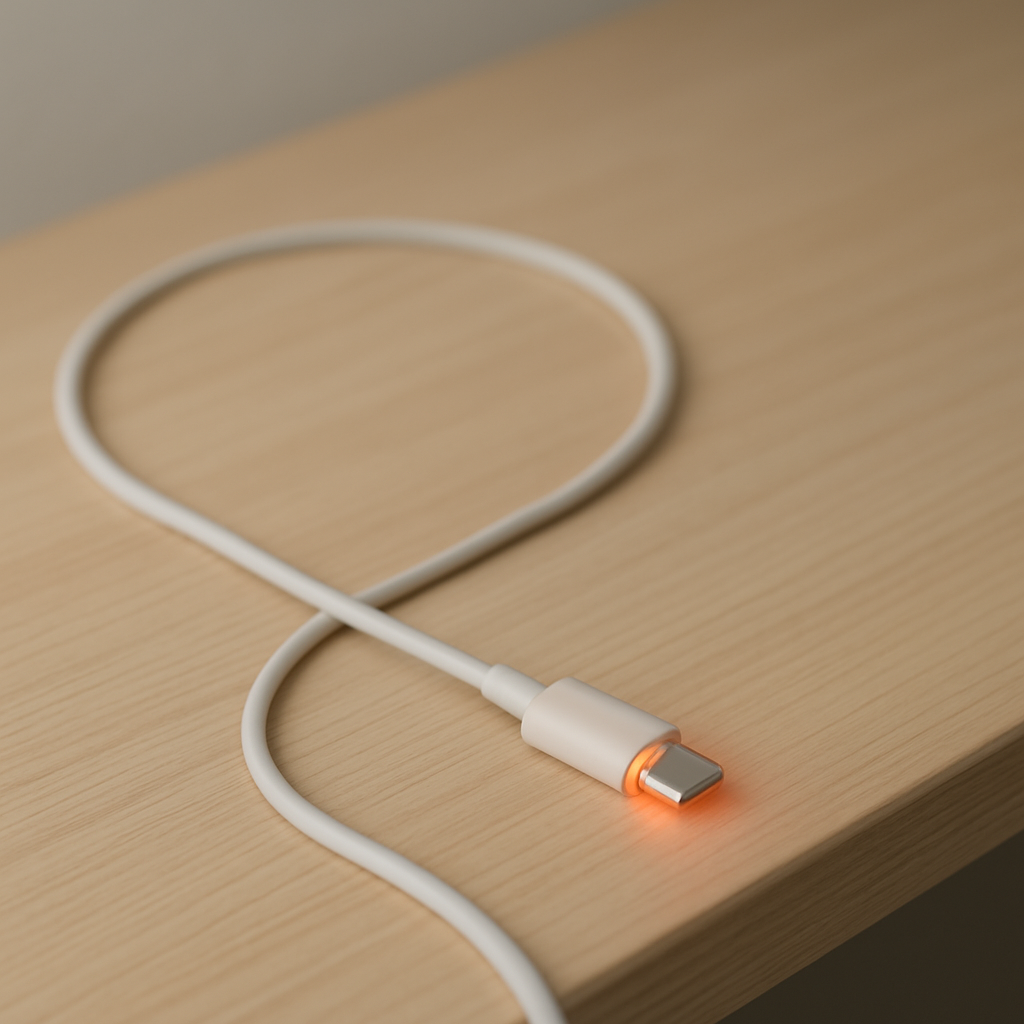
It’s normal for a cable to feel slightly warm during fast charging, especially in the first 10–20 minutes. It is not normal if it becomes hot to the touch, smells like plastic, discolors, or heats up quickly even at low battery use.
If you need a fast fix
- Unplug now and let it cool. Heat can lead to melting, shorts, or fire risk, so stop charging until you identify the cause.
- Switch to a known-good cable and charger. Use an original or certified cable that matches your device’s charging type (USB-C, Lightning, etc.).
- Plug directly into the wall (no hubs/extension chains). Remove adapters, multi-port hubs, or loose extension cords that can add resistance and heat.
Quick Diagnosis Table
| Symptom | Most likely cause |
|---|---|
| Cable is hottest near the phone end or connector | Internal wire damage from bending, or dirty/loose port causing resistance at the plug |
| Cable gets hot only during fast charging | Cable not rated for the current (thin/cheap cable), or charger/device pulling high power |
| Charging is slow and the cable/adapter runs hot | High resistance from poor-quality cable, damaged strands, or a worn connector |
| Cable heats up even with a different phone | Faulty cable (broken conductors, poor crimps), or counterfeit/low-grade materials |
| Port area smells, looks dark, or charging cuts in and out | Debris/corrosion in port, arcing from a loose fit, or heat damage already in progress |
Why This Happens
Charging cables carry current from your charger to your device. When the cable, connector, or port has high resistance, part of that electrical energy turns into heat instead of charging your battery efficiently.
Real-world examples are common: a cable that’s been bent sharply near the plug, a cheap “fast charge” cable that isn’t truly rated for high power, or lint in the phone’s port that prevents a snug connection. Any of these makes electricity “struggle” through a smaller contact area, which increases heat.
In short, damage or poor contact increases resistance, resistance creates heat, and heat can worsen damage and cause charging failures.
Most Common Causes (Ranked)
- 1) Internal wire damage near the ends: Repeated bending and pulling breaks wire strands inside the insulation, creating a hot spot even if the outside looks fine.
- 2) High resistance from a poor-quality or wrong-spec cable: Thin conductors, bad shielding, or fake “high watt” labels cause overheating during normal use, especially with fast charging.
- 3) Overload from fast charging through an under-rated cable: A high-power charger and modern phone can draw more current than a basic cable can handle, so the cable heats up first.
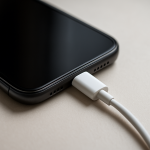
- 4) Dirty, loose, or worn connectors (phone port or plug): Lint, corrosion, or a wobbly fit reduces contact area and can create heat at the connector, sometimes with intermittent charging.
- 5) Heat trapped by cases, blankets, or direct sun: The cable and connector can run warmer than normal if they can’t shed heat, making a marginal cable suddenly feel “too hot.”
- 6) Damaged charger, adapter, or extension chain: A failing wall adapter, loose power strip socket, or USB hub can add resistance or unstable power that increases heating.
If the cable runs cooler after switching to a better cable/charger or cleaning the port, that gradual improvement usually means the issue was resistance, not your battery.
How to Check the Problem Safely
- Check 1: Inspect the cable in bright light, especially 1–2 inches from each connector. Look for kinks, flattening, hard spots, fraying, discoloration, or melted plastic.
- Check 2: Feel for a localized hot spot during a short test charge. Plug in for 2–3 minutes, then unplug and touch the cable along its length to find where heat concentrates.
- Check 3: Try a different known-good cable and charger. If overheating stops, the original cable or charger is the likely fault.
- Check 4: Check the device port for debris. Power off the device, shine a light into the port, and look for lint or darkened pins.
- Check 5: Reduce the load and compare. Turn on airplane mode or stop gaming/video and test again; less load reduces current and can reveal an under-rated cable.
Safety note: If you see melting, smell burning plastic, or the connector is too hot to hold, stop using that cable and charger immediately and do not “test it again.”
How to Fix It
- Fix 1 (easiest): Replace the cable with a certified, correctly rated one. A proper cable reduces resistance and hot spots, especially for USB-C fast charging.
- Fix 2: Swap the charger (power adapter) and avoid multi-adapter chains. A stable, quality adapter prevents excess heat from voltage drops and poor connections.
- Fix 3: Clean the charging port carefully. Use dry compressed air or a soft, non-metal tool to remove lint so the plug seats fully and makes solid contact.
- Fix 4: Stop bending the cable at the connector and use strain relief. Route the cable so it isn’t pulled sideways; this prevents internal strand breakage that causes resistance heating.
- Fix 5 (advanced/last resort): If the port is loose, charges intermittently, or shows burn marks, get the device inspected for port replacement. A damaged port can continue to overheat even with new cables.
Signs of Battery or Hardware Damage
- Charging stops and starts when the cable is touched or moved.
- Burning smell, melted plastic, or visible discoloration on the plug, port, or cable.
- The device gets unusually hot near the charging port or battery area during light use.
- Battery percentage jumps, stalls, or drops quickly after unplugging.
- Adapter or wall plug is hot enough to be painful to touch.
- Port looks darkened, corroded, or has bent pins.
- Device reports “moisture detected,” “accessory not supported,” or repeated charging warnings with multiple cables.
When Repair Is No Longer Worth It
If the cable is overheating, the simplest and safest choice is usually replacement. Cables are consumable parts, and internal damage is hard to verify or repair reliably at home.
Replace immediately if there is melting, scorching, or intermittent charging, because the risk and inconvenience outweigh the cost. If overheating persists with a new cable and quality charger, the better value is having the device port checked rather than buying multiple cables that won’t fix the root cause.
How to Prevent This Problem in the Future
- Buy cables that match your charging needs, including wattage and data/charging specs, not just the connector shape.
- Avoid ultra-cheap or unbranded cables; poor copper thickness and weak connectors increase resistance and heat.
- Do not charge while the cable is pinched under a pillow, blanket, or seat where heat can’t escape.
- Unplug by gripping the connector, not the cable, to prevent internal strand breakage near the ends.
- Keep the port clean and dry; lint and corrosion reduce contact area and can cause arcing and hot spots.
- Use a single, solid power path: wall adapter and cable straight to the device, avoiding hubs and loose extenders.
- Replace cables at the first signs of kinks, looseness, or “only charges at an angle,” before overheating starts.
FAQ
Is it normal for a charging cable to get warm?
A little warmth can be normal, especially with fast charging, because higher power means more current. The cable should never be hot, smell odd, or become uncomfortable to touch. If it heats up quickly within a few minutes, treat it as a problem and stop using it.
Can a bad cable damage my phone or battery?
Yes, a bad cable can cause unstable charging, arcing at the connector, and excess heat at the port. While many devices have protections, repeated heat and poor contact can still wear out the port or stress the charging circuitry over time. Replacing a suspicious cable early is cheaper than repairing a port.
Why does the cable overheat only with one charger or one outlet?
Some chargers deliver higher power and expose an under-rated cable, and some outlets or power strips have loose contacts that add resistance. Try a quality wall adapter and plug directly into a firm outlet to compare. If the issue follows the outlet or power strip, stop using that hardware and replace it.
For a full overview of this issue and step-by-step solutions, read the complete troubleshooting guide.