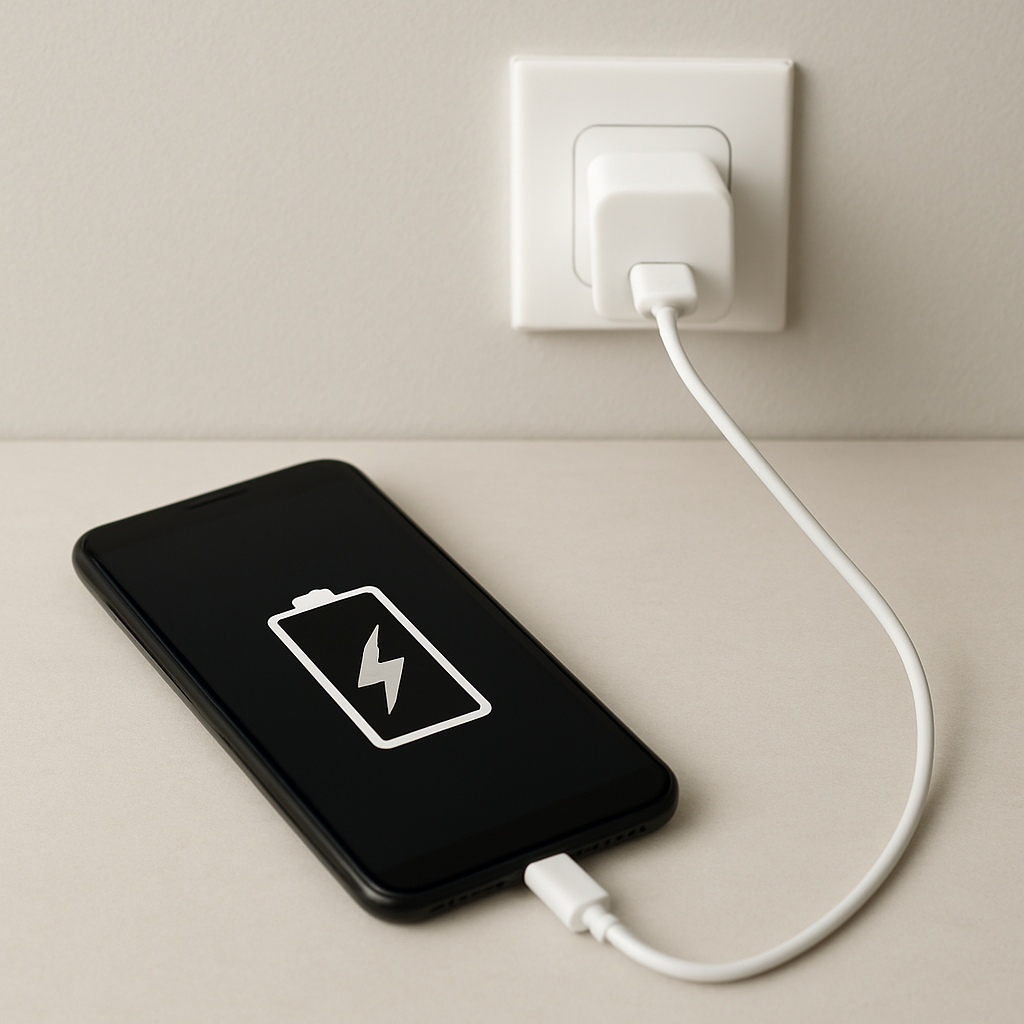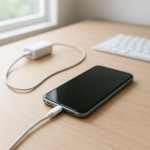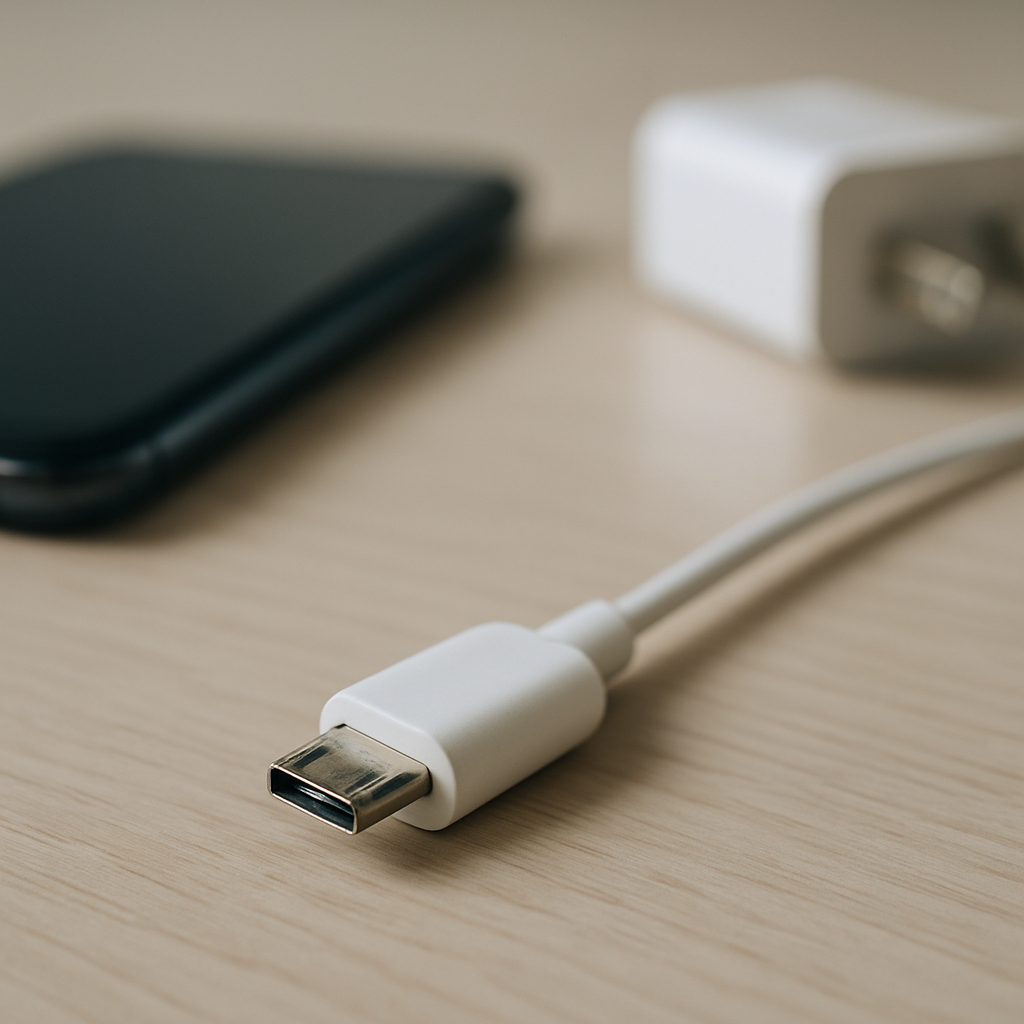
Charging Cable Loose Connection — Intermittent Power Flow Causes
Quick Answer
A charging cable that feels loose and cuts in and out usually has mechanical wear at the connector or strain relief, which leads to intermittent electrical contact. As the plug or internal wires loosen, tiny movements break the connection, so power flows only when the cable sits “just right.”
This typically starts gradually after months of daily plugging, bending, or tugging, then becomes frequent over days or weeks. If wiggling the cable changes charging behavior, it strongly points to a worn connector, a fatigued cable end, or a stretched charging port.
If you need a fast fix
- Try a different known-good cable and charger right away, then test the same outlet to rule out a simple accessory failure.
- Power off the device, then gently remove lint from the charging port using a soft wooden/plastic pick (no metal) and try charging again.
- Charge with the cable resting straight and supported (no side pull), and avoid using the device while it’s charging to reduce movement at the plug.
Quick Diagnosis Table
| Symptom | Most likely cause |
|---|---|
| Charging starts only when you hold the plug at an angle | Worn connector/port fit causing poor pin contact |
| Charging cuts in/out when the cable is bumped | Broken strands near the cable end (strain relief fatigue) |
| Device charges fine with some cables but not others | One cable has a loose plug, worn contacts, or internal wire break |
| Charging icon flickers or switches between slow/fast charging | Intermittent data/power pin contact from wear or debris |
| Plug feels “wobbly” in the port compared to when it was new | Port housing or retention springs worn/loosened over time |
Why This Happens
Charging works only when metal contacts inside the plug and the device’s port press firmly together. Over time, repeated insertions, twisting, and side pressure wear those surfaces and loosen the fit, so the contact pressure drops.
Real-world habits make it worse, like charging while watching videos (cable gets bumped), yanking the cord from across the couch, or letting the phone hang from the cable. Even a small bend near the connector can fatigue the tiny wires inside, creating a “works only when positioned” situation.
When the contact briefly opens, the device sees power drop and reconnect, which looks like flickering charging, random disconnect sounds, or switching between charging speeds.
Most Common Causes (Ranked)
- 1) Worn cable end (strain relief failure): The most common issue is broken wire strands right where the cable meets the plug. It can look fine outside but fail when flexed.
- 2) Loose or worn connector tip: The plug’s outer shell and internal contacts can wear down, so it doesn’t “seat” tightly. Minor movement then breaks the connection.
- 3) Debris packed in the charging port: Pocket lint and dust stop the plug from fully inserting, leaving the contacts barely touching. This often feels like a loose plug even when the port isn’t damaged.
- 4) Port wear or damaged retention springs: The port can loosen from repeated side loads or forceful insertions. The plug wiggles more than normal and disconnects easily.
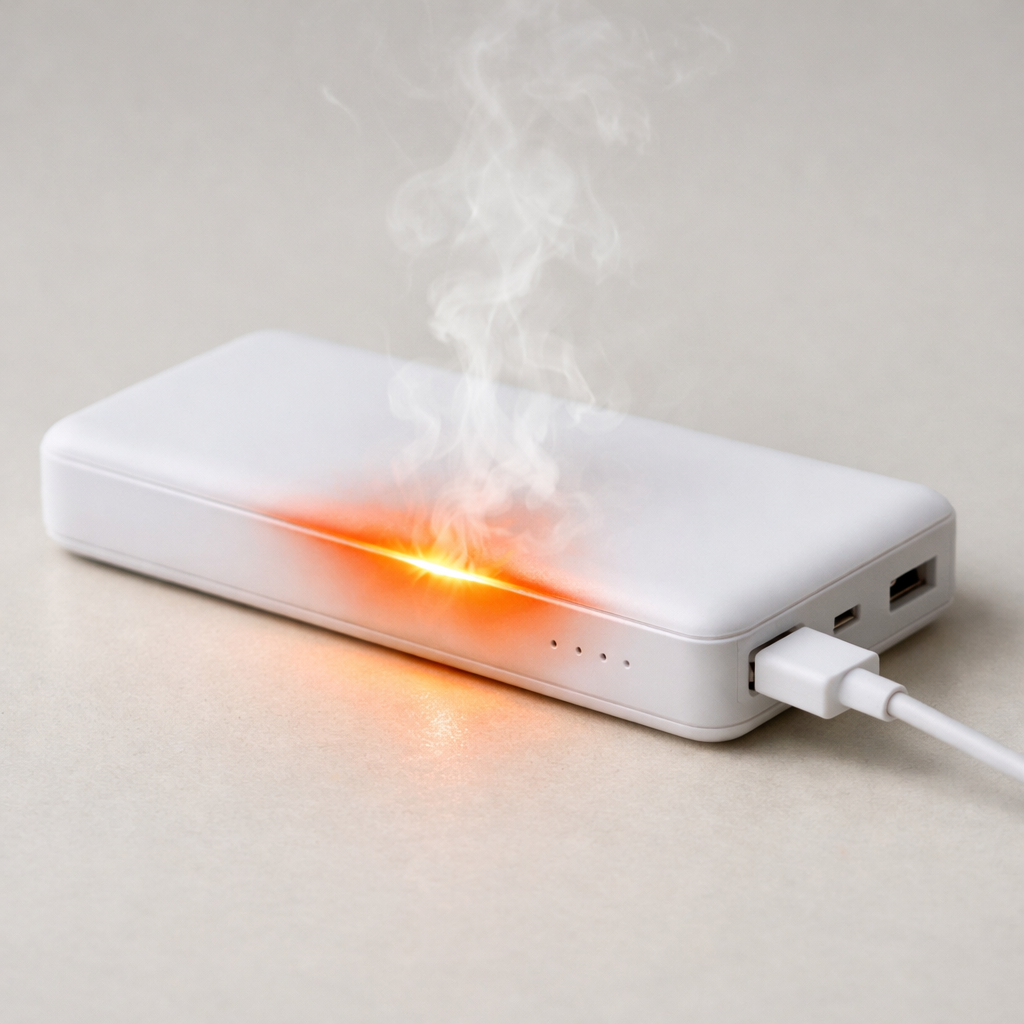
- 5) Bent or contaminated contacts: If a pin in the port or plug is bent, corroded, or burned, the electrical path becomes unreliable. This can cause heat, slow charging, or repeated reconnects.
- 6) Charging brick or outlet instability: Less common, but a loose wall outlet, failing power adapter, or intermittent USB port can mimic a bad cable when power dips briefly.
If the problem improves when you reduce cable movement or after cleaning the port, that usually indicates a contact-pressure or debris issue rather than a deeper electronics failure.
How to Check the Problem Safely
- Check 1: Try a different cable first, ideally a new or known-good one, and see if the looseness and dropouts disappear.
- Check 2: Try the same cable with a different charger (wall adapter) and a different power source (another outlet or a different USB port) to isolate where the instability is.
- Check 3: With the device powered off, shine a light into the charging port and look for lint buildup, bent pieces, or discoloration.
- Check 4: Gently clean the port using a dry wooden toothpick or plastic pick, then blow out loosened debris with a few short puffs of air.
- Check 5: While charging, lightly wiggle only the cable (not the device) near the connector; if charging toggles on/off at a specific bend point, the cable likely has internal wire fatigue.
Safety note: avoid metal tools, liquids, or “contact cleaner” sprays in the port, and don’t force the plug if it doesn’t insert smoothly.
How to Fix It
- Fix 1 (easiest): Replace the cable with a quality, appropriately rated one; a fresh connector and intact wires restore firm contact and stable current.
- Fix 2: Clean the device port thoroughly (dry method) so the plug seats fully; full insertion increases contact pressure and reduces dropouts.
- Fix 3: Reduce side load while charging by supporting the device and running the cable straight; less torque prevents intermittent disconnections caused by a loose fit.
- Fix 4: Replace the charger (power brick) if you notice flickering charge on multiple cables or outlets; a stable adapter prevents brief voltage dips that trigger reconnects.
- Fix 5 (advanced/last resort): If the port is physically loose, wobbly, or heat-damaged, have the charging port inspected and replaced by a qualified repair shop; mechanical wear inside the port usually can’t be fixed at home without risking further damage.
Signs of Battery or Hardware Damage
- Charging port feels loose in the device body, or the plug no longer “clicks” or holds its position like before.
- Visible discoloration, scorching, or a melted look on the plug or inside the port.
- Charging gets hot very quickly, or you smell burning/chemical odors near the port or cable.
- The device repeatedly restarts, shows “accessory not supported,” or fails to charge with multiple known-good cables and chargers.
- Battery percentage jumps up and down, or the device drops charge rapidly even when it reports charging.
- Swollen battery symptoms, such as the screen lifting, case bulging, or the device rocking on a flat surface.
- Charging is extremely slow across all accessories, especially if the device also throttles performance or warms abnormally.
When Repair Is No Longer Worth It
If the device needs a port replacement, the decision depends on age, overall condition, and whether other issues are present (battery wear, cracked screen, water damage). If you’ve already tried a new cable, a new charger, and port cleaning with no improvement, a worn port is likely, and repair is the next logical step.
As a rule, if the repair cost approaches a large fraction of the device’s resale value, replacement often makes more sense, especially if the battery is also weak. If the device is otherwise in good shape and you plan to keep it for another year or more, port repair can be a good value because it restores reliability and reduces overheating risk.
How to Prevent This Problem in the Future
- Grip the plug, not the cable, when unplugging to avoid loosening internal wires and the connector shell.
- Avoid using the device while charging, or route the cable so it doesn’t tug sideways on the port.
- Choose cables with good strain relief and a snug connector fit, and replace them at the first sign of bending, fraying, or “angle-only” charging.
- Keep the charging port clean by storing the device in a pocket or case that reduces lint buildup, and inspect the port occasionally with a light.
- Don’t force the plug if it feels blocked; check for debris first to prevent bending contacts.
- Use the correct charging standard and a reputable charger to reduce heat that can accelerate wear on contacts.
- When charging at a desk or bedside, support the cable with a clip or stand so the connector isn’t carrying the device’s weight.
FAQ
Is it dangerous to keep charging if the cable connection is loose?
It can be. Intermittent contact can create extra heat at the connector, and repeated connect/disconnect cycles stress the port and cable further. If you feel unusual warmth, see discoloration, or smell burning, stop using that cable and charger immediately.
How can I tell if it’s the cable or the device’s charging port?
If a different known-good cable charges reliably, your original cable is the likely cause. If multiple cables feel loose or disconnect in the same device, the port may be worn or dirty. Cleaning the port (dry and gentle) is a good step before assuming hardware repair is needed.
Why does it charge only when the plug is held at a certain angle?
That usually means the contact pressure is inadequate due to wear, debris, or a fatigued cable end. The angle temporarily pushes contacts together or positions broken wire strands to touch. The durable fix is typically replacing the cable, cleaning the port, or repairing a worn port if the looseness is in the device.
For a full overview of this issue and step-by-step solutions, read the complete troubleshooting guide.
Understanding how batteries behave over time can make troubleshooting much easier. Mark Reynolds breaks these patterns down in simple terms. You can explore more in the full guide.