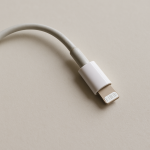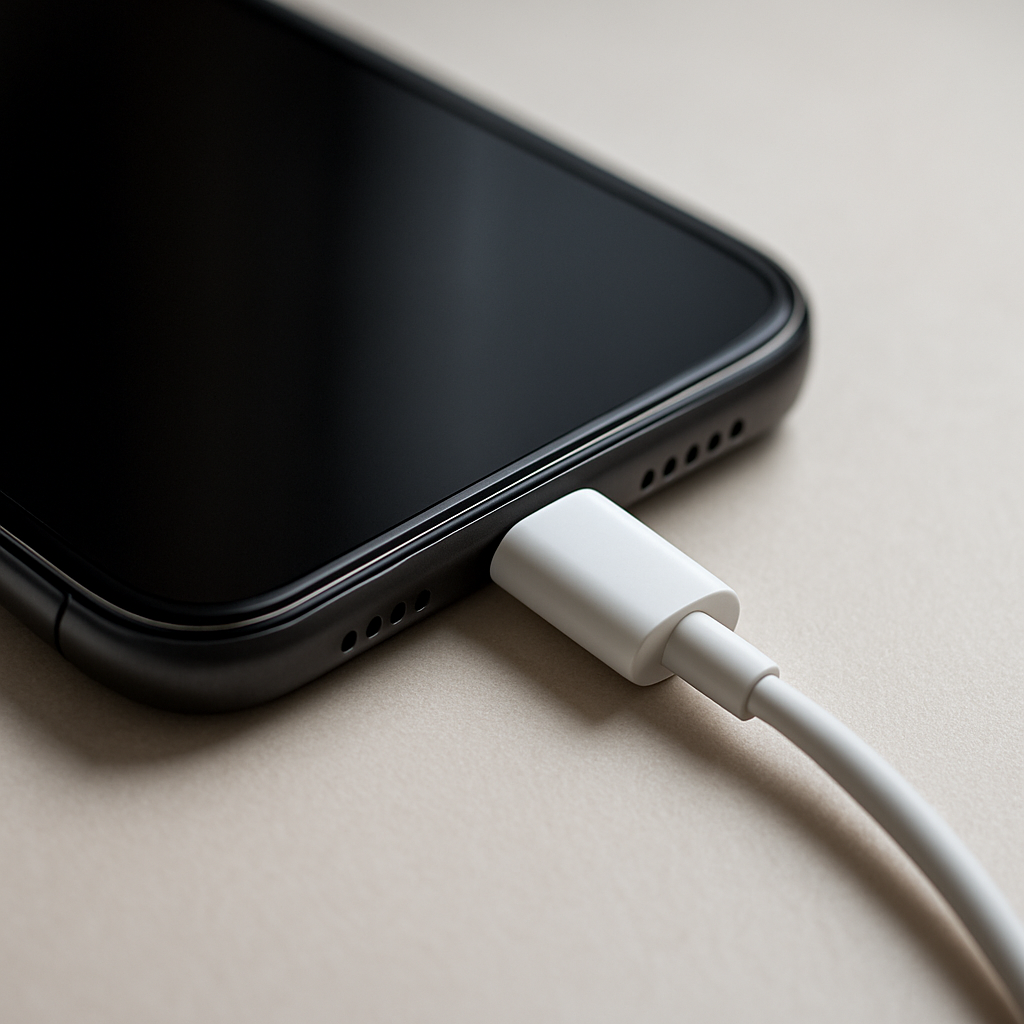
Charging Cable Gets Warm — Normal Resistance Heat or Internal Damage?
Quick Answer
A charging cable often gets a little warm because electricity flowing through the cable’s metal conductors meets resistance, and some energy turns into heat. This is normal “resistance heating,” especially during fast charging when current is higher.
In most cases, mild warmth shows up within the first 10–30 minutes of charging and then levels off as the phone slows charging near full. If the cable becomes hot, smells odd, or heat is focused near one end, that can point to internal damage or a poor connection increasing resistance.
If you need a fast fix
- Unplug the cable, let it cool for 2–5 minutes, then re-plug firmly at both ends (loose connections create extra heat).
- Switch to a different known-good cable and charger for one session to compare temperatures.
- Stop using the cable immediately if it’s hot to the touch, has a burnt smell, or the connector looks discolored.
Quick Diagnosis Table
| Symptom | Most likely cause |
|---|---|
| Cable is slightly warm along its length during fast charging | Normal resistance heating from higher charging current |
| Heat is concentrated at the phone end or charger end | High resistance at the connector (wear, dirt, looseness, bent pin) |
| Cable gets hot and charging is slow or stops | Damaged internal strands increasing resistance and triggering safety throttling |
| Cable warms more when it’s coiled, under a pillow, or in a hot car | Normal heat can’t escape; temperature rises faster in insulated/hot environments |
Why This Happens
Every cable has some electrical resistance, even a brand-new one. When current flows to charge your device, that resistance turns a small part of the power into heat inside the cable’s copper (or copper-alloy) conductors.
Fast charging pushes more power through the same space, so the “normal warm” range is more common with higher-watt chargers and devices that can accept that power. It’s similar to how a thin extension cord can feel warmer than a heavy-duty one when running the same appliance.
If resistance rises due to a poor contact or damaged wire strands, the cable has to “work harder” to deliver the same power, and the extra loss shows up as more heat. That’s why heat often pairs with symptoms like slower charging, disconnects, or the phone repeatedly switching between charging and not charging.
Most Common Causes (Ranked)
- 1) Normal resistance during high-current charging: More current means more heat, even when everything is healthy. A slight, even warmth is typical with fast chargers and thicker phone cases that also trap heat.
- 2) High resistance at the connector: Dust, pocket lint, oxidation, or a slightly loose plug increases resistance right where metal touches metal. This often makes one end of the cable warmer than the rest.
- 3) Cable conductor damage (broken or thinned strands): Repeated bending, pulling, or tight wraps can break internal wire strands. Less metal carrying the same current equals higher resistance and noticeably more heat.
- 4) Undersized or low-quality cable for the charging rate: Some cables use thinner conductors that run warmer at higher power. They may “work,” but they waste more energy as heat and can limit charging speed.
- 5) Heat trapped by the environment: Coiling the cable, placing it under bedding, or charging in direct sun prevents heat from escaping. A normal cable can feel hot simply because it can’t cool down.
- 6) Charger/port issues increasing resistance: A worn USB port, damaged receptacle, or a charger with poor internal contacts can add resistance outside the cable, making the cable seem like the problem.
If the cable gets cooler after switching to a better cable, cleaning the port, or reducing fast-charge power, that gradual improvement usually indicates this was resistance-related rather than a dangerous battery issue.
How to Check the Problem Safely
- Check 1: Feel where the heat is strongest (middle of the cable vs. near the connectors). Heat at one end suggests a connection problem; heat evenly along the cable is more consistent with normal conductor heating.
- Check 2: Compare with another cable you trust using the same charger and outlet. If only one cable runs much warmer, that cable likely has higher resistance or internal damage.
- Check 3: Look closely at both connectors for discoloration, melted plastic, bent pins, or wobble. Any visible damage is a “stop using it” sign.
- Check 4: Check charging behavior: Does it fast charge normally, or is it slow, cutting in/out, or showing “accessory not supported”? Heat plus unstable charging often points to increased resistance.
- Check 5: Test in a cooler, open area with the cable fully uncoiled. If the warmth drops noticeably, heat buildup from the environment was a big factor.
Safety note: never keep using a cable that gets hot enough to be uncomfortable to hold, and don’t charge on flammable surfaces or under blankets.
How to Fix It
- Fix 1 (easiest): Uncoil the cable and charge in open air. Better cooling reduces temperature even when the heat is “normal” resistance heating.
- Fix 2: Clean the device charging port gently (power off first) and remove pocket lint with a non-metal tool. A cleaner, tighter connection lowers resistance at the contact point.
- Fix 3: Try a lower-power charger or disable fast charging (if your device allows it). Lower current reduces resistance heating and can confirm the cause quickly.
- Fix 4: Replace the cable with a certified, higher-quality cable rated for your charging wattage. Thicker conductors and better connectors waste less energy as heat and are more reliable long-term.
- Fix 5 (advanced/last resort): If multiple cables run hot on the same device, have the charging port inspected or cleaned professionally. A worn or loose port can create high resistance that no cable can fully fix.
Signs of Battery or Hardware Damage
- The phone becomes very hot (not just warm) around the battery area during charging.
- Battery percentage jumps, stalls, or drops suddenly after unplugging.
- Random restarts, shutdowns, or severe performance throttling while charging.
- Swelling, screen lift, or the phone no longer sits flat on a table.
- Burning/chemical smell, cracking noises, or visible smoke (unplug immediately if safe).
- Charging only works at a certain angle, or the port feels loose and wobbly.
- Repeated “moisture detected” or “USB disabled” warnings with no moisture present.
When Repair Is No Longer Worth It
If the cable shows any melting, discoloration, scorch marks, or repeated overheating, replacement is the smart choice. Cables are wear items, and internal damage is not reliably repairable for everyday users.
As a rule, replace the cable first (lowest cost) before paying for a port repair or charger replacement. If multiple good cables overheat or disconnect on the same device, the value shifts toward diagnosing the phone port or battery, especially on older devices where repair costs can approach replacement value.
How to Prevent This Problem in the Future
- Use a cable rated for your charging speed (correct wattage/standard) so resistance stays low at higher current.
- Avoid sharp bends near the connectors; strain relief is where internal strands commonly break and resistance rises.
- Unplug by gripping the plug, not pulling the cable, to prevent loosening and internal conductor damage.
- Keep ports clean by preventing lint buildup (pocket carry increases debris that raises contact resistance).
- Don’t coil the cable tightly while charging; coiling traps heat and can accelerate wear.
- Charge in a cool, ventilated spot and avoid covering the phone and cable with bedding or clothing.
- Replace cables at the first sign of intermittent charging, looseness, or end-focused heating to avoid escalating resistance and heat.
FAQ
Is it normal for a fast-charging cable to get warm?
Yes, mild warmth is common because higher current creates more resistance heating in the conductors. It should feel only slightly warm and typically stabilizes after the initial fast-charge phase. If it becomes hot or the heat is concentrated at one connector, treat it as a warning sign.
Why is only one end of my cable warm?
Heat near one end usually means higher resistance at that connection point, such as lint in the port, oxidation, a loose plug fit, or a worn connector. That small area becomes a “bottleneck,” so more energy turns into heat right there. Cleaning and trying a different cable are the quickest checks.
Can a warm cable damage my phone or battery?
A slightly warm cable by itself is usually harmless, but a hot cable can be a sign of resistance problems that stress the charger, port, and battery by creating extra heat. If charging is unstable, the phone gets unusually hot, or there’s any burning smell, stop using that cable and troubleshoot with known-good accessories. Persistent overheating should be inspected to rule out port or battery issues.
For a full overview of this issue and step-by-step solutions, read the complete troubleshooting guide.