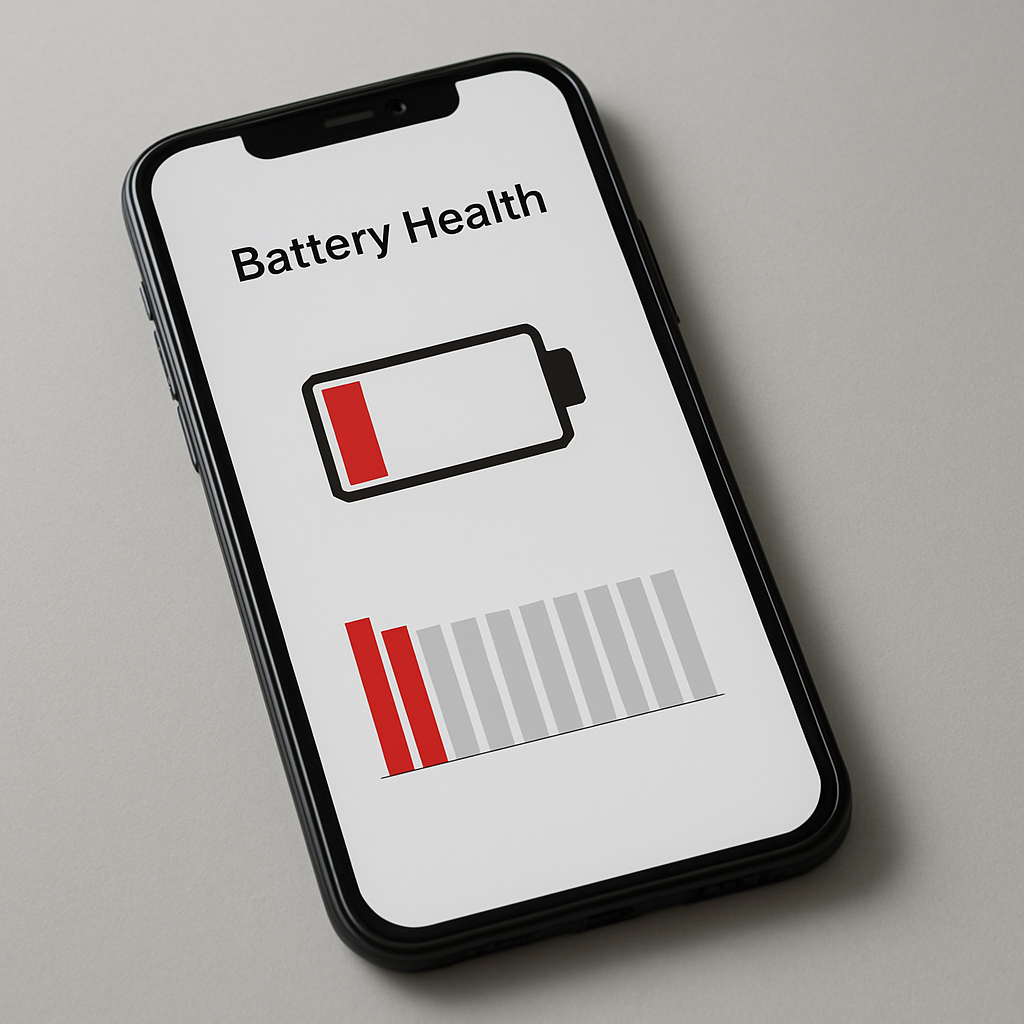
Battery Health Dropping Quickly: Real Causes, Checks, and How to Slow It Down
Quick Answer
If your battery health is dropping quickly, the most common causes are heat, fast charging + high power use, frequent deep discharges (very low %), keeping the battery at 100% for long periods, and heavy daily cycles. Some “rapid drops” are also measurement artifacts after updates or recalibration. The best way to slow degradation is to reduce heat, avoid extreme low/high states, use reasonable charging habits, and verify whether your “health” reading is actually accurate.
1) What “battery health” actually measures
Battery health is usually an estimate of how much maximum capacity remains compared to when the battery was new. For example, 90% health means the battery can hold about 90% of its original capacity.
Important: the number can change because of real wear, but it can also move due to recalculation after updates, charging behavior changes, or calibration.
2) What’s normal battery health decline?
Light use: small decline over months
Heavy daily use + heat: faster decline
Abnormal: sharp drops repeatedly within a short time, especially with overheating or sudden shutdowns
Health decline is not perfectly linear. It often drops in “steps” when the system recalculates capacity.
3) Quick diagnostic table (symptom → likely cause → best first move)
What you notice
Most likely cause
Best first move
Phone gets warm often while charging
Heat stress (top cause of wear)
Remove case, charge on hard surface, avoid fast charge when hot
Health dropped right after OS update
Recalculation / indexing / calibration shift
Wait a week, reboot, then re-check trend
Health declines fast with gaming + fast charging
High load + heat while charging
Avoid heavy use while charging, lower brightness, charge idle
Battery often hits 0–5%
Deep discharge cycles
Start charging earlier (20–30%)
Always kept at 100% on charger
High-voltage stress
Use charge limit/optimized charging if available
4) The biggest reasons battery health drops quickly
Reason #1 — Heat (the #1 killer)
Heat accelerates chemical aging. Common heat sources:
Fast charging
Gaming/video calls while charging
Charging under a pillow/blanket
Hot environments (car, sun, tropical weather)
Thick cases trapping heat
Reason #2 — High load while charging
Charging while doing heavy tasks increases battery temperature and can cause faster wear. If you need to charge quickly, charge while the device is idle and cool.
Reason #3 — Deep discharges (very low %)
Regularly letting the battery reach very low levels (0–5%) can increase stress. A healthier habit is to plug in around 20–30% when possible.
Reason #4 — Staying at 100% for long periods
Keeping lithium batteries at full charge for extended time increases voltage stress. Many devices now include optimized charging or charge limits (80–85%) to reduce this.
Reason #5 — Poor chargers/cables and unstable charging
Cheap chargers/cables can cause heat and unstable charging behavior. Use reputable chargers and certified cables to reduce stress and overheating risk.
5) Step-by-step: how to slow battery health decline
Step 1 — Reduce heat during charging
Remove thick case while charging
Charge on a hard surface with airflow
Avoid charging in hot areas (car/sun)
Stop gaming/video calls while charging
Step 2 — Use optimized charging or a charge limit (if available)
If you stay plugged in often, a charge limit around 80–85% can significantly reduce long-term wear. If your device has “Optimized/Adaptive Charging,” keep it enabled.
Step 3 — Avoid extremes (very low and very high)
Aim for a typical daily range like 20% to 80% when convenient
Don’t obsess over perfection—just avoid extremes most of the time
Step 4 — Don’t fast-charge when the phone is already hot
Fast charging is fine in moderation, but if the device is warm (or the room is hot), switching to slower charging can reduce heat stress.
Step 5 — Watch for a “bad app” causing heat/drain
A runaway app can create heat and extra cycles. If your device is warm at idle or drains fast, check battery usage and background activity, update apps, and uninstall any recent “battery/VPN/cleaner” apps as a test.
6) When the “health drop” might not be real wear
Health can drop quickly due to estimation changes after:
OS updates
Major charging habit changes
Calibration shifts
Rule: don’t judge from one reading. Track the trend over 2–4 weeks.
7) Warning signs that suggest a failing battery
Unexpected shutdowns at 20–40%
Battery swelling
Device gets hot abnormally with light use
Very short runtime even on light use
Rapid percentage drops (e.g., 50% → 30% quickly)
If you see swelling or smell/burning, stop using the device and seek service immediately.
FAQ
Does fast charging destroy battery health?
Fast charging itself is not “instant damage,” but it often increases heat. Heat is the real driver of faster aging. If your phone stays cool, fast charging is usually fine in moderation.
Should I stop charging to 100%?
If you need full range, charge to 100%. If you stay plugged in a lot, using optimized charging or an 80–85% limit is better for long-term health.
Why did health drop right after an update?
Updates can trigger recalculation and background tasks. Give it a week and watch the trend before assuming permanent wear.
Conclusion
Battery health drops quickly mainly because of heat, heavy use while charging, and frequent extremes (very low or always 100%). Reduce heat, avoid deep discharges, use optimized charging/limits when available, and track health over time instead of reacting to one reading. If you see shutdowns, swelling, or extreme heat, treat it as a battery issue that may require service.