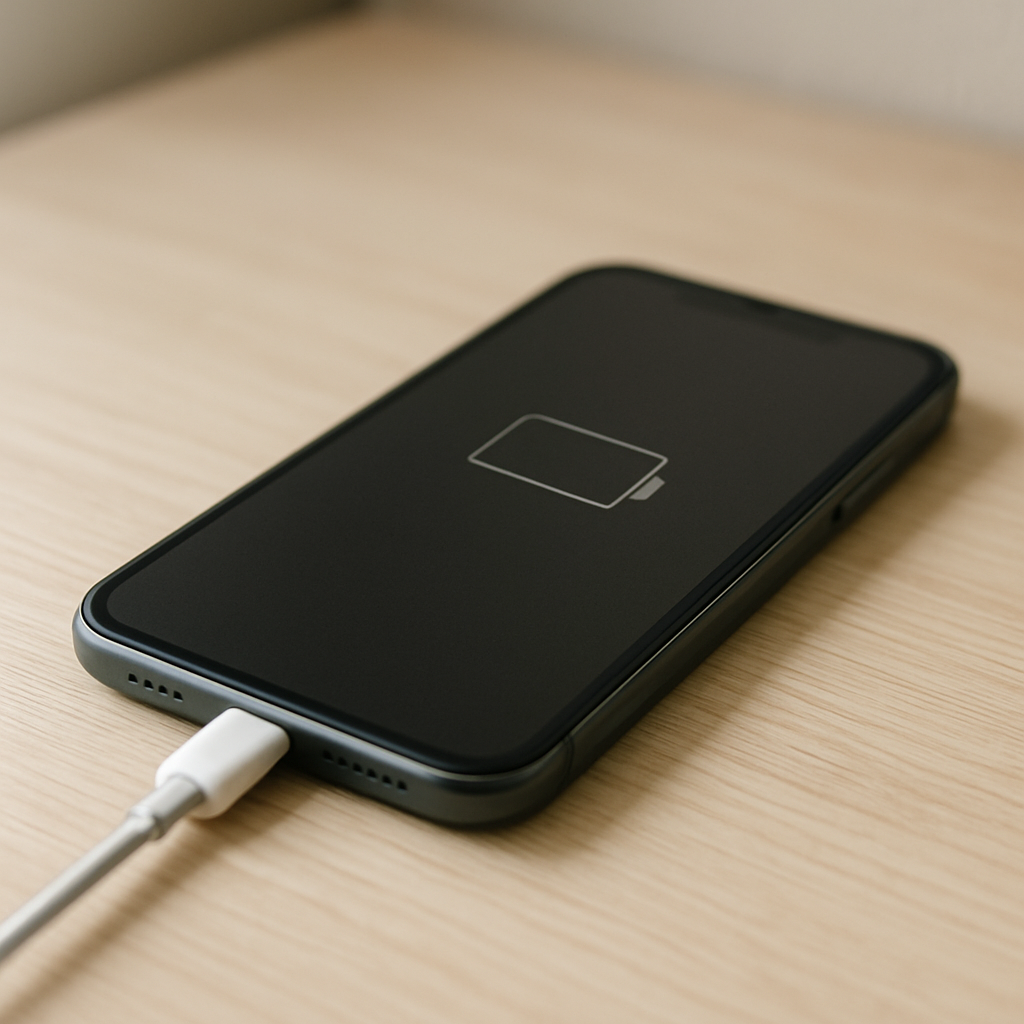
Phone Battery Draining While Plugged In — Causes and How To Fix Charging Failure
Quick Answer
If your phone’s battery percentage drops while it’s plugged in, the charger is delivering less usable power than the phone is consuming. That can happen when the charging input is weak or unstable (bad cable, low-power adapter, loose port, dirty connector), or when the phone is using a lot of power at the same time (hotspot, navigation, gaming, screen brightness, poor signal).
In many cases you’ll notice it during heavy use: the battery may slowly drain or stay stuck at the same percent. If you reduce usage and the percentage starts rising within 5–20 minutes, that usually points to a power-in versus power-out mismatch rather than a “dead” battery.
If you need a fast fix
Switch to a different wall outlet and a known-good charging cable and adapter (preferably the original or a reputable fast charger).
Stop high-drain tasks for 10–15 minutes: turn off hotspot, close games, lower screen brightness, and enable Airplane mode if you can.
Check and gently clean the charging port and cable tip for lint or debris, then reconnect firmly (no wiggling).
Quick Diagnosis Table
Symptom
Most likely cause
Battery drains faster while screen is on, gaming, or using hotspot
Phone is consuming more power than the charger can supply (low-watt charger or heavy usage)
Battery only charges when cable is held at an angle
Loose/dirty charging port, worn cable tip, or damaged port pins causing unstable input
Charging icon appears/disappears repeatedly
Unstable power delivery from bad cable, adapter, outlet, or debris in the port
Charges normally when phone is off, but drains when on
High background drain (apps, updates, poor signal) overpowering a weak charger
Phone gets hot and charging slows or reverses
Thermal throttling reduces charge rate to protect the battery, causing net drain
Why This Happens
Charging isn’t just “plug in = battery goes up.” Your phone runs on power all the time, and charging only works when the incoming power is higher than what the phone is using at that moment.
For example, a low-power charger plus a bright screen, GPS navigation, 5G data, and a hotspot can make the phone use more power than the charger delivers. Another common scenario is an unstable connection: a worn cable or lint in the port can make the phone repeatedly connect and disconnect, so it never gets a steady flow of power.
When the input is weak or inconsistent, the battery becomes the backup power source even though the phone is plugged in, which looks like a charging failure.
Most Common Causes (Ranked)
1) Underpowered charger or wrong charging standard: Some adapters, USB ports, and cheap chargers can’t provide enough wattage for modern phones, especially during use.
2) Bad cable or loose connection: A damaged cable, worn connector, or loose USB-C/Lightning fit can reduce charging current or cause repeated dropouts.
3) Debris or corrosion in the charging port: Pocket lint can prevent the plug from fully seating, leading to slow charging or “charging but draining.”
4) Heat (thermal protection): When the phone gets hot, it intentionally throttles charging to protect the battery, so your usage can exceed the reduced charge rate.
5) High background drain: App sync loops, OS updates, poor signal, Bluetooth scanning, or a stuck process can keep CPU and radios busy while plugged in.
6) Wireless charging misalignment or low-power pad: Many wireless chargers deliver less usable power, and a slightly off-center placement can make charging inefficient.
If the percentage starts rising after you reduce heat and usage or switch to a better charger, that gradual improvement usually means the battery is fine and the issue is power delivery.
How to Check the Problem Safely
Check 1: Test with a known-good wall charger and cable (not a laptop USB port). If it starts charging normally, your original charger/cable is the issue.
Check 2: Look for “rapid connect/disconnect” behavior. If the charging icon flickers or the phone vibrates repeatedly, suspect the cable, port, or adapter.
Check 3: Feel for heat after 5–10 minutes of charging. If the phone is hot to the touch, charging may be throttled and the battery may drop during use.
Check 4: Charge with the phone idle for 10–15 minutes (screen off). If it rises while idle but drops during use, the phone is drawing more power than the charger provides.
Check 5: Inspect the port with a flashlight. If you see lint packed inside, that can prevent full contact and lower charging performance.
Safety note: if you notice melting plastic, a burning smell, sparking, or the phone becomes extremely hot, unplug immediately and stop using that cable/charger.
How to Fix It
Fix 1 (easiest): Use a higher-quality, higher-watt wall charger and a certified cable. More stable power input means the phone can power itself and charge the battery at the same time.
Fix 2: Clean the charging port carefully. Power off the phone, then gently remove lint with a wooden toothpick or soft non-metal tool and reconnect; a fully seated plug restores proper contact.
Fix 3: Reduce power draw while charging. Turn on Low Power Mode/Battery Saver, lower brightness, stop hotspot/navigation, and avoid gaming; this reduces the phone’s consumption so net charging becomes positive.
Fix 4: Cool the phone down. Remove thick cases, stop heavy apps, keep it out of direct sun, and charge in a cool room; cooler temperatures allow faster and steadier charging.
Fix 5 (advanced/last resort): Reset charging-related settings and isolate software drain. Update the OS, uninstall recently added battery-heavy apps, try Safe Mode (Android) or check Battery usage (iPhone/Android), and consider a factory reset only after a full backup.
Signs of Battery or Hardware Damage
Battery percentage jumps up or down suddenly (for example, 35% to 10% in minutes) even after trying a different charger and cable.
Phone shuts off at 10–30% or reboots when the screen brightness is high or the camera is opened.
Charging port feels loose, the plug won’t click/seat properly, or it only charges when angled.
Phone gets unusually hot during light tasks or while charging with a known-good charger.
Battery swelling: screen lifting, back cover bulging, or the phone no longer sits flat.
Visible corrosion, bent pins, or discoloration inside the charging port.
Wireless charging and wired charging both fail or behave inconsistently.
When Repair Is No Longer Worth It
If the phone is several years old and you have both poor battery life and unreliable charging (especially with a loose port), repairs can approach the device’s resale value. In that case, replacement may be the more reliable option, particularly if you depend on the phone daily.
As a rule, a simple fix like a new cable/adapter is always worth trying first. But if you’re facing a battery replacement plus a charging port repair, compare the total cost to a newer model’s price, your storage needs, and how long you expect to keep the phone.
How to Prevent This Problem in the Future
Use a reputable charger with enough wattage for your phone, and avoid charging from low-power USB ports when you need the battery to rise quickly.
Replace cables at the first sign of looseness, fraying, or intermittent charging to prevent unstable input power.
Keep the charging port clean by minimizing pocket lint exposure and checking the port occasionally with a light.
Avoid heavy use while charging on weak power sources (like car USB ports or small power banks) if you need net charging.
Manage heat: don’t charge under pillows, in direct sun, or while running demanding apps for long periods.
If using wireless charging, align the phone carefully and use a pad that supports your phone’s fast-charging standard.
Update the OS and apps regularly; bug fixes can reduce background drain that makes charging feel ineffective.
FAQ
Why is my phone battery going down even though it says “Charging”?
“Charging” only means power is connected, not that the battery is gaining percentage. If the charger is weak, the connection is unstable, or the phone is doing power-hungry tasks, the phone can use more power than it receives. The battery then supplies the difference, so the percentage still drops.
Will a higher-watt charger damage my phone?
With reputable chargers and correct standards, the phone controls how much power it takes. A higher-watt charger usually just provides more available power so the phone can charge at its designed rate. Avoid unknown cheap adapters, as poor quality can cause unstable voltage or overheating.
Why does it charge normally when off but drains when on?
When the phone is off, power consumption is very low, so even a weak charger can raise the battery percentage. When it’s on, the screen, processor, and cellular radio can draw enough power to cancel out a slow charge. This strongly suggests your charger/cable is underpowered or your phone has unusually high drain while running.
Mark Reynolds explains battery and charging issues in a practical way, focusing on what actually helps in real situations. For more guidance, see the step-by-step troubleshooting guide.