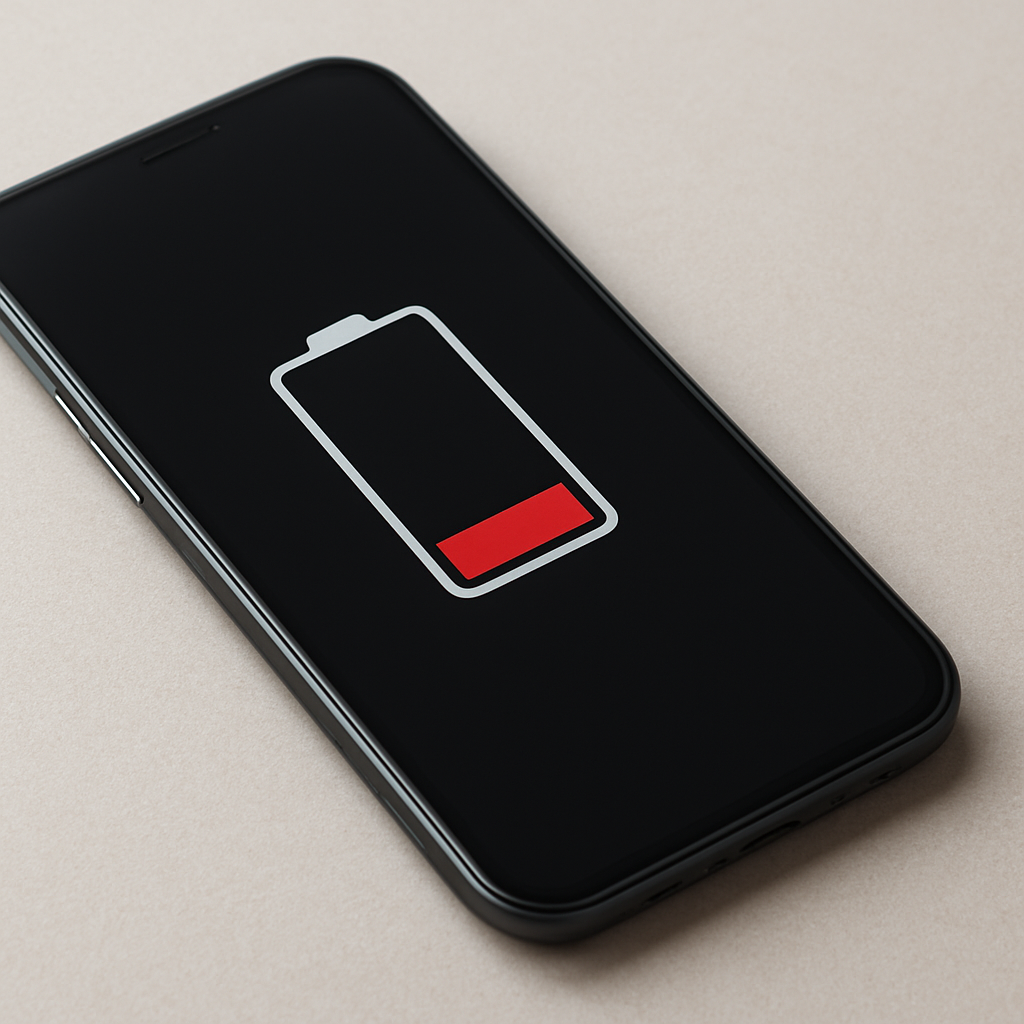
If your battery drains faster after a factory reset, the most common reason is temporary background activity. The device is rebuilding system data, restoring apps, syncing cloud content, and re-optimizing software processes. This increased workload typically lasts 24 to 72 hours and is normal for most devices.
Persistent battery drain beyond several days may indicate heavy background syncing, inefficient settings, software issues, or an aging battery.
—
Quick Diagnostic Checklist
First 1–3 days after reset → normal system rebuilding
Device warm during setup → background processing active
Battery usage shows system services high → indexing or syncing
Drain continues after several days → investigate apps or battery health
Battery drops rapidly when idle → abnormal behavior
—
What This Behavior Means
A factory reset restores software to its default state. After setup, the operating system must rebuild internal databases, reconfigure services, restore user data, and optimize performance. These tasks require continuous CPU activity, storage access, and network communication.
This temporary workload increases energy consumption. The battery drains faster not because of damage, but because the device is actively rebuilding its operating environment.
—
Normal vs Abnormal Post-Reset Battery Drain
Normal: faster drain during first 24–72 hours
Normal: device warm during setup and app restoration
Normal: high system usage in battery statistics
Not normal: heavy drain continues after several days
Not normal: battery percentage drops quickly while idle
Not normal: device overheats during light use
—
Most Common Causes
Cloud syncing and data restoration
After a reset, the device reconnects to cloud services to restore photos, apps, settings, and messages. Continuous data transfer increases power use.
System indexing and optimization
The operating system scans files, rebuilds search indexes, and optimizes storage performance. These background tasks require sustained processing power.
Automatic app installation and updates
Apps may download and update automatically. Even when running silently, installation and verification consume energy.
Default power-intensive settings
Location services, high brightness, background refresh, and notifications often return to default after reset.
Battery calibration adjustment
The system may temporarily misestimate battery percentage while relearning usage patterns.
Pre-existing battery wear
A reset does not restore battery health. Older batteries may show reduced performance more clearly after system changes.
Faster battery drain after a factory reset is usually temporary and caused by system rebuilding, data restoration, and software optimization. Most devices return to normal performance within a few days. Persistent heavy drain beyond this period may indicate excessive background activity or battery wear requiring further investigation.
Mark Reynolds covers common battery and charging problems with straightforward explanations and real-world context. For more detailed steps, visit the full guide here.