Charging Cable Bent Issue
Quick Answer
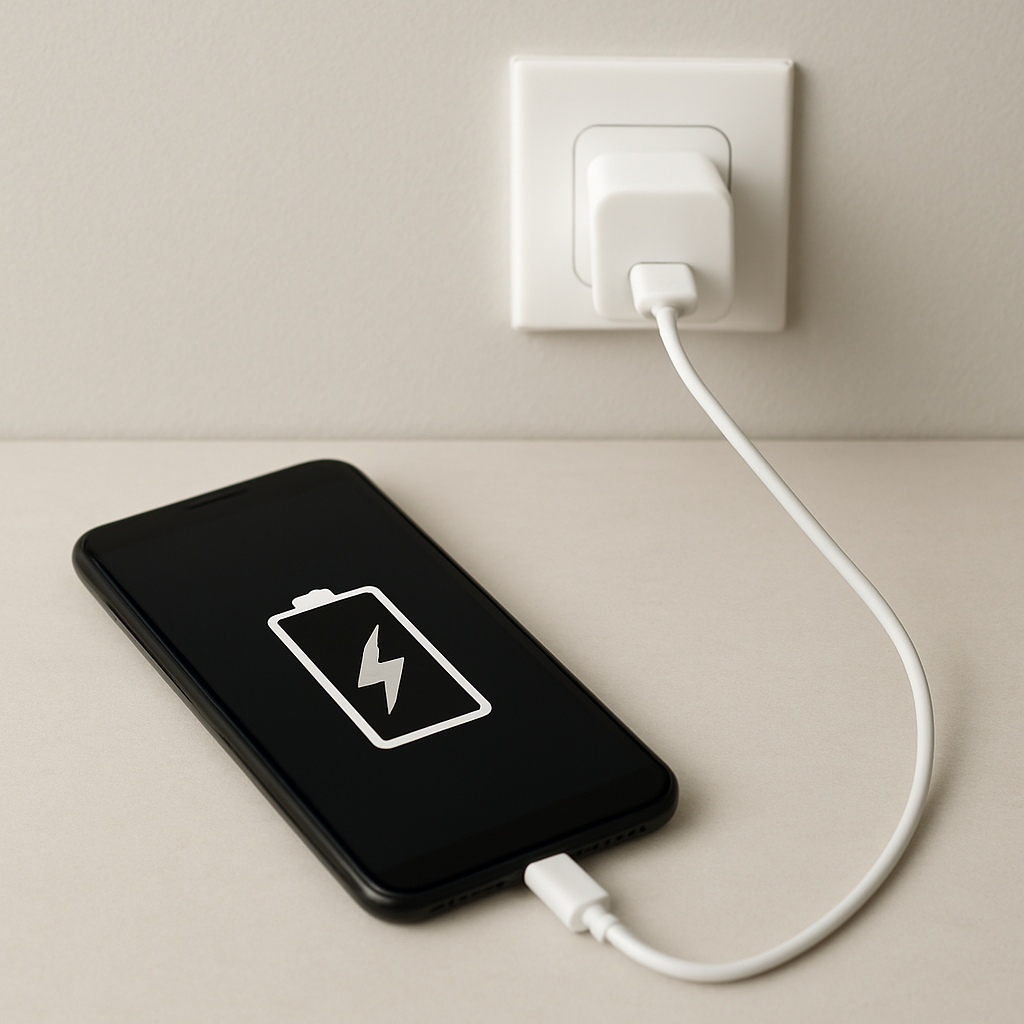
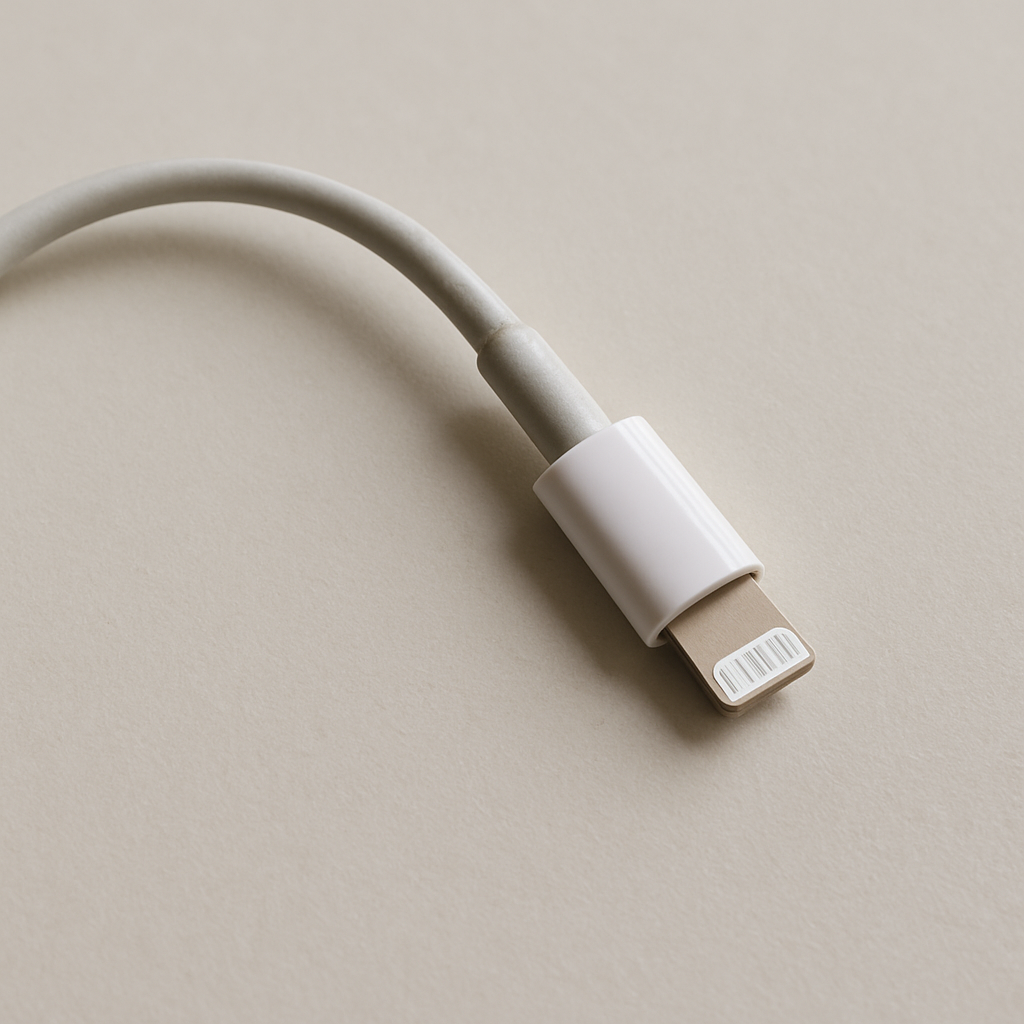
A bent charging cable is sometimes only a cosmetic kink in the outer jacket, but it becomes a real problem when the bend has cracked, stretched, or broken the tiny wires inside. Internal damage raises electrical resistance, which can cause slow charging, charging that cuts in and out, heat near the bend, or device warnings about accessories.
If charging behavior changes right after the bend appears (or worsens over days), treat it as a reliability and safety issue. A cable that gets hot, smells odd, or charges intermittently should be replaced immediately, even if it “still works sometimes.”
If you need a fast fix
- Unplug the cable and let it cool if it feels warm, then inspect the bend area for cracks, exposed wire, or a soft “mushy” spot.
- Test with a known-good cable and charger to confirm the issue is the bent cable, not the power adapter or device port.
- Stop using the cable if charging flickers, the connector is loose, or the bend heats up; switch to a replacement cable right away.
Quick Diagnosis Table
| Symptom | Most likely cause |
|---|---|
| Cable works only if held at a certain angle or the bend is straightened | Internal conductor strands broken or partially separated at the bend, causing intermittent contact |
| Slow charging compared with the same charger and a different cable | Increased resistance from damaged wires inside the cable or a loosened connection near the connector |
| Cable, connector, or phone charging area gets noticeably hot | High resistance at the damaged section or connector, creating heat under load (safety risk) |
| Charging starts and stops, “Accessory not supported,” or USB disconnect/reconnect sounds | Data/power lines intermittently losing contact due to internal breaks or a bent/loose plug |
| Visible split in the outer jacket or exposed braid/wires near the bend | Outer insulation failure, increasing short-circuit risk and accelerating internal damage |
Why This Happens
Charging cables contain multiple thin conductors and shielding wrapped inside a soft outer jacket. When a cable is repeatedly bent sharply in the same spot, the outer jacket may look fine while the metal strands inside fatigue and begin to break.
Common real-world examples include the cable being pinched under a laptop, bent around a car shifter, routed tightly around a desk edge, or forced sideways when the phone is used while charging in bed. Another frequent cause is pulling the cable out by yanking the cord instead of gripping the connector.
As strands break, the cable can still pass power, but not as efficiently, so the device may charge slowly, disconnect with small movements, or run hot near the damaged area because the remaining strands have to carry more current.
Most Common Causes (Ranked)
- 1) Sharp bend near the connector strain relief: This is the highest-stress point, especially if the device is used while charging and the plug is pushed sideways.
- 2) Internal wire fatigue from repeated coiling or twisting: Tight wrapping, especially around the charger brick, gradually breaks strands and weakens shielding.
- 3) Pinching or crushing: Rolling over the cable with a chair, closing it in a drawer, or trapping it under a bed frame can deform the conductors permanently.
- 4) Low-quality cable construction: Cheaper cables often use thinner conductors and weaker strain relief, so a small bend can quickly turn into resistance and heat.
- 5) Connector wear or looseness: A bent plug or worn connector can cause arcing-like intermittent contact, showing up as flickering charge or disconnects.
- 6) Port contamination making the cable “feel bent”: Lint in the device port can prevent full insertion, leaving the plug angled and stressing the cable at the tip.
If the cable stays cool and charging is stable across several days of normal use, the bend is more likely cosmetic, but keep monitoring it closely.
How to Check the Problem Safely
- Check 1: With everything unplugged, look closely at the bend area under good light for cracking, whitening of the jacket, or any exposed braid or wire.
- Check 2: Gently run your fingers along the bend and near the connector; a “soft spot,” sharp ridge, or lumpy section often indicates internal damage.
- Check 3: Test charging with a known-good cable using the same charger and outlet; if the problem disappears, the bent cable is the culprit.
- Check 4: During a short test charge, lightly wiggle the cable a few millimeters near the connector and bend (do not force it); if charging cuts in/out, stop using the cable.
- Check 5: Feel for heat after 5–10 minutes of charging at normal use; warmth is normal, but a hot spot at the bend or connector points to high resistance.
If you see exposed metal, smell burning, or feel significant heat, unplug immediately and do not continue testing.
How to Fix It
- Fix 1 (easiest): Replace the cable with a certified, reputable one (USB-IF, Apple MFi, or a trusted brand). This removes the risk of heat and instability caused by hidden internal breaks.
- Fix 2: Reduce stress while charging by keeping the device flat and the cable straight, and avoid using the phone in a way that bends the plug sideways. Less mechanical strain prevents the damage from spreading.
- Fix 3: Clean the device port carefully if the plug sits at an angle. Power off the device, then use a dry wooden toothpick or soft non-metal tool to remove lint; a fully seated plug reduces leverage on the cable.
- Fix 4: Use a right-angle connector cable or add a proper strain-relief accessory designed for your cable type. This changes the bend radius so the same spot is not constantly crimped.
- Fix 5 (advanced/last resort): If you must use the cable briefly, keep it in a fixed, straight position and charge at a lower power mode if available, but treat this as temporary. Do not tape over exposed conductors or attempt splices on high-current charging cables.
Signs of Battery or Hardware Damage
- Charging port area becomes hot to the touch even with a different, known-good cable.
- The device repeatedly starts/stops charging across multiple cables and chargers.
- Battery percentage jumps, drops, or stalls for long periods while plugged in.
- “Moisture detected,” “Accessory not supported,” or repeated USB connection alerts without moisture present.
- Burning smell, discoloration, melted plastic, or black marks on the connector or port.
- Device shuts down while charging, restarts unexpectedly, or becomes unusually laggy only when plugged in.
- The charge icon appears but the battery still drains during light use with the screen off.
When Repair Is No Longer Worth It
Charging cables are consumables, and once internal conductors are damaged, the failure typically worsens. If the cable is intermittent, hot, visibly cracked, or requires positioning tricks, replacement is the safest and most reliable option.
As a rule, if you value your device and charger, do not gamble to save a small amount on a cable. Spend on a higher-quality replacement that matches your device’s charging standard, because a stable cable prevents repeat issues and reduces the chance of heat-related damage.
How to Prevent This Problem in the Future
- Unplug by gripping the connector, not the cable, to avoid stressing conductors near the strain relief.
- Avoid tight bends, especially within a few centimeters of the connector; aim for a gentle curve instead of a sharp угол.
- Do not wrap the cable tightly around the charger brick; use a loose coil and secure it with a soft strap.
- Keep the charging setup where the cable will not be pinched by drawers, doors, car seats, or chair wheels.
- Use a longer cable if you often charge while using the device, so the cable is not pulled sideways.
- Choose certified or reputable cables rated for your device’s charging power to reduce heat and resist fatigue.
- Periodically check for early signs of wear (whitening at bends, looseness, or intermittent charging) and replace before it becomes a safety issue.
FAQ
Is a bent charging cable dangerous if it still charges?
It can be. A cable may still charge even after some internal strands have broken, but the increased resistance can create heat at the bend or connector. If you notice heat, flickering charging, or a damaged outer jacket, replace it immediately.
Can I straighten the cable or tape the bend to fix it?
Straightening may temporarily improve contact if the break is partial, but it does not restore damaged conductors. Taping can hide the problem and trap heat, and it does not fix exposed metal or weak internal wiring. Replacement is the correct fix when charging is unstable or the cable runs hot.
How do I know if the problem is the cable or the phone’s charging port?
Test with a known-good cable and charger, ideally from a different brand, using the same wall outlet. If the issue disappears, your bent cable is the likely cause. If problems continue across multiple cables, inspect and clean the port, and consider having the device checked for port or battery issues.
For a full overview of this issue and step-by-step solutions, read the complete troubleshooting guide.
Most battery issues are easier to understand once you break them down step by step. That’s the approach Mark Reynolds takes across all troubleshooting guides. For more details, visit the complete guide.