Phone Charger Very Hot — Normal Temperature or Electrical Danger?
Quick Answer
A phone charger usually gets hot because it’s pushing a lot of power (high current) into your phone, and the heat can’t escape well. Fast charging, gaming while charging, or charging in a warm or covered spot makes the charger work harder and trap that heat.
Warm to hot is common during the first 10–30 minutes of charging, especially when the battery is low and the phone pulls maximum power. It should cool down somewhat later in the charge or when the phone reaches a high percentage.
If you need a fast fix
- Unplug the charger and let it cool for 10 minutes, then charge again on a hard, open surface (not a bed, couch, or under a pillow).
- Stop heavy use while charging (gaming, hotspot, video calls) and remove the phone case if it traps heat.
- Try a different wall outlet and a known-good cable; if the charger still becomes extremely hot, stop using it.
Quick Diagnosis Table
| Symptom | Most likely cause |
|---|---|
| Charger gets very hot only during fast charging | High current flow is normal at low battery; heat increases if ventilation is poor |
| Charger is hot even when the phone is near 80–100% | Heat trapped by poor airflow, warm room, or phone running heavy tasks while topping off |
| Charger becomes too hot to comfortably hold | Overload, low-quality/aging charger, damaged cable, or loose plug causing extra resistance |
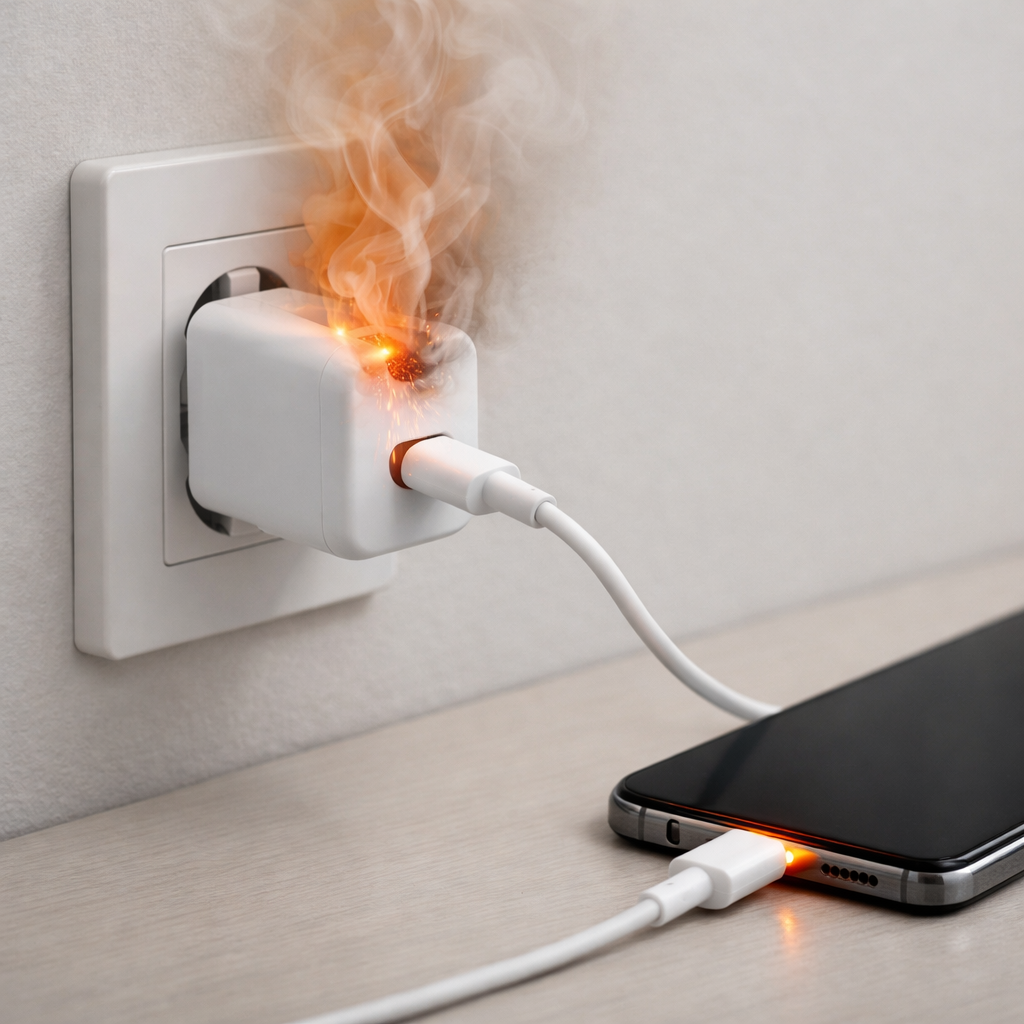
| Burning smell, melting, discoloration, or crackling | Electrical fault or arcing; immediate stop-use situation |
| Hot charger plus “charging slowly” or disconnects | Cable/connector resistance, dirty port, or charger overheating and throttling |
Why This Happens
Every charger converts wall power into the lower voltage your phone needs, and that conversion creates heat. The more power your phone asks for, the more heat the charger has to dump into the air.
Fast charging pulls higher current, especially when your battery is low, so the charger naturally runs warmer. If the charger is behind furniture, covered by blankets, pressed against a power strip, or in direct sunlight, the heat builds up faster because it can’t escape.
In simple terms: higher current plus poor ventilation equals a hotter charger, and the heat you feel is the result of that extra energy loss inside the adapter and cable.
Most Common Causes (Ranked)
- 1) High-power fast charging: When the battery is low, the phone draws maximum power and the charger runs hottest. This is often normal, but it should not become dangerously hot.
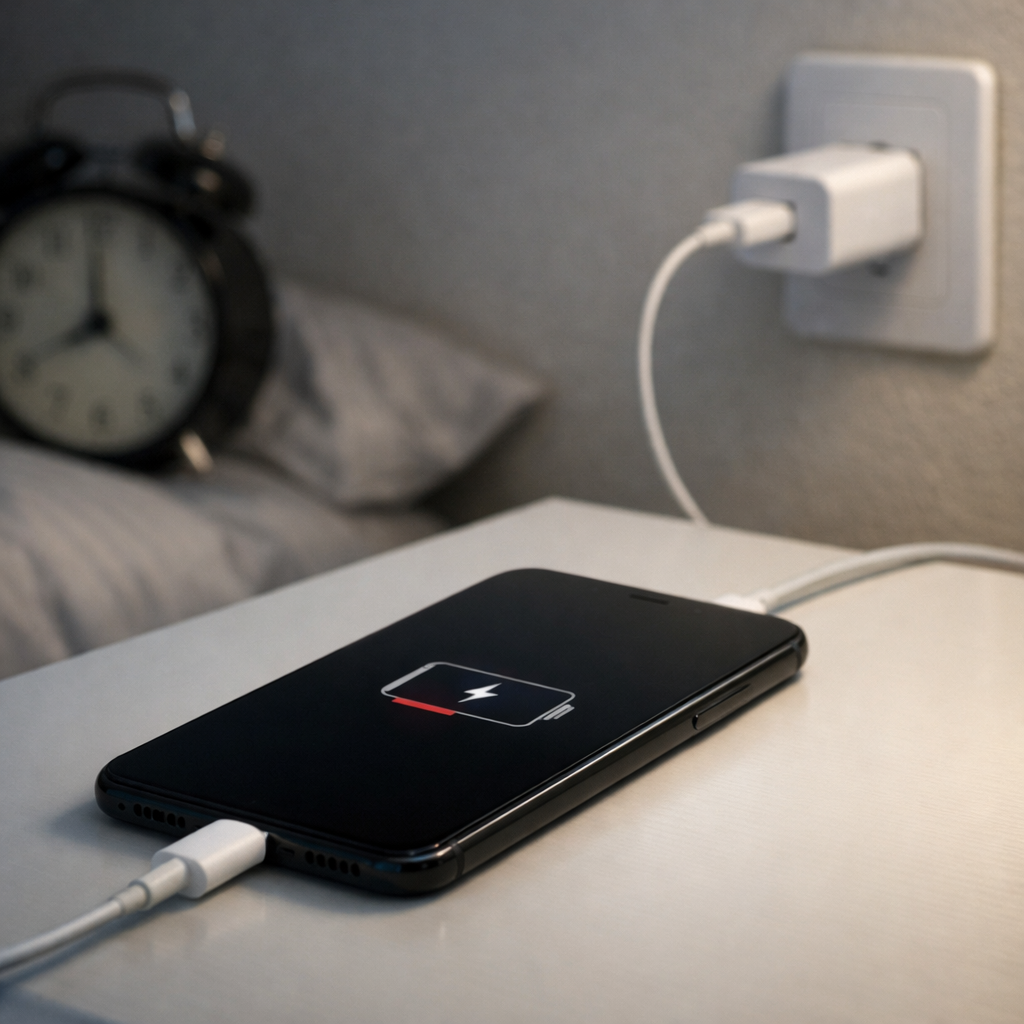
- 2) Poor ventilation or heat trapping: Charging on a bed, couch, or carpet, or with the charger wedged behind furniture, prevents heat from escaping and makes the adapter feel much hotter.
- 3) Heavy phone use while charging: Gaming, GPS, hotspot, or video calls increase power draw, which keeps current high and raises both phone and charger temperature.
- 4) Bad or low-quality cable/charger: Cheap or worn accessories can waste more energy as heat, even at normal charging speeds, and may lack solid temperature protection.
- 5) Loose plug or worn outlet: A poor connection at the wall or power strip can create extra resistance and localized heating around the prongs.
- 6) Dirty or damaged charging port: Lint or corrosion increases resistance, which can make the charging system run hot and unstable.
If the charger runs cooler after improving airflow, reducing phone usage, or swapping the cable, that gradual improvement usually indicates a normal heat-and-load issue rather than a serious electrical fault.
How to Check the Problem Safely
- Check 1: Unplug everything and inspect the charger and cable for melting, bulges, discoloration, burnt marks, or a chemical/burning smell.
- Check 2: Plug the charger directly into a wall outlet (not an extension/power strip) and make sure it fits firmly without wobbling.
- Check 3: Charge the phone on a hard, open surface with good airflow for 15 minutes, with the screen off and no heavy apps running, then feel the charger body.
- Check 4: Swap one item at a time: try a different cable first, then a different charger (preferably a brand-name or the original). If the heat follows one accessory, you’ve found the likely culprit.
- Check 5: Check the phone’s charging status: if it repeatedly connects/disconnects or switches to “slow charging,” overheating or cable resistance may be triggering protection.
If you see smoke, sparking, or melted plastic, do not test further—unplug at the wall and stop using that charger and outlet.
How to Fix It
- Fix 1 (easiest): Improve ventilation—charge on a desk or table, keep the adapter uncovered, and avoid warm spots. Better airflow lets heat escape so the charger doesn’t “cook” itself.
- Fix 2: Reduce power demand—pause gaming, hotspot, and navigation while charging, and consider turning on airplane mode briefly. Lower current flow means less heat generated in the adapter and cable.
- Fix 3: Replace the cable with a certified, intact one. A higher-quality cable has lower resistance, so less energy becomes heat and charging is more stable.
- Fix 4: Use a reputable charger with the correct wattage and safety certifications. Quality chargers regulate power better and usually have better thermal protection, reducing overheating risk.
- Fix 5 (advanced/last resort): If the wall plug is loose, stop using that outlet and have it checked by a qualified electrician. A worn outlet can overheat and can be a real fire hazard.
Signs of Battery or Hardware Damage
- Phone battery swelling, screen lifting, or the back cover separating.
- Phone gets unusually hot even when not charging or not in use.
- Charging stops randomly, only works at certain angles, or the port feels loose.
- Rapid battery drain, sudden shutdowns, or the battery percentage jumps around.
- Burning smell, hissing, popping, or visible smoke from the phone or charger.
- Charger or cable ends show browning, melted plastic, or deformation.
- Charging becomes much slower than normal with the same charger and cable.
When Repair Is No Longer Worth It
If the charger or cable is overheating, replacing accessories is usually worth it because it’s inexpensive and removes a safety risk. If the problem persists across multiple known-good chargers and cables, the phone’s charging port or power management hardware may be at fault.
As a rule, if the phone shows swelling, heat when idle, or repeated charging failures, prioritize safety over saving money. For older phones, the cost of a port repair plus a battery replacement can approach the value of the device, making replacement the smarter choice.
How to Prevent This Problem in the Future
- Charge on a hard, open surface and keep the adapter uncovered so heat can dissipate.
- Avoid charging in direct sunlight, hot cars, or near heaters; ambient heat raises charger temperature quickly.
- Use certified cables and reputable chargers sized appropriately for your phone’s fast-charging standard.
- Don’t coil the cable tightly while charging; coiled cables can trap heat and stress the wire.
- Reduce heavy use while charging, especially at low battery when current draw is highest.
- Keep the charging port clean; periodically remove lint gently with a dry, non-metal tool.
- Replace chargers and cables at the first signs of wear, looseness, or intermittent connection.
FAQ
Is it normal for a fast charger to get hot?
It’s normal for a fast charger to get warm and sometimes hot, especially early in a charge when the phone draws maximum power. The heat should be manageable and should not come with burning smells, discoloration, or melting. If it becomes too hot to comfortably hold or stays very hot the entire time, treat it as a problem to fix.
Why is my charger hotter when my phone is low on battery?
When the battery is low, most phones pull higher current to charge quickly, and the charger works harder. Higher current creates more heat inside the charger and cable, especially if airflow is poor. As the battery fills, charging usually slows down and the charger often cools a bit.
Should I stop using a charger that’s very hot?
Yes, if it’s extremely hot, smells burnt, makes noises, changes color, or shows any melting, unplug it and stop using it. Try a known-good cable and charger to see if the issue disappears. If the overheating continues with good accessories, the phone or the outlet may need professional inspection.
For a full overview of this issue and step-by-step solutions, read the complete troubleshooting guide.
If the issue keeps coming back, it’s usually worth looking at broader battery behavior rather than a single fix. That’s the approach Mark Reynolds follows in the complete battery guide.