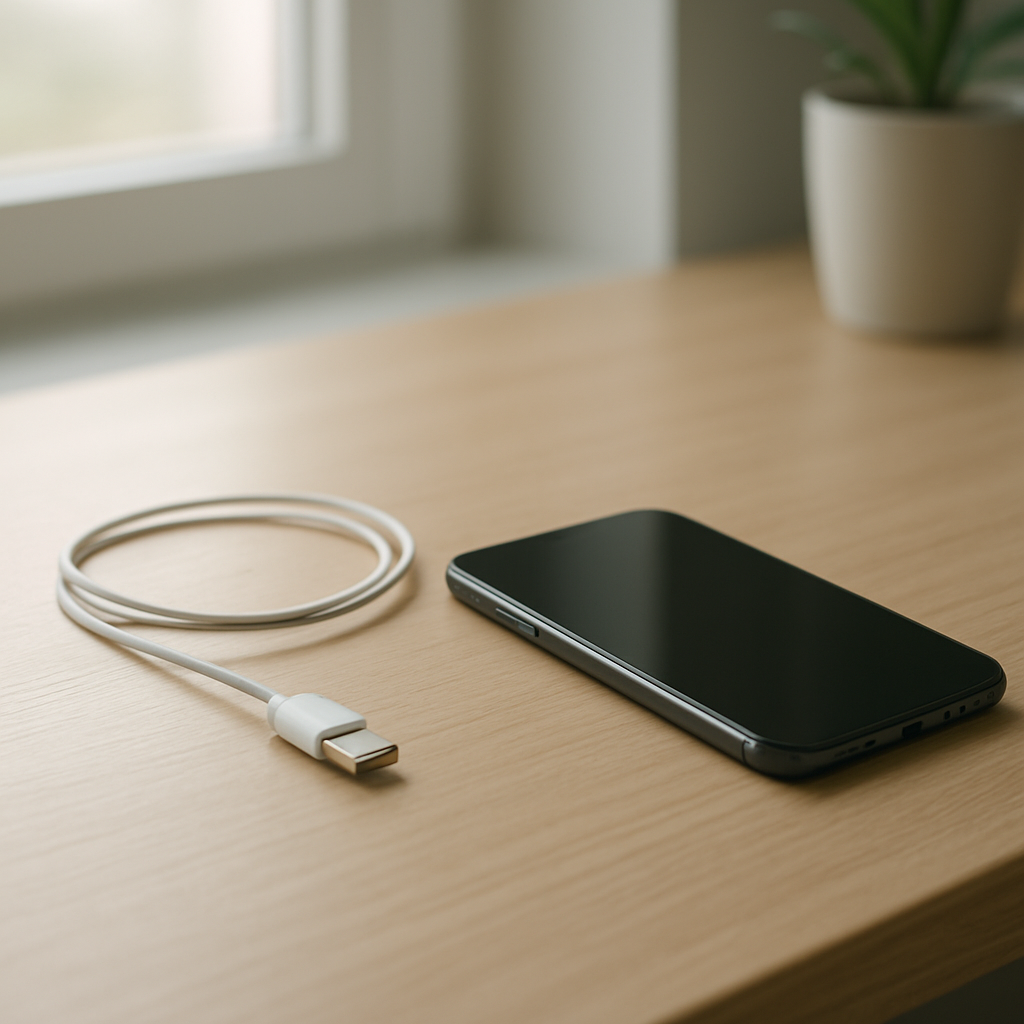
Phone Charging Stops Randomly — Intermittent Power Connection Causes
Quick Answer
When a phone starts charging and then stops randomly, the most common reason is an intermittent electrical contact—usually a loose or dirty charging port connection, a worn cable, or a plug that isn’t seating firmly.
This typically means power is only flowing when the connector is held at a certain angle or pressure. It can show up suddenly after pocket lint builds up, or gradually over days to weeks as the cable tip or port wears.
If you need a fast fix
- Try a different charging cable and wall adapter (preferably known-good) to rule out a flaky cable connection.
- Power off the phone and gently clean the port opening with a dry wooden toothpick or soft brush to remove lint that prevents a solid plug fit.
- Charge with the phone lying flat and avoid touching or bending the cable; if it charges steadily only when still, the connection is likely unstable.
Quick Diagnosis Table
| Symptom | Most likely cause |
|---|---|
| Charging starts, then stops when the cable is bumped | Loose plug fit from pocket lint in the port or a worn connector tip |
| Charging works only at a certain angle | Worn charging port pins or a cable end that no longer makes full contact |
| Random connect/disconnect sound while plugged in | Intermittent electrical contact from debris, moisture residue, or a failing cable |
| Fast charging turns on and off repeatedly | Unstable data/power negotiation caused by a poor connection at the port or cable |
Why This Happens
Your phone charges by making a steady electrical connection between the charger plug and tiny contact points inside the charging port. If that connection is interrupted even for a split second, charging can pause or stop and then resume.
Real-world causes are mostly mechanical. A slightly bent plug, a cable that’s been twisted near the connector, or compacted pocket lint can all prevent the plug from fully clicking into place.
When the phone detects unstable power, it often stops charging to protect the battery and electronics, which is why you see random on-and-off charging behavior.
Most Common Causes (Ranked)
- 1) Lint or debris packed in the charging port: Even a thin layer can stop the plug from seating all the way, creating a loose contact that drops out with movement.
- 2) Worn or damaged charging cable tip: Cables fail internally near the connector and can also wear at the metal tip, causing brief disconnects when the cable shifts.
- 3) Loose or worn charging port contacts: Over time, repeated plugging and unplugging can reduce spring tension or wear contact surfaces, making the connection unreliable.
- 4) Case or port surround blocking full insertion: Some thick cases or slightly misaligned port cutouts keep the plug from going in completely, leading to intermittent contact.
- 5) Moisture or residue in the port: Humidity, sweat, or minor liquid exposure can leave residue that interferes with contact or triggers moisture protection, pausing charging.
- 6) Unstable power source (adapter, outlet, power strip, car charger): A marginal adapter or loose outlet can dip voltage briefly, which looks like random charging stops.
If cleaning the port or switching to a new cable makes charging more consistent over a few days, that gradual improvement usually indicates the issue was contact-related rather than a failing battery.
How to Check the Problem Safely
- Check 1: Use a known-good cable and adapter, then try a different wall outlet. If the problem disappears, the original cable/adapter/outlet was the weak link.
- Check 2: With the phone unplugged, shine a light into the charging port. Look for lint, dust, or a “felt-like” mat packed at the back of the port.
- Check 3: Plug in the cable and gently wiggle the connector side to side (very lightly). If charging cuts in and out with tiny movement, you likely have poor port-to-plug contact.
- Check 4: Remove the phone case and try charging again. If it becomes stable, the case was preventing full insertion or putting sideways pressure on the plug.
- Check 5: If your phone supports wireless charging, test it for 10–15 minutes. If wireless charging is stable while wired is not, the issue is probably the port/cable connection.
Safety note: avoid metal tools in the port and never spray liquids or contact cleaner directly into the phone.
How to Fix It
- Fix 1 (easiest): Swap to a high-quality cable and reliable wall adapter. This helps because many “random stop” issues are caused by internal cable breaks that only fail when the cable moves.
- Fix 2: Clean the charging port gently. Power off the phone, then use a dry wooden toothpick or soft anti-static brush to lift lint out in small amounts so the plug can seat firmly.
- Fix 3: Inspect and replace the cable if the connector looks loose, bent, or overly scratched. A worn tip can’t maintain consistent contact, especially during fast charging.
- Fix 4: Reduce strain while charging. Use the phone on a table, avoid gaming or holding it by the cord, and consider a right-angle cable to prevent sideways pressure that breaks contact.
- Fix 5 (advanced/last resort): Have the charging port professionally inspected and replaced if cleaning and new accessories don’t help. A worn port or damaged solder joints can cause persistent intermittent charging.
Signs of Battery or Hardware Damage
- Charging stops even with multiple known-good cables and adapters, and also fails from different outlets.
- The phone only charges if you press the connector upward or hold it in place.
- The charging port feels loose, the plug doesn’t “click” or seat firmly, or it wiggles more than it used to.
- The phone gets unusually hot near the port while charging, or the connector itself becomes hot.
- Visible discoloration, corrosion, or bent material inside the port.
- Battery drains very fast and the phone shuts off early even after it shows a high charge percentage.
- Repeated moisture warnings or charging disabled messages when the phone is dry.
When Repair Is No Longer Worth It
If the phone is older, has a cracked screen, weak battery, and an unreliable charging port, the combined repairs can exceed the value of the device. In that case, replacing the phone may be the more practical choice.
As a rule, consider repair if the phone is otherwise in great shape and the fix is limited to the port or battery. If the estimate approaches a large fraction of what a comparable refurbished replacement costs, put that money toward a newer device instead.
How to Prevent This Problem in the Future
- Keep the port clean by checking for lint monthly, especially if you carry your phone in a pocket.
- Plug and unplug straight in and out to avoid wearing the port contacts.
- Use a quality cable with good strain relief, and replace it at the first sign of looseness or intermittent charging.
- Avoid charging while the phone is dangling from the cable, which puts constant sideways force on the connector.
- Remove thick cases that interfere with plug insertion, or use a cable with a longer connector housing.
- Keep the phone dry and let it fully dry before charging if it was exposed to sweat, rain, or steam.
- Consider wireless charging when possible to reduce wear on the port.
FAQ
Why does my phone charge only when the cable is at a certain angle?
That almost always points to an unstable physical connection: lint preventing full insertion, a worn cable tip, or worn contacts inside the port. When you change the angle, the metal contacts touch again briefly and charging resumes. Cleaning the port and testing with a new cable are the fastest ways to confirm.
Can a dirty charging port really stop charging randomly?
Yes. Pocket lint can compact into a firm layer that acts like a spacer, so the plug never reaches the contact points properly. The phone may show charging for a moment, then disconnect when the plug shifts even slightly. A careful dry cleaning often restores a solid fit immediately.
Is it safe to keep using the charger if it connects and disconnects?
It’s better to stop and fix the cause, because repeated connect/disconnect cycles can increase heat and wear at the port. Use a different cable and adapter, and avoid bending the connector while it’s plugged in. If the port gets hot, smells odd, or looks damaged, unplug and get it checked professionally.
For a full overview of this issue and step-by-step solutions, read the complete troubleshooting guide.
For a clearer understanding of battery drain and charging limits, Mark Reynolds focuses on simple, practical fixes that work across most devices. You can also read the complete troubleshooting guide.