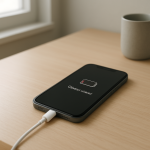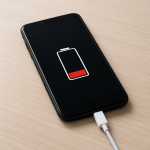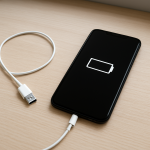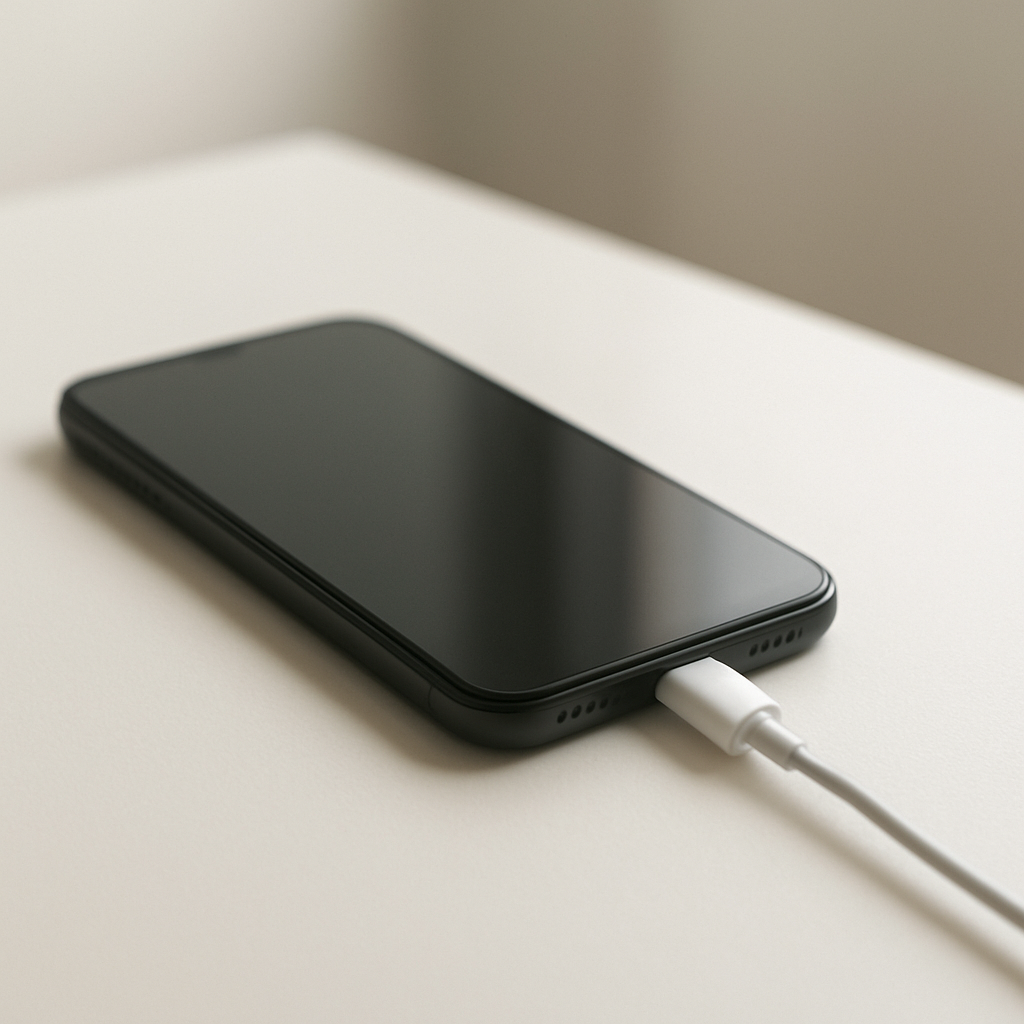
Phone Not Charging When Plugged In — Power Input Failure Causes and Fixes
Quick Answer
Most of the time, a phone that won’t charge while plugged in isn’t getting reliable power from the outside. The usual culprits are a failing charging cable, a weak or incompatible adapter, or a dirty/loose charging port that can’t make a solid connection.
This typically shows up suddenly after a cable bend, a port snag, a drop, or switching to a different charger. In many cases you can confirm the cause within 5–15 minutes by testing with known-good accessories and inspecting the port.
If you need a fast fix
- Try a different wall adapter and a different cable (ideally the original or a certified replacement) and plug into a wall outlet, not a computer.
- Power off the phone, then gently clear the charging port with a dry wooden toothpick or soft brush and try charging again.
- Flip the cable end (USB-C can be worn on one side) and try another outlet; if the phone starts charging, stop using the old charger setup.
Quick Diagnosis Table
| Symptom | Most likely cause |
|---|---|
| Charges only when the cable is held at an angle | Loose/dirty charging port or worn cable connector |
| Charging icon appears, but battery percentage doesn’t increase | Adapter too weak, bad cable, or intermittent connection in the port |
| No charging icon at all on any outlet | Dead adapter, broken cable, or damaged port pins |
| Charges from some chargers but not others | Incompatible fast-charge standard, low-quality adapter, or underpowered USB port |
| Phone gets warm and charging starts/stops repeatedly | High-resistance cable/connector, debris in port, or moisture/contamination |
Why This Happens
Charging is a simple chain: wall power goes through the adapter, through the cable, into the phone’s port. If any link in that chain is worn out, dirty, loose, or incompatible, the phone can’t pull stable power, so charging fails or keeps disconnecting.
Real-world wear is the big reason. Cables break internally near the ends, adapters weaken over time, and ports collect lint that prevents the plug from seating fully. Even a “small” gap can stop charging because the phone needs firm metal-to-metal contact for power and data signals.
When the phone senses unstable input power, it may show a charging icon briefly, then stop to protect itself. That’s why you might see slow charging, on-and-off charging, or no charging at all depending on how bad the connection is.
Most Common Causes (Ranked)
- 1) Bad cable (internal break or worn connector): The cable may look fine but fail under load, especially if it has been bent sharply near the plug.
- 2) Dirty or lint-packed charging port: Pocket lint compacts into the port and keeps the plug from clicking in all the way, causing a loose connection.
- 3) Weak, damaged, or low-quality power adapter: Some adapters can’t provide enough power, and cheap ones may sag under load so the phone refuses to charge.
- 4) Loose or damaged charging port hardware: Repeated tugging can wear the port, bend pins, or loosen the internal mount, leading to angle-dependent charging.
- 5) Incompatible fast-charging standard or USB source: Some phones need USB-PD or a specific standard, and certain chargers or USB ports negotiate poorly or cap power.
- 6) Moisture or contamination detected: Water or corrosion in the port can trigger a safety lockout, stopping charging until the port is dry and clean.
If charging gradually improves after changing the cable/adapter or cleaning the port, that usually indicates an external power-delivery issue rather than a failing battery.
How to Check the Problem Safely
- Check 1: Try a known-good cable and a known-good wall adapter. Use a wall outlet to remove “weak USB port” as a variable.
- Check 2: Inspect both ends of the cable for looseness, wiggling, discoloration, or melted plastic. If the connector feels sloppy, it’s likely failing.
- Check 3: Look into the phone’s port with a bright light. If you see lint, fuzz, or a “felt” layer, the plug may not be seating fully.
- Check 4: With the phone plugged in, gently wiggle the connector. If charging starts/stops, suspect the cable end or the port fit.
- Check 5: Test another power source: a different wall outlet or a different charger type (USB-PD charger if your phone supports it). If it only charges on one setup, compatibility or power level is likely the issue.
Safety note: avoid metal tools in the port and do not force the connector, since bent pins or shorting can permanently damage the phone.
How to Fix It
- Fix 1 (easiest): Replace the cable with a certified, good-quality one. This helps because cable failures are common and can cause hidden voltage drops even when the phone “detects” the charger.
- Fix 2: Swap to a reliable wall adapter with adequate wattage for your phone (for many modern phones, 18–30W USB-PD is a safe range). This helps because an underpowered or failing adapter can’t maintain stable output.
- Fix 3: Clean the charging port: power off the phone, then gently remove lint using a dry wooden toothpick or soft anti-static brush, and blow lightly to clear debris. This helps because the plug must seat fully to make solid contact.
- Fix 4: Try a different charging method if supported: USB-C to USB-C with USB-PD, or certified wireless charging if your phone has it. This helps confirm whether the problem is the port/cable path versus broader device issues.
- Fix 5 (advanced/last resort): If the port is loose, charging only works at an angle, or pins look damaged, book a port inspection or replacement at a reputable repair shop. This helps because a worn or broken port usually won’t improve with software resets or accessory swaps.
Signs of Battery or Hardware Damage
- The phone only charges to a low percentage (for example, 20–40%) and then stops on multiple known-good chargers.
- Rapid battery drain even after a successful charge, or the phone shuts off at 10–30%.
- Battery swelling, a lifting screen, or the back cover separating.
- Burning smell, visible scorching on the port, or melted plastic on the connector.
- “Accessory not supported” or “charging disabled” messages with many different certified cables/adapters.
- The phone becomes unusually hot during charging or while idle, especially near the port or battery area.
- Charging works, but the port feels physically loose or the cable won’t stay seated.
When Repair Is No Longer Worth It
If the phone is older and needs both a charging-port repair and a battery replacement, the combined cost can approach the value of the device. In that situation, replacing the phone may be more practical, especially if it no longer receives security updates.
As a rule, consider replacement if repair estimates exceed about 40–60% of the phone’s current resale value, or if there are multiple signs of internal damage (overheating, swelling, corrosion). If the issue is only the cable/adapter or a simple port cleaning, it’s almost always worth fixing.
How to Prevent This Problem in the Future
- Use certified, good-quality cables and adapters; avoid ultra-cheap chargers that can deliver unstable power.
- Unplug by gripping the connector housing, not by yanking the cable, to reduce port wear.
- Keep the port clean by storing the phone in a lint-free pocket or using a case with a port cover if you work in dusty environments.
- Avoid charging while the phone is under strain (gaming, hot car, under a pillow), since heat accelerates connector and battery wear.
- Don’t charge with a wet phone; let the port dry fully before plugging in to prevent corrosion and safety lockouts.
- Replace cables at the first sign of fraying, looseness, or intermittent charging instead of “making it work” at an angle.
- Use the correct charging standard for your device (often USB-PD for USB-C phones) to reduce negotiation issues and slow-charging frustration.
FAQ
Why does my phone say it’s charging but the battery percentage won’t go up?
This usually means the phone detects a charger but isn’t receiving enough stable power to actually increase the battery level. A weak adapter, a high-resistance cable, or a dirty/loose port can cause this. Try a known-good cable and a higher-quality wall adapter, then clean the port.
Is it safe to clean my charging port myself?
Yes, if you do it gently and keep everything dry. Power off the phone, use a wooden toothpick or soft brush, and avoid metal tools that can damage pins or short contacts. If you see bent pins, corrosion, or the port feels loose, stop and get professional help.
Why does charging work on one charger but not another?
Different chargers support different power levels and fast-charging standards, and some cables can’t carry higher current reliably. A phone may refuse a charger that can’t negotiate correctly or that drops voltage under load. Using a certified cable and a reputable USB-PD (or the phone-maker recommended) adapter usually resolves it.
For a full overview of this issue and step-by-step solutions, read the complete troubleshooting guide.
Mark Reynolds covers battery health, charging limits, and common device issues with a focus on clarity and practical fixes. For a deeper look, visit the full troubleshooting guide.