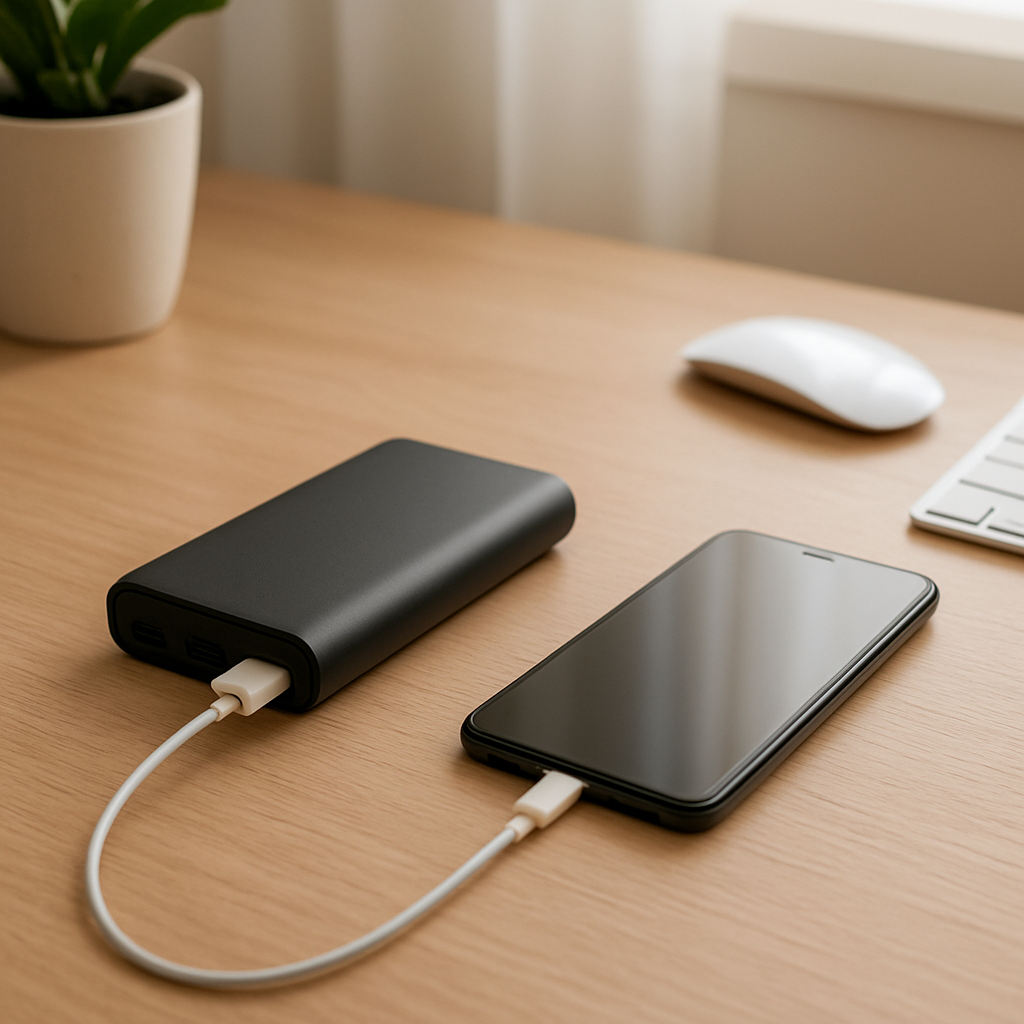
Power Bank Not Detecting Your Device? Causes and Fixes
Quick Answer
If your power bank isn’t detecting your device, it usually comes down to one of five things: the cable can’t carry power properly, the device isn’t drawing enough power to “wake” the bank, the ports are dirty or loose, the power bank’s internal battery is worn out, or the charging protocol (like USB-C PD or Quick Charge) doesn’t match what your device expects.
In most cases, “not detecting” means the power bank doesn’t start output power, shuts off after a few seconds, or never shows the charging icon on your phone. This is often fixable within 5–15 minutes with a cable swap and a quick port check.
If you need a fast fix
- Try a different cable (preferably the original device cable or a known good USB cable) and replug both ends firmly.
- Clean the power bank’s output port and your device’s port with a dry, soft brush, then try again.
- Start charging a “bigger” device first (or plug in a small USB light/fan for a moment) to keep the power bank output awake, then connect your phone.
Quick Diagnosis Table
| Symptom | Most likely cause |
|---|---|
| Power bank lights turn on, then turn off 3–10 seconds after you connect | Insufficient power draw (auto-shutoff) or a damaged/incompatible cable |
| Device shows “charging” briefly, then stops, repeatedly | Loose/dirty port connection or charging protocol mismatch |
| Power bank charges other devices, but not yours | USB-C/Lightning cable issue, protocol mismatch, or device port contamination |
| Power bank won’t charge anything, even with different cables | Internal battery degradation, failed output circuitry, or the bank is in protection mode |
Why This Happens
Most power banks don’t push power out all the time. They look for a certain load from the device, and many models shut off if the current draw is too low to prevent wasting battery. If your phone, earbuds case, smartwatch, or a nearly-full device draws very little power, the bank may decide “nothing is connected” and turn off.
Cables and ports matter more than most people think. A cable that looks fine can have broken internal wires, only support data (or very low power), or have a loose connector that prevents stable contact. Dirty ports can block the pins just enough to stop the handshake that tells the power bank to start charging.
When the protocol doesn’t match, the device and power bank may fail to agree on voltage and current. The result is the same symptom you see with a bad cable: no charging icon, blinking, or charging that starts then stops.
Most Common Causes (Ranked)
- 1) Incompatible or failing cable: Many “free” or older cables only handle low power or have worn connectors, so the device never makes a stable connection and the power bank doesn’t start output.
- 2) Insufficient power draw (auto-shutoff): Small devices (earbuds, fitness trackers) or phones near 100% may draw too little current, so the power bank shuts the port off and appears to not detect anything.
- 3) Dirty, wet, or loose USB/charging ports: Pocket lint, dust, or slight corrosion can prevent the pins from contacting properly, causing intermittent detection or immediate shutoff.
- 4) Charging protocol mismatch (USB-C PD, Quick Charge, Apple/Android profiles): Some ports only fast-charge on specific standards, and a device may refuse higher voltage without a proper handshake or may fall back and then disconnect.
- 5) Internal battery degradation: An aged power bank may show charge lights but can’t hold voltage under load, so it “starts” and then drops out when you plug in a device.
- 6) Protection mode or internal hardware fault: After a short, overheating, or a surge, many banks disable output until reset; some develop a failing output port or control board.
If things get more stable after swapping the cable or cleaning the port, that gradual improvement usually indicates a connection or compatibility issue rather than a dead power bank.
How to Check the Problem Safely
- Check 1: Test your device and cable on a wall charger. If it charges normally from the wall, your device port is likely OK and the issue is the power bank side.
- Check 2: Swap the cable first. Use a short, known good cable rated for charging, and avoid very long or extremely thin cables.
- Check 3: Try a different output port on the power bank (USB-A vs USB-C). Many banks have one port with higher output or different protocol support.
- Check 4: Check for low-draw behavior. Connect the power bank to a device that draws more power (a tablet or another phone) and see if it stays on, then try your original device.
- Check 5: Inspect and clean ports. Use a flashlight to look for lint or debris and gently brush it out with a dry, soft brush.
Safety note: never use metal tools to scrape inside ports, and do not charge if either port is wet or smells like burning plastic.
How to Fix It
- Fix 1 (easiest): Replace the cable with a quality charging cable. This removes the most common failure point and ensures the power bank can “see” a real load.
- Fix 2: Clean and reseat connections. Unplug, clean both ports (device and power bank), then plug in firmly until you feel a solid fit; stable pin contact prevents disconnect loops.
- Fix 3: Use the correct port and protocol. If your phone fast-charges with USB-C PD, use the PD-labeled USB-C port; if your bank has “QC” or “PD” markings, match them to your device for reliable negotiation.
- Fix 4: Work around auto-shutoff for low-power devices. Enable the power bank’s low-current mode if it has one, or start charging a phone first and then connect the low-draw device so output stays active.
- Fix 5 (advanced/last resort): Reset the power bank. Fully recharge it, then discharge it by charging a device until it shuts off, and recharge again; this can clear protection mode on some models and reveal whether the battery is too weak under load.
Signs of Battery or Hardware Damage
- Power bank gets unusually hot while charging or while sitting idle.
- Swelling, bulging seams, or the case no longer sits flat on a table.
- Burning smell, crackling sounds, or discoloration around ports.
- Charge level jumps around (for example, 4 lights to 1 light suddenly).
- Output shuts off immediately even with multiple known good cables and different devices.
- Power bank takes far longer than normal to recharge, or never reaches full.
- Ports feel loose, wiggle significantly, or only work when the cable is held at an angle.
When Repair Is No Longer Worth It
Power banks are typically not economical to repair because the battery pack, protection board, and casing are tightly integrated. If the bank shows swelling, overheating, or repeated shutoffs across multiple devices and cables, replacement is the safer choice.
As a rule, if the power bank is older (often 2–4 years with heavy use), has lost a noticeable amount of capacity, or cost less than a typical professional diagnostic fee, putting money into repair rarely makes sense. Spend instead on a reputable model with clear PD/QC support and safety certifications.
How to Prevent This Problem in the Future
- Use good cables rated for charging, and replace cables that feel loose or only work in certain positions.
- Match charging standards: choose a power bank with USB-C PD if you have modern USB-C devices, and use the PD port for best compatibility.
- Keep ports clean and covered when traveling; lint is a top cause of “not detected” issues.
- Avoid charging in damp environments and never plug in if the port is wet.
- Don’t leave the power bank fully discharged for long periods; recharge it to around half for storage.
- Prevent heat stress: don’t charge a power bank under a pillow, in direct sun, or inside a hot car.
- If you often charge small devices, buy a bank with a low-current mode designed for wearables and earbuds.
FAQ
Why does my power bank charge my friend’s phone but not mine?
This usually points to a cable problem, a dirty/loose port on your phone, or a charging protocol mismatch. Try a known good cable and use a different port on the power bank, especially a USB-C PD port if your phone supports it. Also check your phone’s charging port for lint, which can prevent a solid plug-in connection.
Why does charging start and then stop after a few seconds?
That pattern commonly happens when the power bank’s auto-shutoff triggers due to low power draw or when the connection is unstable. Swap the cable, clean both ports, and try charging a different device to confirm the bank can stay on under load. If it only fails with small devices, look for a low-current mode.
Can a worn-out power bank still show full lights but not charge devices?
Yes. The indicator lights often reflect battery voltage at rest, not how well it holds voltage under load. As internal cells degrade, the voltage can sag as soon as you connect a device, causing the bank to shut off output or “not detect” the device.
For a full overview of this issue and step-by-step solutions, read the complete troubleshooting guide.