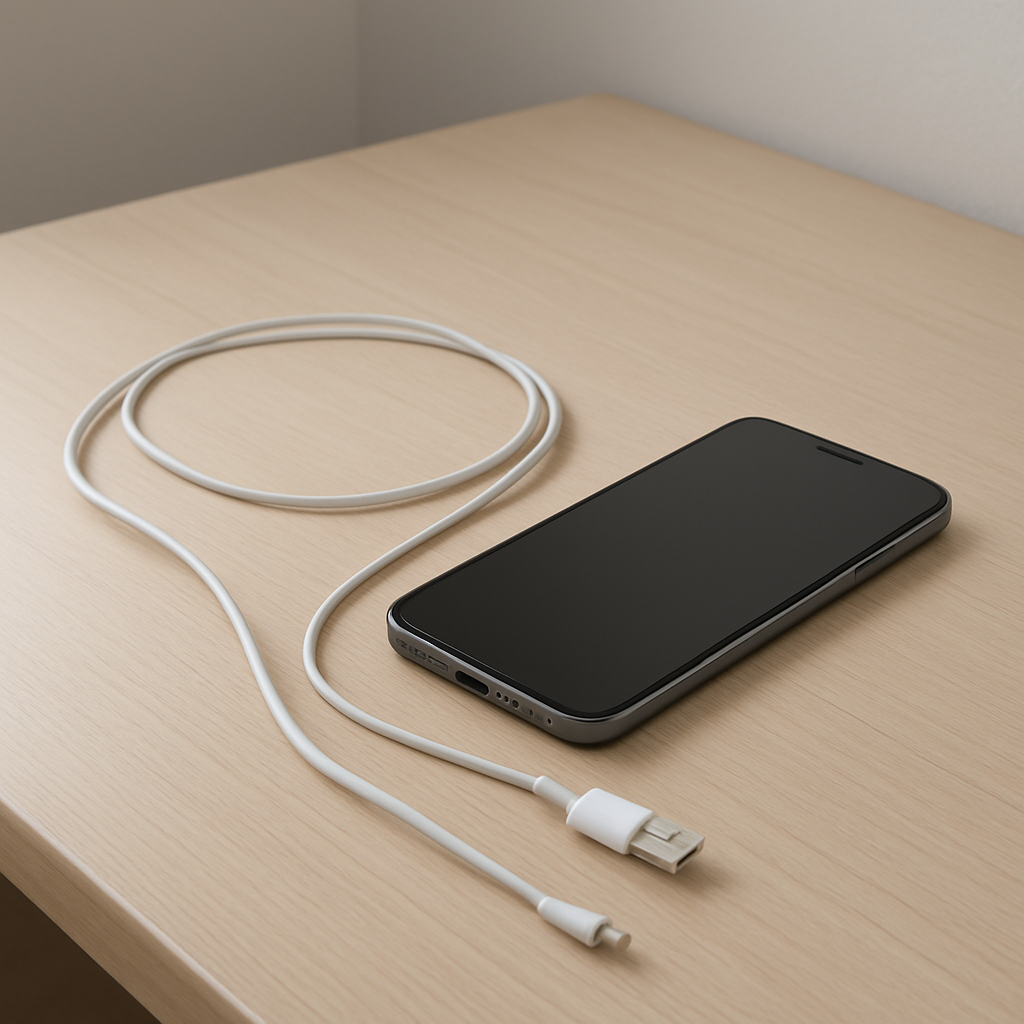
Phone Not Charging Consistently? Causes and Fixes
Quick Answer
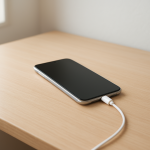
If your phone keeps connecting and disconnecting while charging, the most common causes are a damaged charging cable, debris in the charging port, a loose connection (port or plug), or an unstable power source (bad wall adapter, weak USB port, or power strip issues).
This usually means the phone is briefly losing contact or not getting steady power, so it stops and restarts charging. It can happen instantly when you wiggle the cable, or it may show up over days or weeks as a cable frays or lint slowly packs into the port.
If you need a fast fix
- Try a different known-good cable and a different wall adapter (not a laptop USB port) to rule out a weak power source.
- Power off the phone, then gently clean the charging port opening with a dry wooden toothpick or soft brush to remove lint.
- Plug the cable in firmly and avoid bending the connector; test charging with the phone lying still on a table.
Quick Diagnosis Table
| Symptom | Most likely cause |
|---|---|
| Charging icon appears, then disappears every few seconds | Worn cable/connector or debris preventing a solid connection |
| Only charges when the cable is held at an angle | Loose charging port, bent pin, or stretched connector housing |
| Charges on one charger but not another | Weak or failing wall adapter, bad outlet, or low-power USB port |
| Starts and stops charging when you touch the phone | Intermittent cable break near the plug or a loose port connection |
| Slow charging plus frequent disconnects | Dirty port, low-quality cable, or power adapter that can’t maintain output |
Why This Happens
Charging needs two things to stay stable: a clean, tight physical connection and consistent power from the charger. If the phone loses contact for a moment or the power dips, it will stop charging and then try again, which looks like repeated connecting and disconnecting.
In real life, the most common triggers are simple: lint packed into the port from pockets, a cable that has been bent near the plug too many times, or a charger that works “most of the time” but drops power under load. Even a slightly loose connector can break contact when the phone vibrates from notifications or when you pick it up.
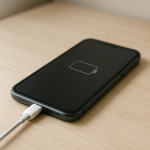
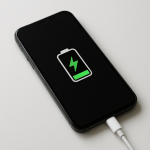
Cause leads to symptom like this: a shaky connection or unstable power makes the phone reset the charging session, so you see the charging icon flicker, hear connect/disconnect sounds, or the battery percentage barely moves.
Most Common Causes (Ranked)
- 1) Damaged or low-quality cable: Internal wire breaks near the ends can make charging cut in and out, especially if the cable only works when positioned “just right.” Cheaper cables often wear faster and may not handle higher charging currents reliably.
- 2) Debris in the charging port: Pocket lint or dust can stop the plug from seating fully, so it connects on the edge and disconnects with small movements. This is extremely common even when the port looks clean from the outside.
- 3) Loose connector fit (phone port or cable tip): Over time, ports can loosen or the plug can deform, causing a wobbly connection. If the cable feels unusually “wiggly” when inserted, this jumps to the top of the list.
- 4) Unstable power source: A worn wall adapter, a flaky power strip, or a weak USB port can cause brief voltage drops. The phone responds by stopping charging or switching between fast/slow modes.
- 5) Moisture detection or corrosion: If the phone recently got wet or was used in humid conditions, the device may repeatedly pause charging to protect itself. Corrosion can also create intermittent contact.
- 6) Software or charging control glitches: Less common, but a stuck process, outdated OS, or a buggy power-management setting can make charging behave oddly, especially right after an update.
If the connection becomes steadier after changing the cable or cleaning the port, that gradual improvement usually means the issue was contamination or a failing accessory rather than a major phone hardware problem.
How to Check the Problem Safely
- Check 1: Try a different wall outlet and plug the charger directly into the wall (skip power strips and extension cords).
- Check 2: Swap one item at a time: test with a different cable first, then a different wall adapter, using accessories you know work with another device.
- Check 3: Inspect the cable ends closely for kinks, exposed wire, looseness, or a connector that feels hot during use.
- Check 4: With the phone powered off, shine a light into the charging port and look for lint, dust, or discoloration; check that the plug seats fully and doesn’t pop out.
- Check 5: If available, try wireless charging (Qi/MagSafe style) to see if the battery charges steadily without using the port.
Safety note: avoid metal tools in the port and never spray liquids or cleaners into it, since you can short pins or push debris deeper.
How to Fix It
- Fix 1 (easiest): Replace the cable with a certified or high-quality cable that supports your phone’s charging standard; this helps because most intermittent charging is caused by internal cable breaks or worn connectors.
- Fix 2: Clean the port: power off the phone, gently loosen lint with a dry wooden toothpick or soft, dry brush, then tap the phone lightly (port facing down) so debris falls out; this helps the plug seat fully for a stable connection.
- Fix 3: Use a stable power adapter: switch to a reputable wall charger of the correct wattage for your phone and plug it directly into a solid outlet; this prevents voltage drops that trigger repeated charge restarts.
- Fix 4: Reduce strain on the connector: charge with the phone lying flat, avoid using the phone while charging, and don’t bend the cable near the plug; this helps by stopping tiny movements that break contact.
- Fix 5 (advanced/last resort): If the port still wobbles or only works at an angle, schedule a charging port inspection/replacement; this helps because a loose port, worn pins, or cracked solder joints won’t be fixed by new accessories.
Signs of Battery or Hardware Damage
- Battery drains unusually fast even after a full charge, or the percentage drops in big jumps.
- Phone gets very hot while charging, especially near the port or battery area.
- Charging port is visibly bent, the plug won’t insert fully, or it falls out easily.
- Burning smell, discoloration, or melted plastic around the cable tip or port.
- Phone randomly restarts or shuts down when you plug in the charger.
- Moisture warnings that persist for days despite the phone being dry.
- Battery swelling (screen lifting, back cover bulging, or device rocking on a table).
When Repair Is No Longer Worth It
If the phone needs both a port repair and a battery replacement, or if it shows signs of board-level damage (overheating, corrosion, or repeated shutdowns), repairs can quickly approach the value of an older device. In those cases, replacing the phone is often safer and more reliable.
As a simple rule, if the repair estimate is more than 30–50% of the phone’s current resale value, replacement usually makes more sense. If you must keep the phone, prioritize safety-related fixes first (swelling battery, overheating, or burnt port) before trying cheaper workarounds.
How to Prevent This Problem in the Future
- Use a reputable cable and wall charger matched to your phone’s charging standard and wattage needs.
- Avoid yanking the cable; pull from the plug body, not the cord.
- Keep the phone out of pockets with lots of lint, or periodically check and gently clean the port before problems start.
- Don’t charge with the cable sharply bent under a pillow or behind furniture where the connector is strained.
- Plug directly into a stable wall outlet when possible, especially for fast charging.
- If you charge in a car, use a quality car adapter rather than a low-power USB port.
- Consider wireless charging at home to reduce wear on the charging port.
FAQ
Why does my phone charge only when I hold the cable a certain way?
This almost always points to a loose connection: either the cable is broken internally near the end, debris is preventing a full plug-in, or the phone’s charging port is worn. Try a new cable first, then clean the port with the phone powered off. If it still needs to be angled, the port likely needs repair.
Can a bad wall charger cause charging to connect and disconnect?
Yes. A failing or underpowered adapter can dip in output when the phone tries to draw more power, and the phone may stop and restart charging repeatedly. Testing with a different wall adapter and outlet is one of the fastest ways to confirm this.
Is it safe to keep using my phone if charging is intermittent?
It can be safe if the issue is just lint or a worn cable, but stop immediately if you notice heat, burning smells, discoloration, or swelling. Intermittent charging can also create extra heat at the connector when contact is poor. When in doubt, switch to a known-good charger and cable and get the port inspected.
For a full overview of this issue and step-by-step solutions, read the complete troubleshooting guide.