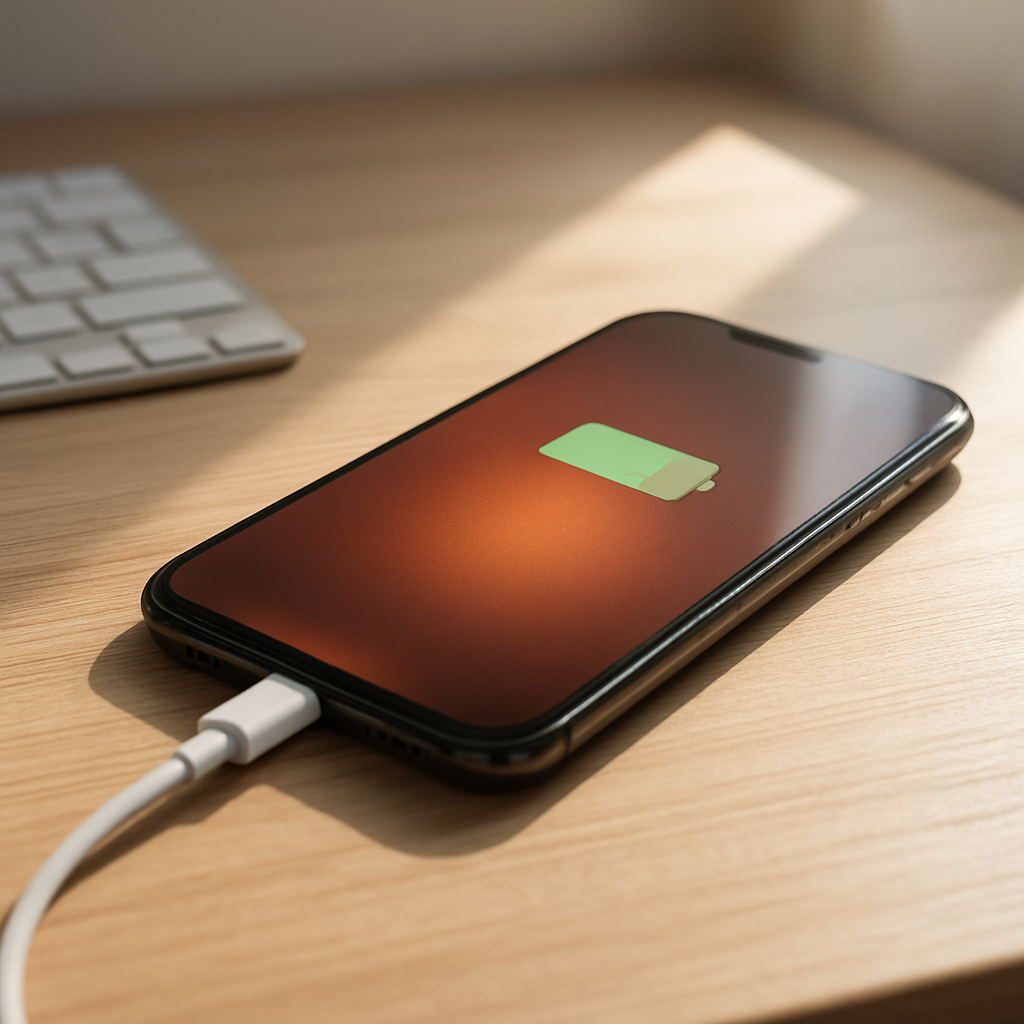
Phone Gets Hot While Charging? Causes and Easy Fixes
Quick Answer
Phones often get warm while charging because electricity is being converted and managed inside the battery and charging circuits. Heat is most common with fast charging, heavy background activity (games, navigation, video calls), an aging battery that’s less efficient, or poor ventilation like charging on a bed or under a pillow.
Usually, mild warmth is normal for the first 10–30 minutes (and again near 0–20% when fast charging is strongest). But if the phone becomes uncomfortably hot, charges unusually slowly, or keeps heating up every time, it can signal a charger, cable, port, or battery problem.
If you need a fast fix
- Unplug the phone, remove any thick case, and let it cool for 5–10 minutes before charging again.
- Switch to a slower charger (or disable fast charging if your phone allows it) and avoid using the phone while it charges.
- Move it to a hard, open surface (desk or table), away from sunlight, blankets, or car dashboards.
Quick Diagnosis Table
| Symptom | Most likely cause |
|---|---|
| Gets hot mostly from 0–30% and then cools down | Normal fast-charging phase and higher charging current at low battery |
| Gets hot while you’re using it (gaming, video, hotspot) and charging | Background activity + charging heat stacking up |
| Hot near the charging port, cable smells warm, or connection feels loose | Bad cable/adapter, dirty port, or poor contact causing resistance |
| Heats up more when charging on a bed/couch or inside a car | Poor ventilation or high ambient temperature trapping heat |
| Heats up a lot near 80–100% and battery drains quickly later | Aging battery or battery management issues (more energy wasted as heat) |
Why This Happens
Charging creates heat because your phone is moving power through tiny components and into the battery, and no system is 100% efficient. The faster the charge, the more power is being pushed through the phone, and the more warmth you’ll feel.
Real-world example: watching YouTube while fast charging is like running two big jobs at once. The screen, processor, and network radios make heat, while charging adds more, so the phone can feel much hotter than when it’s just sitting there.
In simple terms, the cause creates extra electrical resistance or extra workload, and the symptom you notice is heat, throttled charging speed, or the phone pausing charging to protect itself.
Most Common Causes (Ranked)
- 1) Fast charging: Fast chargers deliver higher power, which naturally creates more heat, especially at low battery levels. Many phones reduce speed automatically if temperatures rise.
- 2) Using the phone while charging: Games, video streaming, hotspot use, navigation, and camera apps keep the processor busy, adding heat on top of charging heat.
- 3) Poor ventilation or hot surroundings: Charging on fabric, under a pillow, in direct sun, or in a warm car traps heat and prevents the phone from cooling normally.
- 4) Aging battery: Older lithium batteries become less efficient, so more energy turns into heat and the phone may warm up even with normal charging.
- 5) Low-quality charger/cable or wrong power standard: Cheap or damaged accessories can run inefficiently, overheat, or cause unstable charging that warms the phone and the plug area.
- 6) Dirty or damaged charging port: Lint or corrosion can make poor contact, increasing resistance and heating near the port while also slowing charging.
If the phone improves after cooling, switching chargers, or stopping heavy use, that usually indicates normal heat buildup rather than a serious hardware fault.
How to Check the Problem Safely
- Check 1: Feel where the heat is strongest (back center, top near camera, or near the charging port). Port-area heat often points to cable/port contact issues.
- Check 2: Try a different known-good cable and wall adapter (preferably the original or certified). If the heat drops noticeably, the accessory was likely the cause.
- Check 3: Charge on a cool, hard surface with the case off for 15 minutes. If it stays much cooler, airflow and insulation were part of the problem.
- Check 4: Put the phone in Airplane mode (or turn off hotspot, GPS, gaming, and video) while charging. If it cools down, background activity was the main driver.
- Check 5: Look at battery usage in Settings to spot an app that’s constantly running. A “stuck” app can keep the phone hot even when the screen is off.
Safety note: if the phone is extremely hot, power it down and stop charging until it cools; don’t place it in a freezer or against ice, since rapid temperature changes can cause condensation and damage.
How to Fix It
- Fix 1 (easiest): Stop using the phone while charging and close heavy apps. This reduces processor load so charging doesn’t have to compete with heat from performance tasks.
- Fix 2: Switch to a slower charge when you don’t need speed (use a lower-watt charger or disable fast charging if available). Lower power reduces heat and is easier on older batteries.
- Fix 3: Improve cooling: remove the case, avoid fabric surfaces, and keep it out of sun or hot cars. Better airflow lets the phone shed heat so charging stays stable.
- Fix 4: Replace questionable accessories with certified ones and inspect the cable ends for looseness or discoloration. Good-quality cables and adapters reduce resistance and prevent port-area heating.
- Fix 5 (advanced/last resort): Clean the charging port carefully with a dry, non-metal tool and a light source to check for lint, or have a shop clean it. If heat persists despite good accessories and airflow, schedule a battery health check or replacement.
Signs of Battery or Hardware Damage
- Phone becomes too hot to hold, or heat spikes quickly within a few minutes of charging.
- Battery percentage jumps around, drops fast, or the phone shuts off at 20–40%.
- Charging repeatedly stops/starts, or the phone refuses to fast charge even with proper equipment.
- Swollen battery signs: screen lifting, back panel bulging, wobbling on a flat table.
- Burning smell, sizzling/crackling sounds, or discoloration near the port or cable tip.
- Charger/connector becomes very hot compared to normal, or the plug area looks melted.
- Noticeably worse battery life plus frequent overheating during light tasks.
When Repair Is No Longer Worth It
If the phone is older and the battery is the main issue, a battery replacement is often worth it when the rest of the device is in good shape. But if you also have charging-port damage, random shutdowns, severe overheating, and poor performance, the combined repair risk and downtime may outweigh the benefits.
As a rule of thumb, if total repair cost approaches a large chunk of the phone’s current resale value, replacement is usually the smarter call. Put your budget toward a device with a fresh battery and modern charging safety features rather than stacking multiple repairs.
How to Prevent This Problem in the Future
- Use manufacturer-recommended or certified chargers and cables to avoid inefficient charging and excess heat.
- Avoid heavy use while charging, especially gaming, hotspot use, AR filters, and long video calls.
- Charge on a hard surface with open airflow; don’t charge under pillows, blankets, or on thick couches.
- Keep the phone out of direct sunlight while charging, and don’t leave it charging in a hot car.
- If your phone offers it, use optimized charging or a battery protection mode to reduce time spent at 100%.
- Replace worn cables early; frayed or loose cables can create resistance and heat at the connector.
- Maintain battery health by avoiding frequent extreme heat exposure, which speeds up battery aging.
FAQ
Is it normal for a phone to get warm while fast charging?
Yes, mild warmth is normal because fast charging pushes more power and the phone’s charging system creates some heat. It’s especially common at low battery percentages when charging speed is highest. The phone should usually cool down as it approaches higher percentages.
Why does my phone get hot near the charging port?
Port-area heat often comes from poor contact or higher resistance, which can be caused by a damaged/cheap cable, a worn connector, or lint in the port. Try a different certified cable and adapter first. If the connection still feels loose or heating continues, the port may need cleaning or repair.
Should I stop charging if my phone gets hot?
If it’s just slightly warm, you can usually continue charging and reduce heat by not using the phone and improving ventilation. If it becomes uncomfortably hot, smells strange, or the screen/body seems to bulge, unplug it and let it cool. Persistent overheating should be checked, since it can indicate battery wear or a hardware issue.
For a full overview of this issue and step-by-step solutions, read the complete troubleshooting guide.