Quick Answer
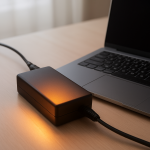
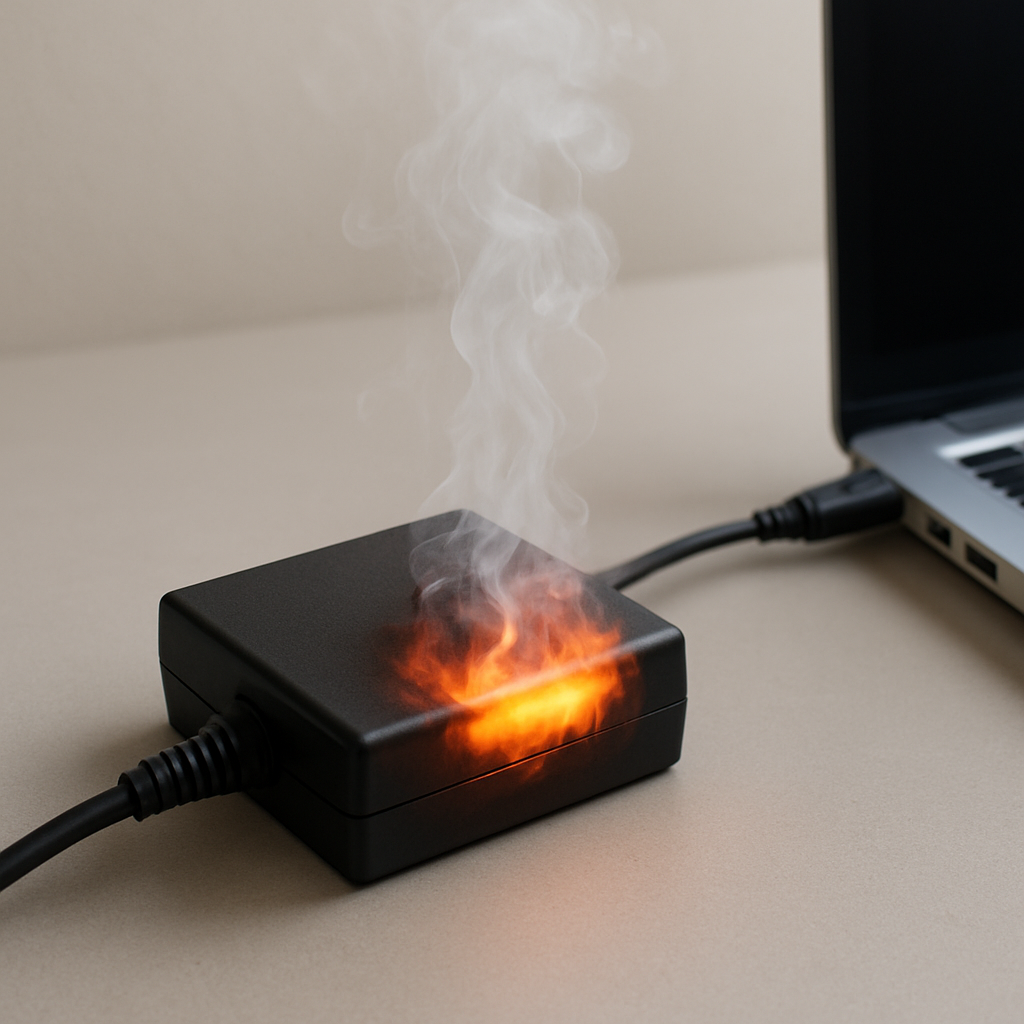
A laptop charger getting warm is normal, but a charger that becomes very hot usually means high load, poor ventilation, a damaged cable/connector, or an adapter that is failing. If the charger is uncomfortable to hold, smells unusual, or causes charging to cut in and out, stop using it and inspect or replace it.
Quick Diagnostic Checklist
- Touch test: warm is normal; too hot to comfortably hold is not.
- Surface test: place the charger on a hard surface with open airflow (not a bed/sofa).
- Cable test: check for fraying, kinks, stiffness, or discoloration near the ends.
- Outlet test: try a different wall outlet (avoid loose power strips).
- Load test: charge with the laptop idle or powered off for 20 minutes and compare heat.
- Stability test: watch for charging pauses, flickering charge indicator, or “plugged/unplugged” behavior.
Why Laptop Chargers Produce Heat
Laptop chargers convert high-voltage AC power from the wall into lower-voltage DC power for the laptop and battery. This conversion is not perfectly efficient, so some energy becomes heat. Heat rises further when the charger is working near its maximum output, airflow is restricted, or electrical resistance increases at the cable or connector.
Typical Charger Temperature Range
- 30–45°C → normal operating warmth
- 45–60°C → high load but often acceptable
- Above 60°C → excessive heat (investigate)
If the charger is uncomfortable to hold for several seconds, treat it as excessive heat.
Common Causes of Charger Overheating
High power demand while charging
Gaming, video editing, external monitors, and heavy CPU/GPU use increase the wattage the charger must deliver, which increases heat.
Poor ventilation and heat trapping
Chargers cool by releasing heat into the air. Soft surfaces (bed, couch), tight spaces, or coiled cables trap heat and raise temperature.
Cable damage or sharp bends
Repeated bending near the adapter brick or laptop connector can damage internal wires. Damaged areas create resistance and heat, especially at stressed points.
Loose or dirty connector contact
If the plug does not fit firmly, or the contact is inconsistent, electrical resistance increases and heat concentrates at the connector area.
Incorrect or underpowered charger
Using a charger with lower wattage than your laptop requires forces the adapter to run at high load for long periods, increasing temperature.
Aging adapter components
Over time, internal components can degrade and run less efficiently, creating more heat even under normal use.
Battery charging stress
A degraded battery can cause unstable charging behavior and increase overall load, which may contribute to adapter heat.
Professional Diagnostic Procedure
Step 1 — Airflow test
Place the charger on a hard surface with open air around it. Uncoil the cable. Re-test temperature after 15–20 minutes.
Step 2 — Load isolation test
Charge with the laptop idle (or powered off). If the charger runs much cooler, the primary driver is high system load during charging.
Step 3 — Cable and connector inspection
- Check for fraying, cracks, discoloration, or melted plastic
- Check for overheating near the connector tip
- Check for looseness at the laptop charging port
Step 4 — Outlet and power strip test
Try a different wall outlet. Avoid loose or low-quality power strips. Poor contact at the plug can also create heat.
Step 5 — Comparison test
If you have access to a compatible original charger with the correct wattage, compare temperatures under the same conditions. A significantly hotter charger is a strong sign of aging or internal failure.
When Charger Heat Becomes a Safety Issue
- Charger becomes too hot to hold
- Burning smell or unusual odor
- Buzzing, crackling, or visible sparking
- Discoloration, deformation, or melted plastic
- Charging becomes intermittent (stops and resumes)
If any of these occur, unplug the charger and stop using it until it is replaced or professionally checked.
Can Overheating Harm the Battery?
Yes. Excess heat during charging can stress the battery charging process and may contribute to faster battery aging over time. Keeping the charger ventilated and using the correct wattage reduces unnecessary thermal stress.
How to Prevent Charger Overheating
- Use the correct manufacturer-rated charger (wattage matters)
- Keep the adapter on a hard surface with airflow
- Avoid tightly coiling the cable while charging
- Reduce heavy CPU/GPU use during charging if heat is excessive
- Replace damaged cables or adapters immediately
FAQ
Is it normal for a laptop charger to get warm?
Yes. Heat is normal during power conversion, especially under moderate to heavy load.
How hot is too hot?
If the charger is uncomfortable to hold, smells unusual, or causes unstable charging, treat it as too hot.
Does fast charging make chargers hotter?
Often yes. Higher power delivery increases heat generation, especially if ventilation is limited.
Should I unplug a charger that feels hot?
If the heat is excessive or unusual, unplug it, let it cool, inspect for damage, and replace if needed.
Related Guides
Conclusion
Some charger warmth is normal, but a charger that becomes very hot usually points to high load, poor ventilation, cable/connector resistance, incorrect wattage, or internal adapter aging. Simple tests (airflow, load isolation, and cable inspection) can identify the cause quickly. If heat is excessive or accompanied by smell, deformation, or unstable charging, replace the charger for safety.
For a full overview of this issue and step-by-step solutions, read the complete troubleshooting guide.