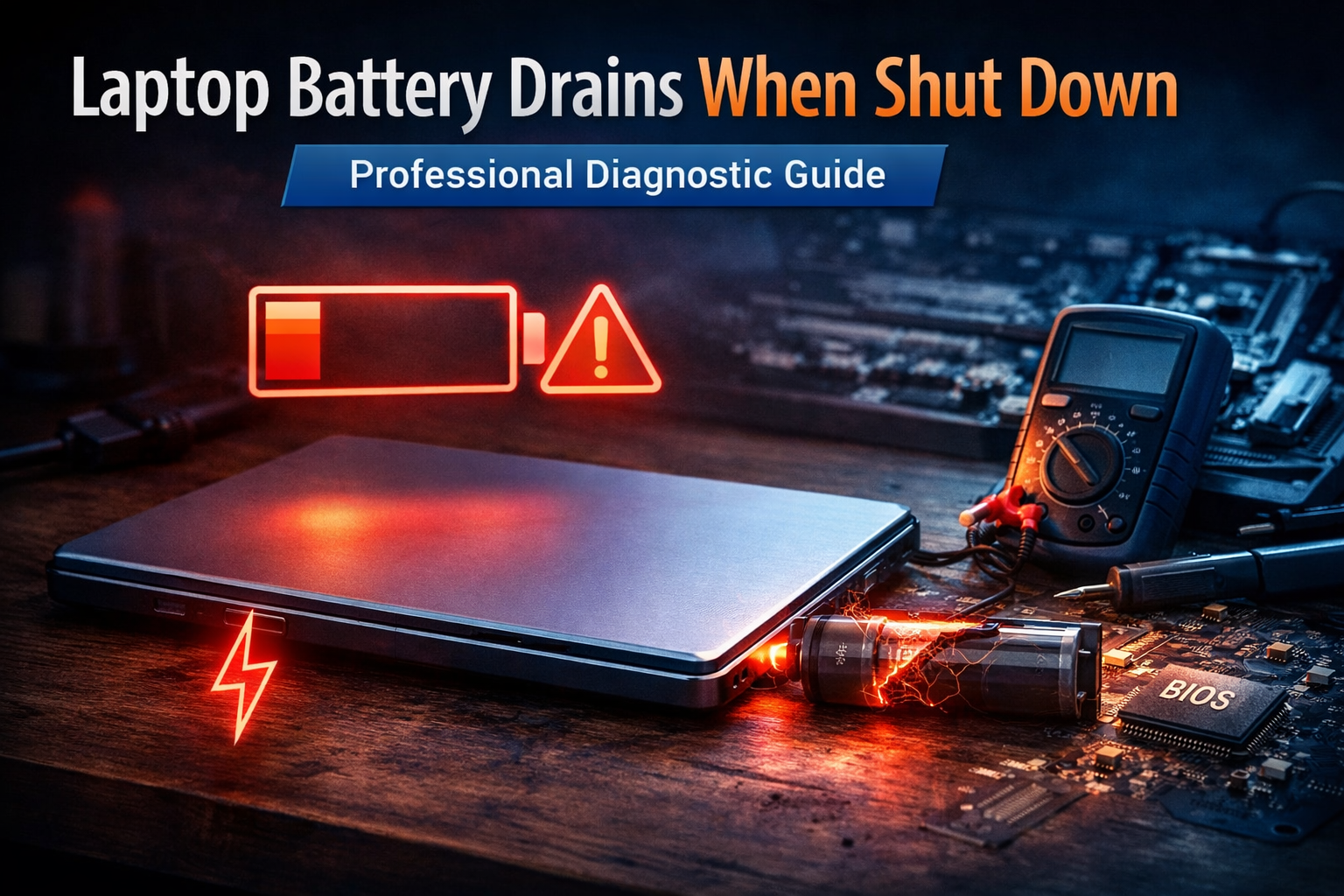
Laptop Battery Drains When Shut Down: Professional Diagnostic Guide
Quick Diagnostic Checklist
- Confirm the laptop performs a full shutdown (not sleep or hybrid shutdown)
- Disable Fast Startup or hybrid shutdown in system settings
- Disconnect all USB devices and external accessories
- Check if USB charging remains active when powered off
- Allow system updates to complete before shutdown
- Check battery health and cycle count
If significant battery loss continues after these checks, internal power management behavior or battery degradation may be responsible.
What battery drain during shutdown actually means
A modern laptop is rarely completely electrically inactive after shutdown. Many systems maintain limited internal power for firmware functions, memory retention, or hardware monitoring.
Shutdown battery drain usually indicates one of the following:
- The system is not fully powered off
- Background hardware remains energized
- Battery self-discharge is elevated
- Firmware power management is active
This does not always indicate malfunction. Some level of passive power consumption is normal in modern laptops.
Primary causes of battery drain when shut down
Fast Startup or hybrid shutdown
Many operating systems combine shutdown and hibernation to accelerate boot time. This preserves system state and requires minimal standby power.
Modern standby or connected standby
Some laptops remain partially active to allow background updates, network connectivity, or device synchronization.
USB power delivery when powered off
Some laptops continue supplying power to USB ports so external devices can charge even while the system appears off.
Firmware power features
Wake-on-LAN, hardware monitoring, and system clock maintenance may require constant low-level power.
Incomplete shutdown
Closing the lid or pressing the power button may trigger sleep or hibernation instead of full shutdown.
Connected accessories
Docks, receivers, and external storage may draw power even when the laptop is off.
Battery aging and self-discharge
Older batteries lose charge more quickly due to internal chemical degradation.
Expected battery loss when shut down
- 1–3% overnight → normal
- 3–8% overnight → moderate but acceptable
- 10%+ overnight → investigate system settings or battery health
- 20%+ in a few hours → likely abnormal
Professional troubleshooting procedure
Step 1 — Verify full shutdown behavior
Use the operating system shutdown command. Do not close the lid immediately. Wait until all lights and fans stop.
Step 2 — Disable Fast Startup
Hybrid shutdown allows background power use. Disabling it forces full power disconnection.
Step 3 — Disconnect all external hardware
- USB devices
- Docking stations
- External drives
- Wireless receivers
Step 4 — Disable USB charging when off
This setting is usually available in BIOS/UEFI or manufacturer power utilities.
Step 5 — Check BIOS or firmware power settings
Disable wake features such as:
- Wake-on-LAN
- Always-on USB
- Network standby
Step 6 — Evaluate battery condition
Check battery health, capacity, and cycle count using system diagnostics.
Advanced technical inspection
If drain remains significant:
- Perform firmware update
- Reset BIOS to default settings
- Check motherboard power rails
- Inspect for thermal issues during shutdown
Signs of abnormal power consumption
- Laptop feels warm when powered off
- Battery drops more than 15% overnight
- System powers on with critically low battery
- Drain continues after disabling all standby features
Signs of battery degradation
- Rapid self-discharge
- Reduced runtime
- Inaccurate charge readings
- High cycle count
Safety warning
If the battery becomes hot while the laptop is off, or shows swelling or odor, discontinue use immediately. Battery failure can pose safety risks.
Prevention best practices
- Perform full shutdown when storing laptop long-term
- Keep battery between 40% and 70% for storage
- Disconnect accessories before shutdown
- Update firmware regularly
- Monitor battery health periodically
When professional repair is recommended
Seek technical service if battery drain persists despite disabling standby features, updating firmware, and verifying battery condition. Persistent drain may indicate motherboard power leakage or failing battery cells.
FAQ
Is it normal for a laptop battery to drain when shut down?
Yes, small losses are normal due to firmware and hardware power functions.
Does sleep mode drain more battery than shutdown?
Yes. Sleep maintains system memory and consumes more energy.
Can a worn battery drain faster even when off?
Yes. Aging batteries self-discharge more quickly.
Does Fast Startup prevent full shutdown?
Yes. It stores system state and keeps minimal power active.
Author Expertise
This guide is based on diagnostic principles used in laptop power management analysis, including firmware behavior, standby power systems, and lithium battery aging patterns.
Related Guides
- Battery Drains Faster After Update
- Device Battery Draining When Idle
- Battery Health Dropping Quickly
- Laptop Not Charging to 100%
Conclusion
Battery drain during shutdown is usually caused by modern power management features, standby hardware activity, or natural battery self-discharge. Systematic testing of shutdown behavior, firmware settings, and battery health resolves most cases. Persistent or excessive drain indicates hardware or battery deterioration requiring professional evaluation.
For a full overview of this issue and step-by-step solutions, read the complete troubleshooting guide.