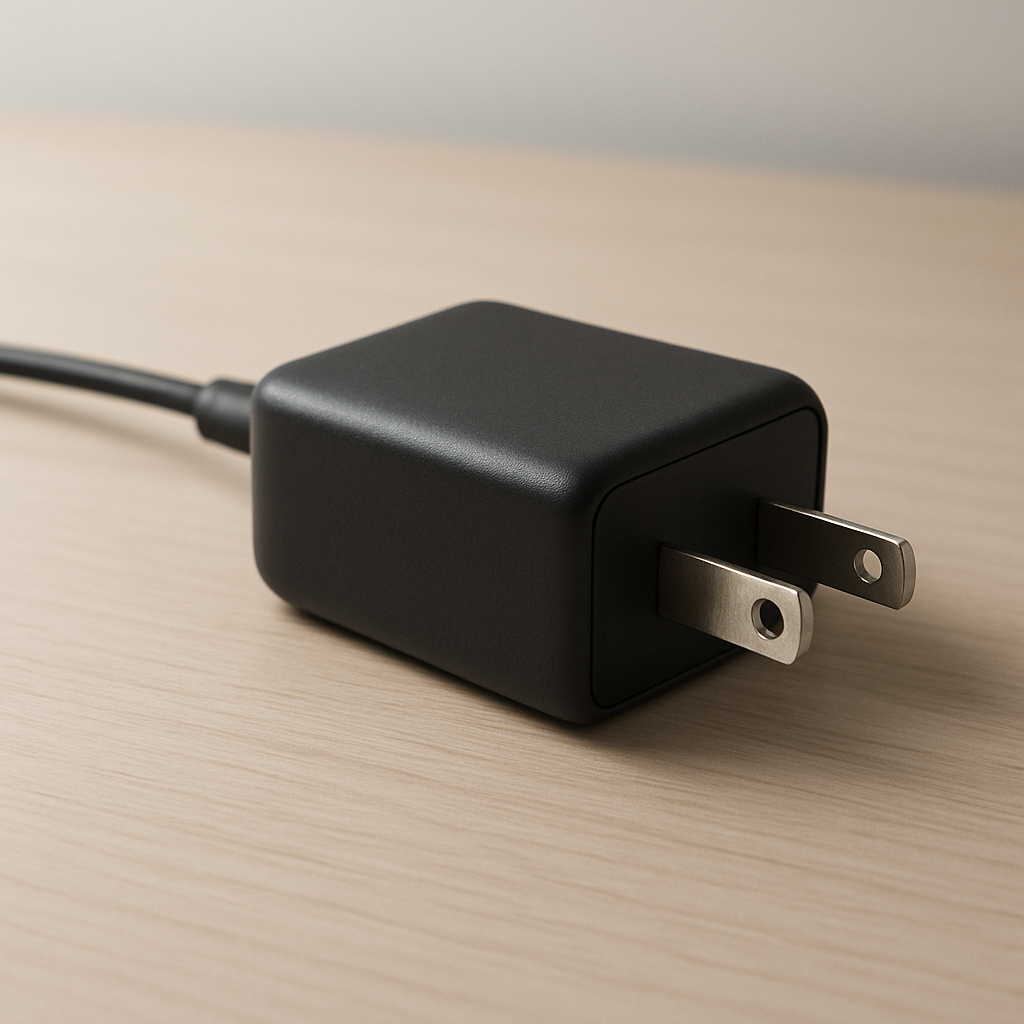
Charger Making Buzzing Noise — Electrical Fault or Normal Transformer Sound?
Quick Answer
A buzzing charger is most often caused by tiny electromagnetic vibrations inside the charger’s power-conversion parts (usually the transformer/inductor and nearby components). As the charger rapidly switches power to charge your device, magnetic forces can make parts “sing” or resonate, which you hear as a buzz, hum, or faint whine.
In many cases it’s normal, especially when the charger is under heavy load (fast charging, low battery, gaming while charging) and the sound is soft and steady. If the noise suddenly becomes loud, changes pitch a lot, comes with heat or a burning smell, or starts happening even with nothing connected, treat it as a possible fault and stop using it.
If you need a fast fix
- Unplug the charger, wait 30 seconds, then plug it directly into a different wall outlet (skip power strips) to rule out a vibrating plug or bad connection.
- Try a different cable (or flip the plug end if it’s reversible) to reduce resistance that can increase electrical “strain” and buzzing.
- Reduce the load: stop using the device while charging or disable fast charging (if your device allows it) to see if the buzz drops immediately.
Quick Diagnosis Table
| Symptom | Most likely cause |
|---|---|
| Soft buzz only during fast charging or when battery is very low | Normal electromagnetic vibration under high load (transformer/inductor resonance) |
| Buzz changes when you touch or slightly move the wall plug | Loose outlet fit or vibrating plug blades causing arcing-like vibration and noise |
| Loud buzz plus charger runs unusually hot | Component stress, poor internal solder/joints, or aging capacitors increasing ripple and vibration |
| Buzz happens even with no device connected | Faulty charger, internal component failure, or poor-quality design with unstable switching |
| Buzz appears only with one specific cable/device combination | Cable resistance, negotiation issues (USB-C PD), or incompatible fast-charge profile causing unstable power conversion |
Why This Happens
Inside almost every modern charger is a switching power supply that converts wall power into safe low-voltage charging power. It does this by switching electricity on and off very quickly, then smoothing it into clean output. Those rapid changes create magnetic forces in coils (transformers/inductors) and small vibrations in some components.
If a component’s vibration lines up with a frequency your ears can hear, it becomes a noticeable buzz or whine. This is similar to how a speaker works, just much weaker and unintended. Some chargers are better potted (filled with resin) or better glued, which dampens movement and makes them quieter.
In simple terms: higher charging load or unstable power makes stronger electromagnetic forces, which can shake parts slightly, and that vibration becomes the sound you hear.
Most Common Causes (Ranked)
- 1) Normal coil/transformer vibration under load: Fast charging and low-battery charging draw more power, which increases magnetic forces and can make coils resonate audibly.
- 2) Resonance from slight internal looseness: Small gaps in glue, potting, or coil windings can let parts move more, making a previously quiet charger start buzzing over time.
- 3) Outlet or plug vibration (poor contact): A worn wall outlet can fit loosely, letting the plug vibrate and sometimes creating tiny electrical noise that sounds like buzzing.
- 4) Cable or connector resistance: A worn, long, or thin cable can cause voltage drop, making the charger work harder and sometimes oscillate or “hunt,” which increases audible noise.
- 5) Incompatible or unstable fast-charge negotiation: With USB-C PD or proprietary fast charging, a device and charger may repeatedly renegotiate power levels, causing pitch changes or pulsing buzz.
- 6) Aging or failing internal components: Drying capacitors or stressed solder joints can increase ripple and vibration, and the charger may get hotter or noisier with time.
If the buzzing gradually decreases as the battery fills (and the charger stays cool), that usually indicates normal behavior as the charger backs off power.
How to Check the Problem Safely
- Check 1: Listen for when it happens: only at low battery, only during fast charging, or all the time. A noise that appears only under heavy charging is often normal resonance.
- Check 2: Swap the wall outlet and avoid power strips temporarily. A different outlet can reveal a loose receptacle or noisy strip as the real source.
- Check 3: Swap cables and (if possible) try a different device. If the sound follows one cable/device combination, the charger may be reacting to that load or connection.
- Check 4: Do a quick heat check by touch after 10–15 minutes of charging. Warm is normal; too hot to comfortably hold is not.
- Check 5: Check for pulsing behavior: does the screen show charging on/off, or does the percentage stall and jump? That can point to unstable power conversion or a bad cable.
Safety note: do not open the charger; internal capacitors can hold dangerous voltage even after unplugging.
How to Fix It
- Fix 1 (easiest): Use a different wall outlet with a firm grip on the plug, because a snug connection reduces vibration and prevents poor-contact heating.
- Fix 2: Replace the cable with a certified, shorter, higher-quality cable (especially for USB-C PD). Lower resistance reduces strain on the charger and can stop “hunting” noises.
- Fix 3: Reduce the charging load by disabling fast charging (if available) or avoiding heavy use while charging. Less power draw often makes the buzzing fade or vanish.
- Fix 4: Try a different charger with the same wattage rating (or the manufacturer’s original). Better-designed chargers damp vibration and regulate more smoothly, which reduces audible resonance.
- Fix 5 (advanced/last resort): If the outlet is loose, have it replaced by a qualified person. A worn outlet can cause repeated buzzing, heat, and unreliable charging regardless of the charger brand.
Signs of Battery or Hardware Damage
- Burning smell, acrid odor, or visible smoke from the charger, cable, or device.
- Charger becomes extremely hot quickly, or the wall plug area feels hot.
- Crackling sounds, popping, or buzzing that is loud and irregular (not a steady hum/whine).
- Charging repeatedly connects/disconnects, or the device only charges at certain angles.
- Device battery drains unusually fast, swells, or the back cover lifts.
- Visible melting, discoloration, or deformation on the charger, USB port, or cable ends.
- Electrical tingling sensation on the device chassis (especially with metal laptops), which can indicate leakage or grounding issues.
When Repair Is No Longer Worth It
Most small wall chargers are not designed to be repaired, and opening them is unsafe. If buzzing is loud, new, or paired with heat, smell, discoloration, or unstable charging, replacement is the practical and safer choice.
As a rule, replace the charger if it costs less than a professional diagnostic or if it powers an expensive phone/laptop you can’t risk. Choose a reputable brand with the correct wattage and safety certifications, since better internal damping and regulation usually means less noise and longer life.
How to Prevent This Problem in the Future
- Use the manufacturer’s charger or a high-quality certified charger with the correct wattage, because better design reduces component vibration and electrical stress.
- Keep plugs and USB ports clean and dry; debris increases resistance and can make the charger work harder (and noisier).
- Avoid charging on soft surfaces that trap heat, since heat can worsen component resonance and speed up aging.
- Don’t tightly bend cables near the connector; damaged strands raise resistance and can trigger unstable power behavior.
- Use a wall outlet with a firm grip; if plugs wobble, replace the outlet to prevent heat and buzzing.
- Limit sustained maximum load when possible (gaming or heavy laptop use while charging), which reduces magnetic vibration inside the charger.
- Store chargers loosely (no tight wraps) to avoid internal stress and cable damage that can lead to noise later.
FAQ
Is a buzzing charger always dangerous?
No. A soft, steady buzz that happens mainly during fast charging is often just normal electromagnetic vibration inside the transformer/inductor. It becomes concerning if it turns loud, irregular, or comes with significant heat, burning smell, or charging instability.
Why does the buzzing change pitch when my battery hits a certain percentage?
Charging power usually ramps down as the battery fills, so the charger switches differently and the vibration frequency can shift. That’s why the sound may be louder at 0–30% and quieter after 70–90%. A gradual change is usually normal; rapid pulsing changes can point to a cable or negotiation issue.
Can a power strip or extension cord cause buzzing?
Yes. Some strips have looser contacts, worn switches, or filtering components that can buzz, and a poor connection can make the charger work harder. Plug the charger directly into a wall outlet to compare, and stop using any strip that gets warm, crackles, or smells odd.
For a full overview of this issue and step-by-step solutions, read the complete troubleshooting guide.