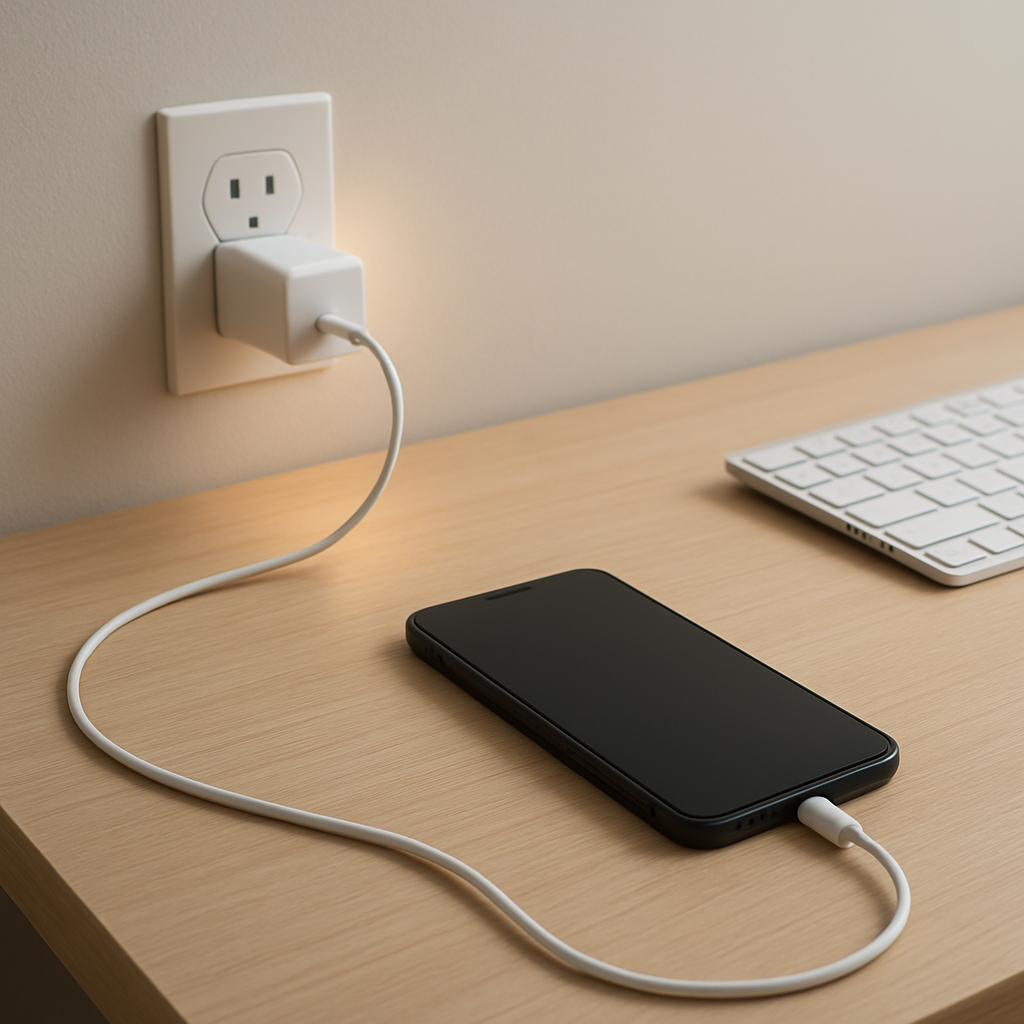
Charger Gets Hot While Charging — Normal Heat or Dangerous Overload?
Quick Answer
A charger gets warm or even hot because electricity meeting resistance inside the charger, cable, and device turns some energy into heat while power is flowing. The higher the charging load (fast charging, low battery, heavy use), the more heat you can feel.
In many cases this is normal for the first 10–30 minutes, or anytime you’re charging quickly. It becomes a concern if the charger is too hot to hold, smells odd, makes crackling noises, or keeps overheating every time even with a different outlet and cable.
If you need a fast fix
- Unplug, let it cool for 10 minutes, then re-test using a wall outlet (not a power strip) in an open, ventilated spot.
- Swap to a known-good cable and the original or certified charger for your device to reduce extra resistance and heat.
- Turn on Airplane mode or stop heavy apps while charging to lower the load and heat right away.
Quick Diagnosis Table
| Symptom | Most likely cause |
|---|---|
| Warm at first, then cools down after a while | Normal high-load phase when the battery is low; current is higher early on, so resistance creates more heat |
| Charger gets very hot and stays hot the whole time | Overload or inefficiency from a cheap/failing charger, poor ventilation, or charging at the wrong power level |
| Cable end is hotter than the charger brick | High resistance at the connector from wear, dirt, looseness, or a low-quality cable |
| Phone/laptop is hot and the charger is hot | High total load from fast charging plus device use (gaming, video, hotspot), adding heat on both sides of the connection |
| Heat comes and goes when the cable is moved | Intermittent contact at the plug or port causing resistance spikes and localized heating |
Why This Happens
Charging is basically moving energy from the wall into your battery. None of the parts are perfect conductors, so some of that energy is lost as heat where electrical resistance exists.
Think of resistance like a slightly pinched hose. To push the same “flow” through a tight spot, more energy is wasted at that spot. In charging, tight spots can be inside the charger’s electronics, in a thin or damaged cable, or at a dirty/loose connector.
When your battery is low or you’re fast charging, the charger pushes more power, and the heat you feel increases. If resistance is higher than it should be, the same charging load produces noticeably more heat, which is why a bad cable or struggling charger can feel dangerously hot.
Most Common Causes (Ranked)
- 1) High charging load (fast charging, low battery, heavy use): More current flowing through normal resistance means more heat, especially during the first part of charging.
- 2) Poor cable quality or a worn cable: Thin conductors and damaged strands raise resistance, so the cable and connector ends heat up under the same load.
- 3) Loose, dirty, or worn connector/port: A weak contact point acts like a bottleneck, creating a hot spot at the plug or charging port.
- 4) Charger not matched to the device (or low-quality charger): Inefficient internal components waste extra energy as heat, especially when the device requests higher power.
- 5) Poor ventilation or heat trapping: Charging on a bed, couch, or in direct sun prevents normal cooling, so “normal heat” becomes “too hot.”
- 6) Battery aging or device power management issues: An aging battery or background drains can keep charging demand high longer, making the charger run hot for an unusually long time.
If the charger runs hottest at the beginning but gradually gets cooler as the battery fills, that usually indicates normal charging behavior rather than a dangerous fault.
How to Check the Problem Safely
- Check 1: Feel-test safely: if it’s uncomfortable to hold for more than a few seconds, unplug and stop using it until you identify the cause.
- Check 2: Compare setups: try a different cable first, then a different charger (known-good and certified), and note whether the heat follows the cable, the charger, or the device.
- Check 3: Inspect the connectors: look for bent pins, discoloration, melted plastic, scorch marks, or a loose fit at the device port and charger port.
- Check 4: Reduce load: charge with the screen off and no heavy apps, and see if temperatures drop within 5–10 minutes.
- Check 5: Check the outlet and power strip: plug directly into a wall outlet; avoid loose outlets and overloaded strips that can also heat at the plug.
Safety note: never cover a charger while it’s plugged in, and don’t keep testing a charger that smells burnt, crackles, or shows any melting.
How to Fix It
- Fix 1 (easiest): Improve airflow: move the charger to a hard surface with space around it, and keep it out of bedding and sunlight to help it shed normal heat.
- Fix 2: Replace the cable with a certified one: lower resistance means less heat at the cable ends and more stable charging, especially for fast charging.
- Fix 3: Use the right charger wattage: use the original manufacturer charger or a reputable USB-C PD/QC charger that matches your device’s needs to avoid inefficient conversion and overheating.
- Fix 4: Clean the charging port carefully: power down the device and remove lint with a dry, non-metal tool so the connector can seat fully and reduce resistance at the contact point.
- Fix 5 (advanced/last resort): If heat persists across multiple known-good chargers and cables, have the device port or battery checked by a repair shop because a failing port, power IC, or battery can keep the system under abnormal load.
Signs of Battery or Hardware Damage
- Charger or plug smells like burnt plastic or chemicals.
- Discoloration, melting, or warping on the charger, cable, or connector ends.
- Buzzing, crackling, or sparking at the outlet or charger.
- Charging repeatedly starts/stops or the connector must be held at an angle to work.
- Device battery swells, the back cover lifts, or the screen separates from the frame.
- Battery percentage jumps, drops suddenly, or shuts down at 20–40%.
- Charger becomes painfully hot within a few minutes, even with the device idle.
When Repair Is No Longer Worth It
If the heat problem follows the charger or cable, replacement is usually the right call because these parts are relatively inexpensive and failures can be unsafe. If the problem follows the device across multiple chargers, a port or battery repair may be reasonable on newer or higher-value devices.
As a rule, if repair cost is a large fraction of the device’s current value, or the device also has battery swelling, random shutdowns, or charging instability, replacement is often the better and safer long-term option.
How to Prevent This Problem in the Future
- Use certified chargers and cables so resistance and heat stay within design limits.
- Avoid tight bends at the connector and don’t pull the cable out by yanking the cord, since damaged strands increase resistance and heating.
- Keep ports clean and ensure the connector seats fully to prevent hot spots from poor contact.
- Charge on a hard, open surface and don’t cover the charger; trapped heat makes normal warmth become excessive.
- Reduce charging load when possible: avoid gaming or hotspot use during fast charging to lower heat on both the device and charger.
- Unplug when charging is complete if your setup tends to run warm, especially with older batteries that may keep topping up.
- Replace cables at the first sign of looseness, discoloration, or intermittent charging to prevent overheating at the plug.
FAQ
Is it normal for a fast charger to get hot?
Some warmth is normal because higher charging power means more current, and resistance turns part of that energy into heat. It should not be painfully hot, smell burnt, or cause the cable ends to discolor. If it’s uncomfortable to touch or stays extremely hot, stop using it and test with a different cable and charger.
Why is the cable tip hotter than the charger brick?
Heat at the tip usually points to resistance at the connector area, often from a worn cable, dirt or lint in the port, or a loose fit. That small contact area can become a “hot spot” under load. Swapping the cable and cleaning the port (carefully) fixes many cases.
Can a hot charger damage my phone or laptop battery?
Excess heat is bad for batteries over time and can also stress charging electronics. If the charger is only mildly warm and cools down later, it’s usually fine. If overheating is frequent or severe, address it quickly to reduce long-term battery wear and lower safety risks.
For a full overview of this issue and step-by-step solutions, read the complete troubleshooting guide.