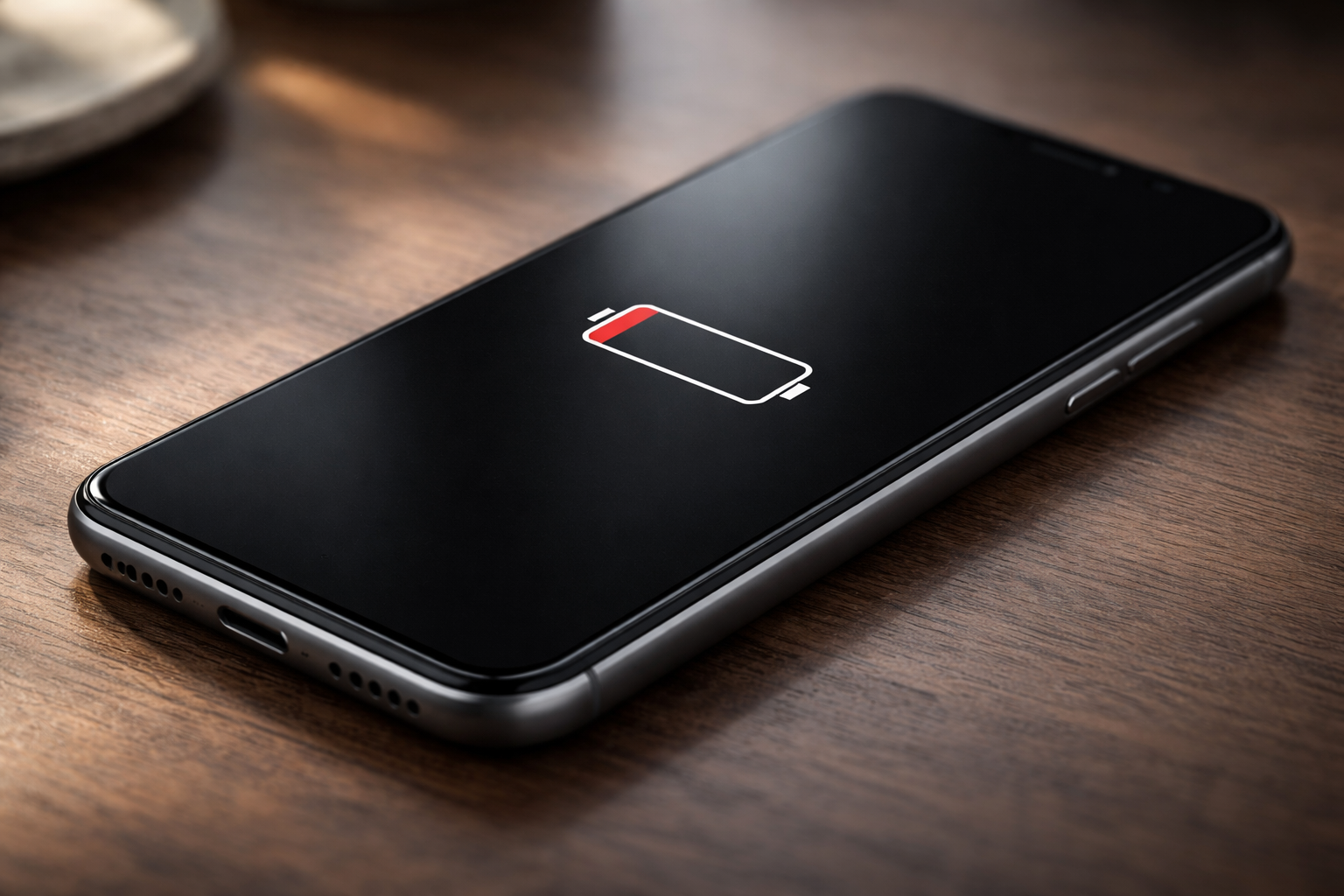
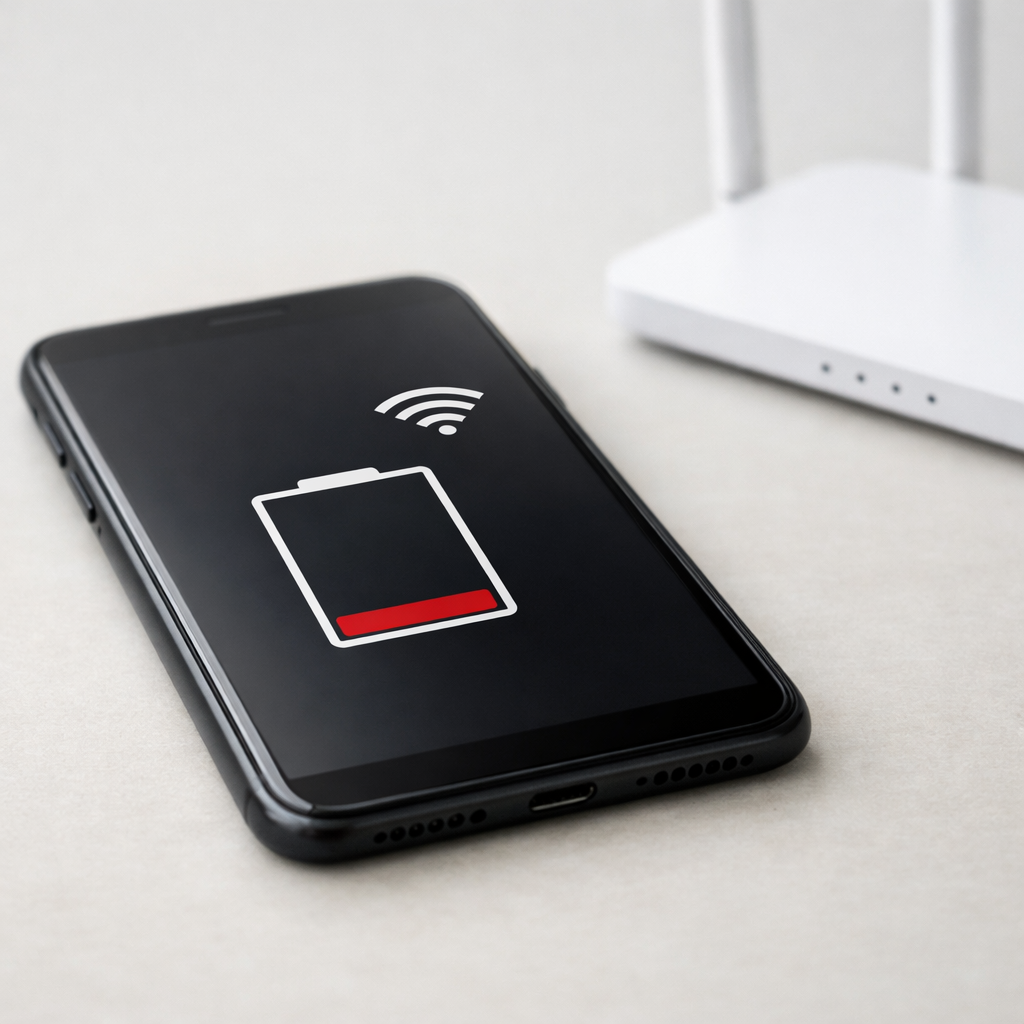
If your phone battery is draining even when no apps appear to be running, it usually means the device is still doing work in the background.
Modern smartphones run system services for syncing, updates, network connectivity, and hardware readiness even when the screen is off.
This is called background drain or standby drain. Small drain is normal, but excessive drain can point to settings issues,
weak signal behavior, or battery aging.
Key Takeaways
No visible apps doesn’t mean no activity—system services still run.
Weak cellular signal and unstable Wi-Fi are major battery drain triggers.
Notifications, location, and device scanning can wake the phone repeatedly.
Updates and indexing can cause temporary heavy drain after changes.
If drain is sudden, extreme, and persistent, battery wear or a software fault is more likely.
Introduction
Many people notice their phone battery draining quickly even when no apps appear to be running. This can be confusing and frustrating,
especially when the phone seems idle. In most cases, this behavior is common and related to how modern smartphones operate in the background
rather than a sudden hardware fault.
What this problem usually means
When a phone battery drains without active apps, it usually means the phone is still performing tasks behind the scenes.
Smartphones are designed to stay connected, updated, and ready at all times. Even when the screen is off and no apps are open,
certain system processes continue to use power to maintain basic functions like network communication, system monitoring, and hardware readiness.
This type of battery use is often called background drain or standby drain.
It is a normal part of smartphone operation, but excessive drain can indicate settings issues, high background activity, or battery wear.
Common causes
Several factors can cause battery drain even when no apps appear to be running. The most frequent ones include:
1) Background system services
The operating system runs essential services constantly. These include syncing data, checking for updates, managing sensors,
and maintaining system stability. These processes are not shown as regular apps but still use power.
2) Screen-related settings and wake-ups
High brightness, adaptive refresh rates, always-on display, and frequent notification wake-ups can increase battery use,
even when the phone is mostly idle.
3) Network searching and weak signal
Phones use more power when they struggle to maintain a signal. Weak cellular coverage, unstable Wi-Fi,
or frequent switching between networks can cause steady background drain.
4) Push notifications and background syncing
Messaging, email, cloud backups, and system alerts can wake the phone briefly and repeatedly.
Over many hours (especially overnight), this can add up.
5) Location services
Location can remain active for system features such as emergency services, time zone updates,
and network optimization. Frequent location checks can noticeably reduce standby battery life.
6) Bluetooth, Wi-Fi, and nearby-device scanning
Even when not actively connected, wireless features may scan periodically for devices or networks.
This is common with “nearby device” features and auto-connect behavior.
7) Operating system updates or indexing
After updates, app installs, migrations, or storage changes, phones may perform background tasks such as indexing,
optimization, and file organization. This usually settles after completion but can temporarily increase drain.
8) Battery aging
Over time, lithium-ion batteries lose capacity. An older battery may appear to drain faster even when usage patterns have not changed,
and it may be less efficient during standby.
9) Minor system errors
Temporary software glitches can cause inefficient background behavior until the device is restarted or updated.
Fast clue
If drain is worst in places with poor signal (parking garages, rural roads, trains), the problem is often network searching.
If drain is worst right after an update, it may be indexing/optimization that fades on its own.
How to fix or reduce the issue
Most battery drain issues without apps can be reduced using simple, safe adjustments. These steps do not require technical expertise or repairs.
Step 1 — Restart the phone
A restart clears temporary processes and often stops background activity that is no longer needed.
Step 2 — Check battery usage details
Use the built-in battery screen to see which system features or services are using power. Look for entries like
“Cell standby,” “Wi-Fi,” “Location,” “System,” or unusually high “Screen off” usage.
Step 3 — Adjust screen settings
Lower brightness and disable unnecessary high refresh rate settings.
Shorten screen timeout.
Reduce wake-ups (lock screen notifications, always-on display) if not needed.
Step 4 — Review notification settings
Limit notifications from non-essential sources. Fewer notifications means fewer background wake-ups.
Step 5 — Manage network features
Turn off Wi-Fi, Bluetooth, or mobile data when not needed.
In weak signal areas, consider Airplane Mode if you don’t need connectivity.
Disable “Wi-Fi scanning” / “Bluetooth scanning” options if your device allows it.
Step 6 — Review location settings
Set location to “While using” for most apps, and disable background location scanning if available.
Location is a common cause of overnight drain.
Step 7 — Update system software
Software updates often improve efficiency and fix known battery-related issues.
Step 8 — Avoid extreme temperatures
Heat and cold can reduce battery efficiency and increase drain, even when the phone is idle.
Step 9 — Improve charging habits (long-term)
Avoid frequently letting the battery drop to very low levels. Moderate charging habits can help maintain battery health over time.
When this can become a serious problem
While background battery drain is usually normal, certain signs may indicate a more significant issue:
The battery drops rapidly in a short period while the phone is not in use.
The phone becomes unusually warm when idle.
Battery performance suddenly worsens without changes in settings or usage.
The phone shuts down unexpectedly even with remaining charge.
High drain remains after multiple restarts and system updates.
In these cases, the issue may involve a failing battery or deeper software problems.
Monitoring battery usage and using built-in diagnostics can help confirm the cause.
Safety note
If the phone is swelling, overheating, smells burnt, or repeatedly shuts down while charging, stop using it and get it checked.
How to prevent it in the future
Keep the operating system up to date (efficiency improvements and bug fixes).
Review settings every few months (network, location, notifications).
Use power-saving modes when appropriate to limit background activity.
Disable rarely used background features (constant scanning, unnecessary auto-syncs).
Monitor battery health—a gradual decline is normal and explains reduced battery life over time.
Avoid extreme temperatures for storage and daily use.
FAQ
Why does my phone lose battery overnight without apps running?
During standby, the phone still maintains network connections, syncs data, and runs system checks.
Overnight drain is usually caused by background services, weak signal behavior, notifications, or location activity.
Is battery drain without apps a sign of malware?
In most cases, no. System processes and settings are far more common causes. Malware-related drain is less likely if the phone is updated
and you only install apps from trusted sources.
Can a new phone have this issue?
Yes. New phones often perform background setup, updates, indexing, and syncing during the first few days, which can temporarily increase battery drain.
Does turning off the phone completely stop battery drain?
Turning the phone off greatly reduces battery use. A very small amount of charge may still be lost over long periods due to natural battery discharge.
Conclusion
Phone battery draining without apps is common and usually manageable. Background system activity, network behavior, notifications,
location services, and battery age are typical reasons. By understanding what happens behind the scenes and making small adjustments,
most users can improve standby performance and reduce unnecessary drain.
For a clearer understanding of battery drain and charging limits, Mark Reynolds focuses on simple, practical fixes that work across most devices. You can also read the complete troubleshooting guide.