Device Charging Inconsistent: Professional Troubleshooting Guide (Phones, Laptops, Tablets)
Quick Diagnostic Checklist
- Test a different certified charging cable
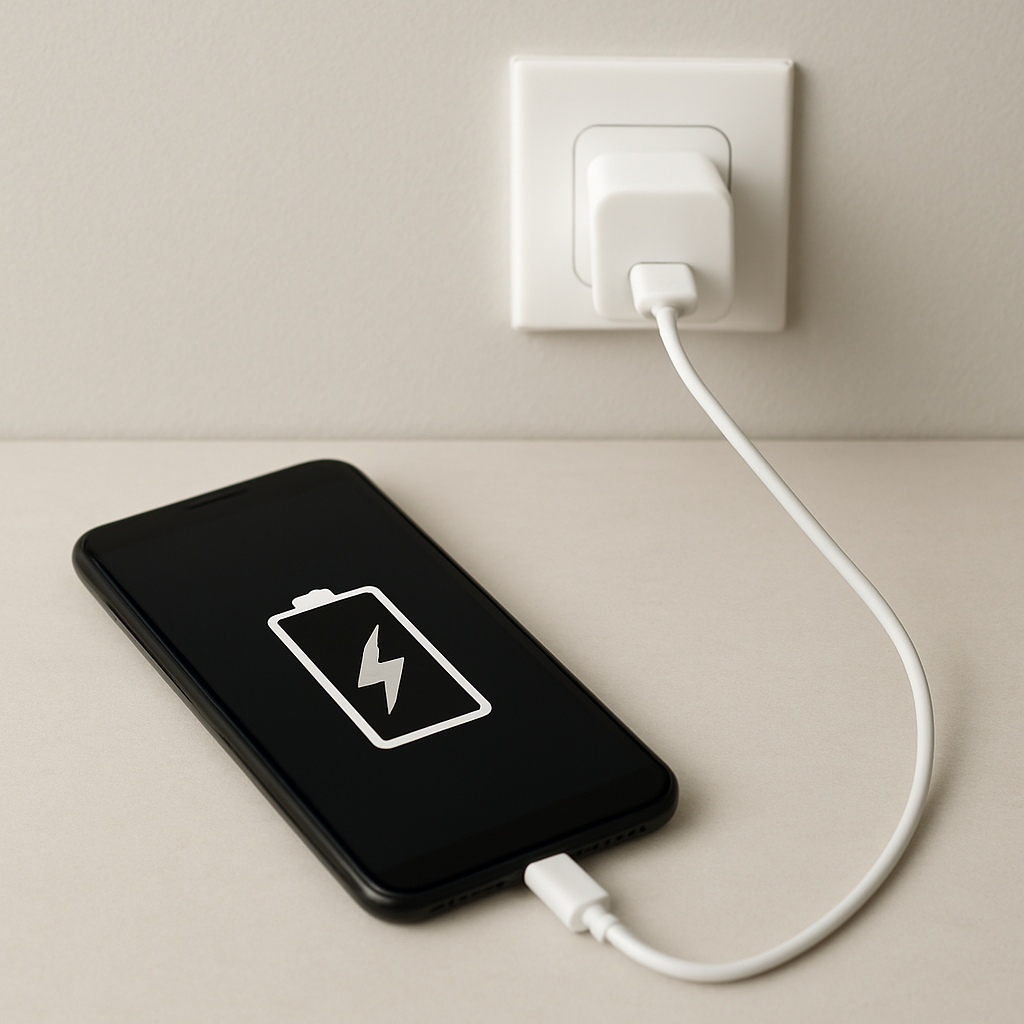
- Use a direct wall outlet (avoid power strips)
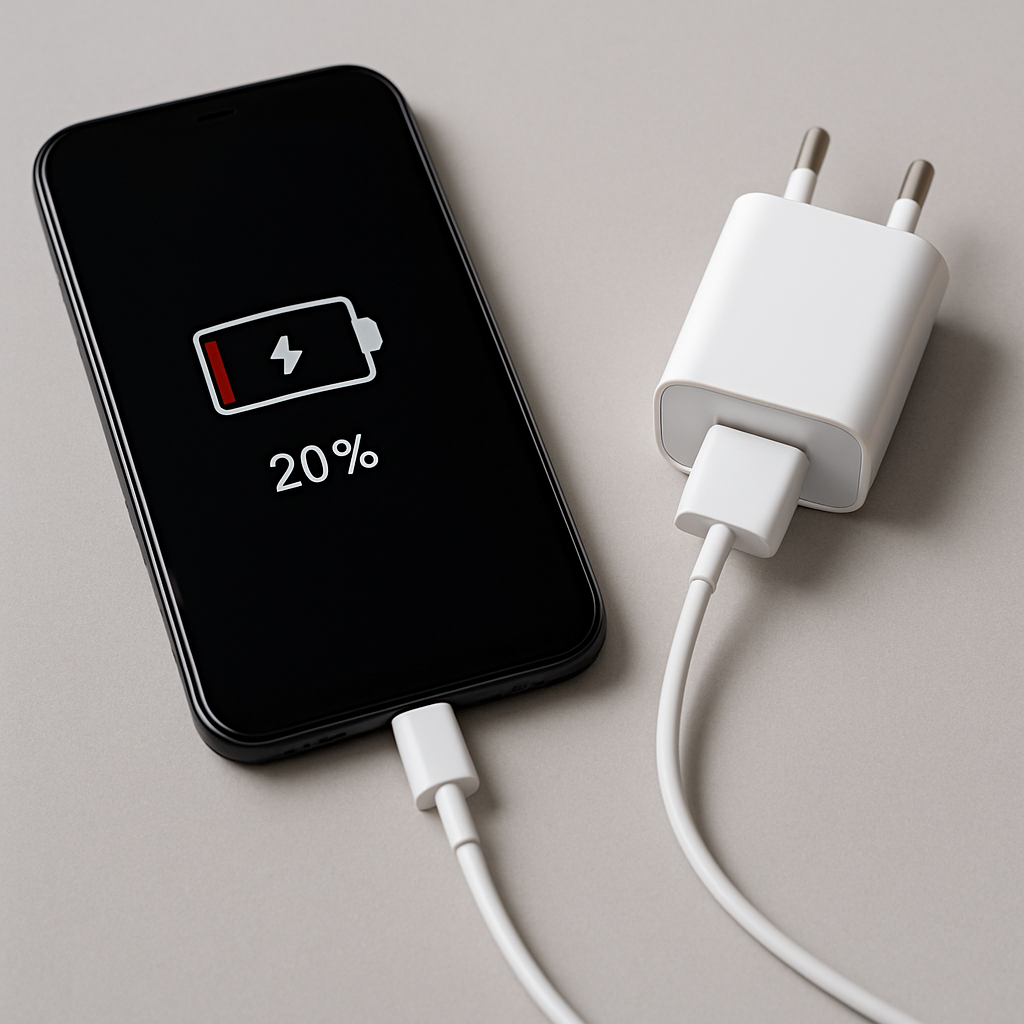
- Verify charger wattage matches device requirements
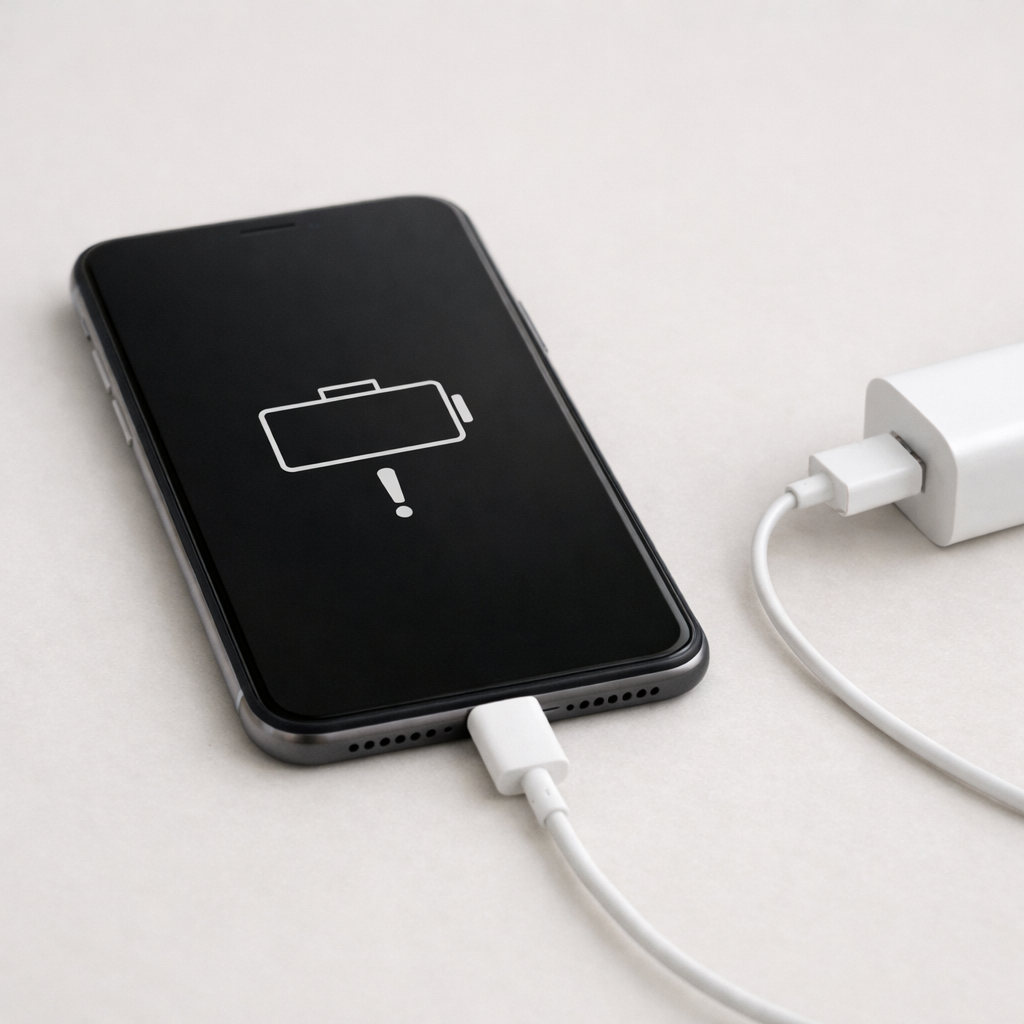
- Inspect and clean the charging port
- Remove protective case and reduce heat
- Restart the device and check for software updates
If charging remains unstable after these tests, hardware wear or internal charging system faults are likely.
What inconsistent charging actually means
Charging depends on stable electrical flow through a continuous path:
Power source → Adapter → Cable → Charging port → Charging controller → Battery
If any link becomes unstable, charging may pause, restart, slow down, or disconnect entirely. Most cases involve connection instability rather than electrical failure.
Primary causes of inconsistent charging
Mechanical connection instability
Cable wear, loose connectors, or debris inside the charging port can interrupt electrical contact.
Power delivery instability
Low-quality outlets, overloaded power strips, or failing adapters may not provide consistent voltage.
Thermal protection
Modern devices automatically pause charging when internal temperature exceeds safe limits.
Charger power mismatch
Underpowered adapters cannot sustain required current, especially for laptops or fast-charging devices.
Battery protection management
Charging controllers may intentionally pause charging to protect battery lifespan.
Hardware wear
Repeated insertion cycles weaken connectors and internal charging components.
Device-specific charging behavior
Smartphones
- Fast charging generates more heat
- Charging port lint buildup is common
- Wireless charging sensitive to alignment
- Background apps increase temperature
Laptops
- Require higher wattage chargers
- USB-C charging depends on Power Delivery negotiation
- Battery firmware may delay charging intentionally
- Charging jacks wear mechanically over time
Tablets
- Large batteries require stable sustained current
- Slow charging often mistaken for inconsistency
- Thermal throttling common during heavy use
Professional troubleshooting procedure
Step 1 — Verify cable integrity
Use a certified cable rated for your charging standard. Replace if charging depends on cable position.
Step 2 — Verify charger output capacity
- Phones fast charge: 18–65W
- Tablets: 20–45W
- Laptops USB-C: 45–140W
Step 3 — Test a stable power source
Plug directly into a wall outlet. Avoid extension cords or public USB ports.
Step 4 — Inspect and clean charging port
- Use bright light
- Remove lint with wooden toothpick
- Never use metal tools
- Never apply liquids
Step 5 — Reduce heat during charging
- Remove thick case
- Charge on hard surface
- Avoid heavy device usage
- Ensure ventilation
Step 6 — Software reset
Restart device and install updates to reset power management processes.
Wireless charging troubleshooting
- Align charging coils precisely
- Remove thick or metallic case
- Ensure charger surface is flat
- Avoid overheating
Signs of charging port wear
- Loose connector
- Cable falls out easily
- Charging works only when held
- Frequent disconnect notifications
Signs of battery or internal charging failure
- Device overheats while charging
- Battery percentage fluctuates erratically
- Charging stops completely
- Battery drains while plugged in
- Unexpected shutdowns
Safety warning
If the device becomes extremely hot, emits odor, or shows swelling, stop charging immediately. Battery failure can be hazardous.
Prevention best practices
- Use certified chargers and cables
- Avoid bending connectors
- Keep charging ports clean
- Charge in cool environments
- Avoid heavy usage while fast charging
When professional repair is recommended
If inconsistent charging persists across multiple cables, chargers, and outlets, internal charging components or the battery may require professional inspection.
FAQ
Why does charging work only at certain angles?
This usually indicates unstable mechanical contact from cable damage or port wear.
Is slow charging the same as inconsistent charging?
No. Slow charging is continuous but reduced speed. Inconsistent charging repeatedly disconnects.
Can overheating stop charging?
Yes. Devices automatically stop charging when temperature rises.
Can software cause charging interruptions?
Yes. Battery protection systems may pause charging intentionally.
Author Expertise
This guide is based on practical diagnostic methods used in consumer electronics power system troubleshooting, including charging hardware, battery management, and thermal regulation behavior.
Related Guides
- Phone Charging Stops Then Resumes
- Device Battery Draining When Idle
- Battery Not Charging Past 50 Percent
- Battery Health Dropping Quickly
Conclusion
Inconsistent charging usually results from connection instability, power delivery variation, or thermal regulation. Systematic testing of cable, charger, power source, and temperature resolves most cases. Persistent instability indicates hardware wear requiring professional service.
For a full overview of this issue and step-by-step solutions, read the complete troubleshooting guide.
If the issue keeps coming back, it’s usually worth looking at broader battery behavior rather than a single fix. That’s the approach Mark Reynolds follows in the complete battery guide.